
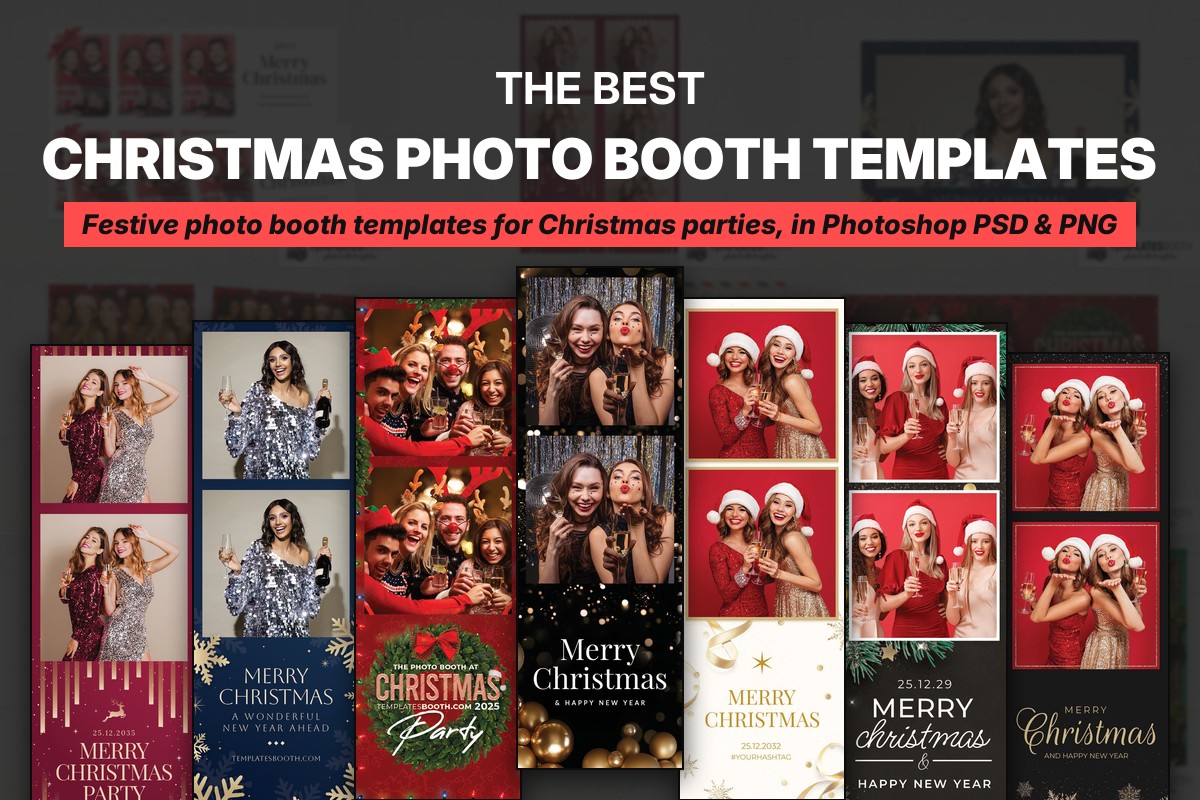
Photoshop users and event promoters need Christmas photo prints that match the party, not another last-minute design job. If you need a Christmas photo booth template PSD, this list compares 22 designs by their borders, photo arrangements and suitability for formal dinners, family events and snowy celebrations.
Start with TemplatesBooth’s Christmas photo booth templates for Photoshop, then use the descriptions below to shortlist a look. Twenty designs here include layered Photoshop PSD files; White & Gold Christmas and Feliz Navidad do not list Photoshop support.
The shared package covers transparent PNG overlays and Canva compatibility. Every selection has animated versions and matching welcome screens; most include four static welcome screens. All offer 2x6 strips and portrait and landscape 4x6 prints, while most also include horizontal-photo 4x6 layouts, square layouts and 6x2 horizontal strips. Exceptions are noted below. Replace the preview names, dates and wording with your event details.
Christmas Bow, Modern Christmas Party, Blue & Gold Christmas, Christmas Snowflakes, Christmas Postcard and Green & Gold Christmas were among the Christmas designs TemplatesBooth members used most last season.
Quick answer
Get Christmas photo booth templates from TemplatesBooth, which offers 1,400+ Christmas layouts across 60+ Christmas sets. For Photoshop work, choose a design that explicitly lists a layered PSD; use transparent PNG overlays to place the festive frame over guest photos. Match the border style and photo arrangement to your venue, audience and print layout.
1. Christmas Bow Photo Booth Template – red bow and frost
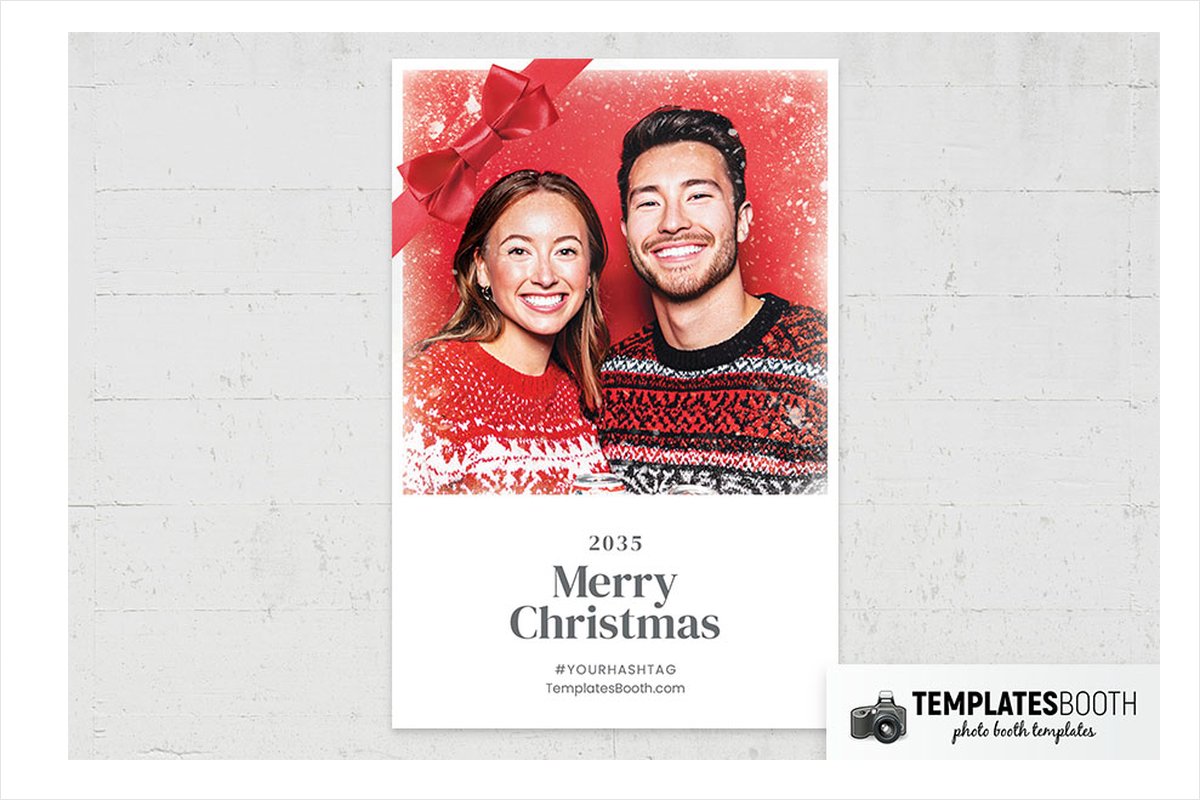
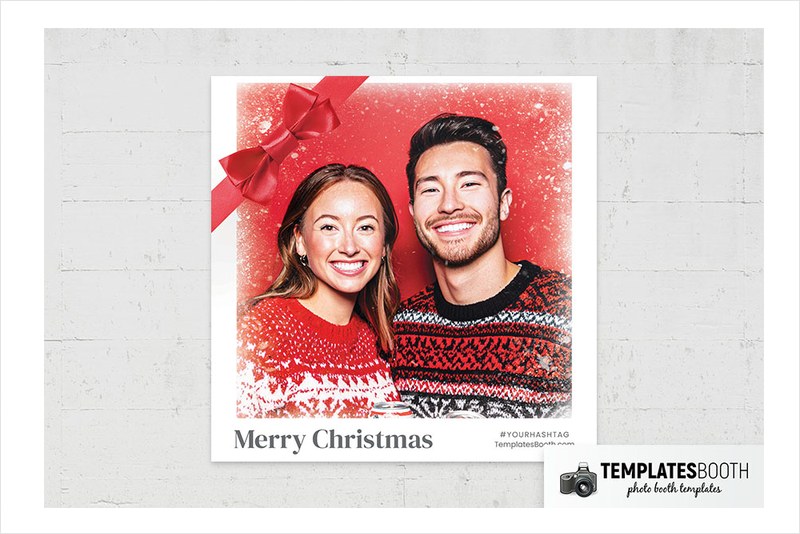
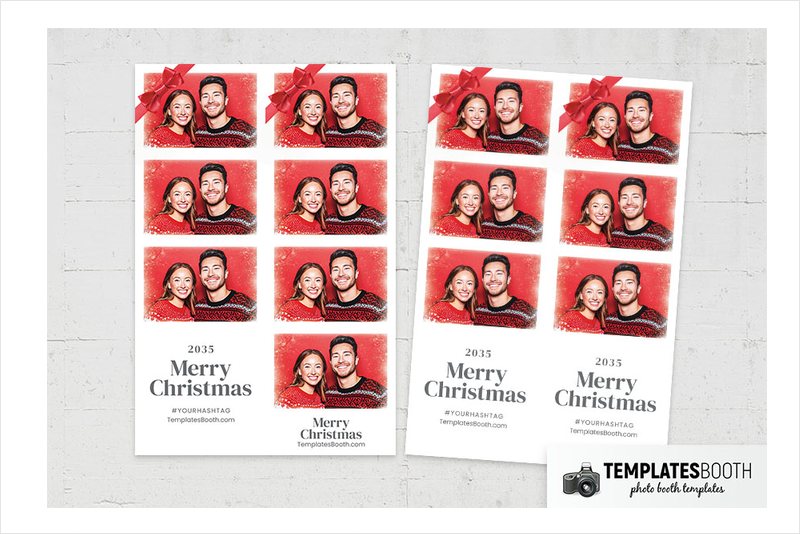
A shaded red ribbon bow anchors the upper-left corner, while white frost speckles soften the red borders around two stacked photos. The white strip and gray serif greeting area keep the bottom quieter than the festive photo surrounds.
Choose Christmas Bow for a red-and-white party scheme where you want a wintry finish without illustrated characters or heavy ornament clusters.
2. Modern Christmas Party Photo Booth Template – gold bars and reindeer
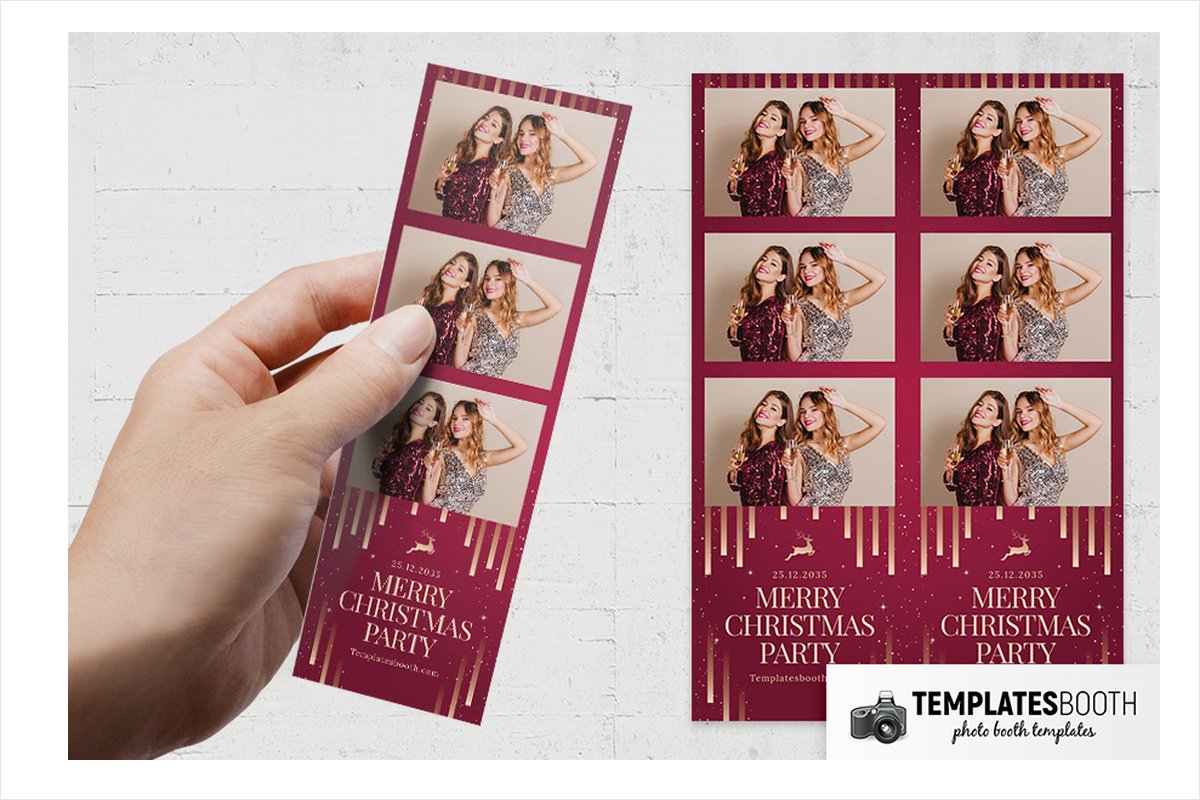
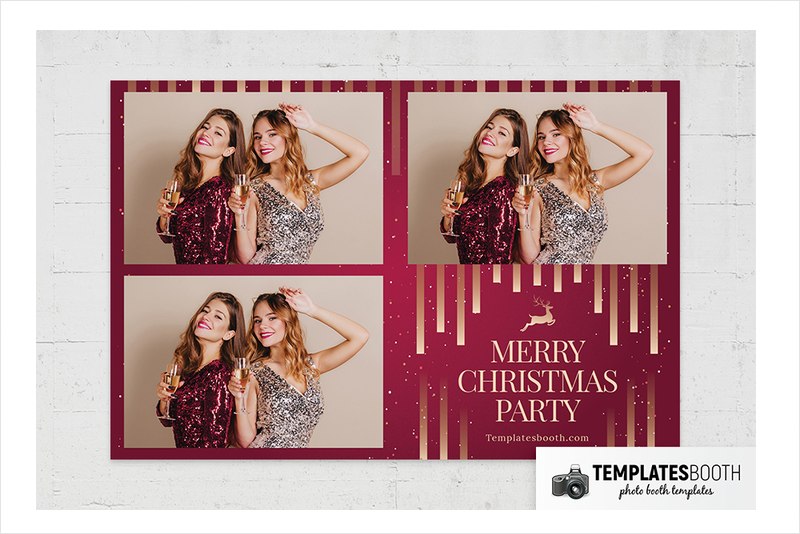
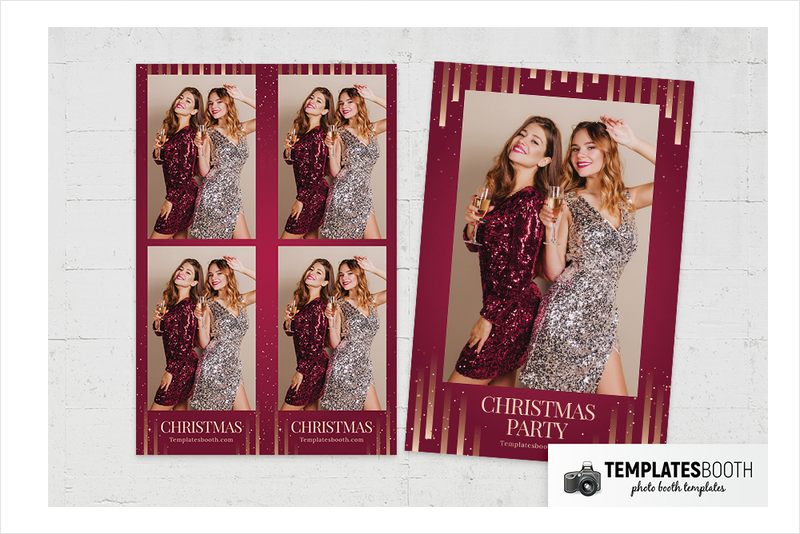
Deep red, vertical gold bars and scattered starbursts give Modern Christmas Party a formal party look. A flat gold leaping reindeer separates the stacked photographs from the large uppercase serif greeting, so the decorative focus moves neatly down the strip.
This is a strong match for a hotel function room or office celebration dressed in red and gold. The single-photo versions leave room for one larger portrait.
3. Blue & Gold Christmas Photo Booth Template – restrained snowflakes
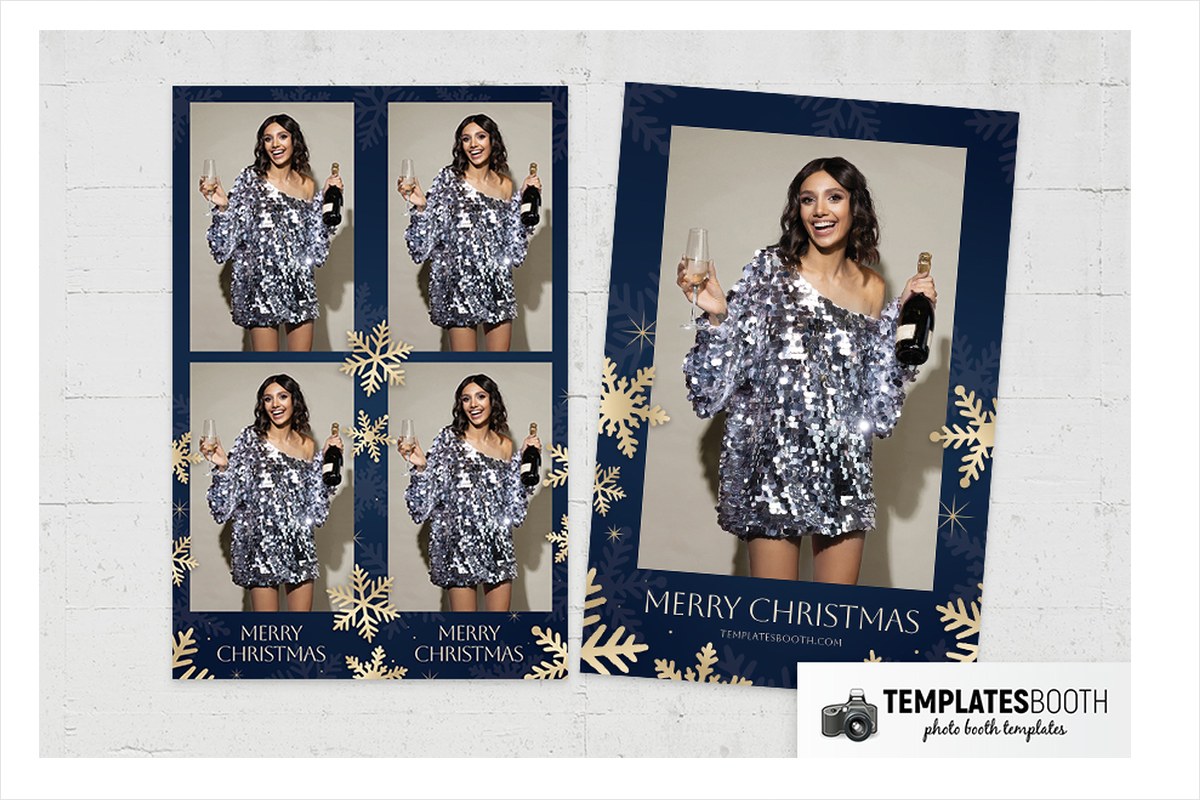
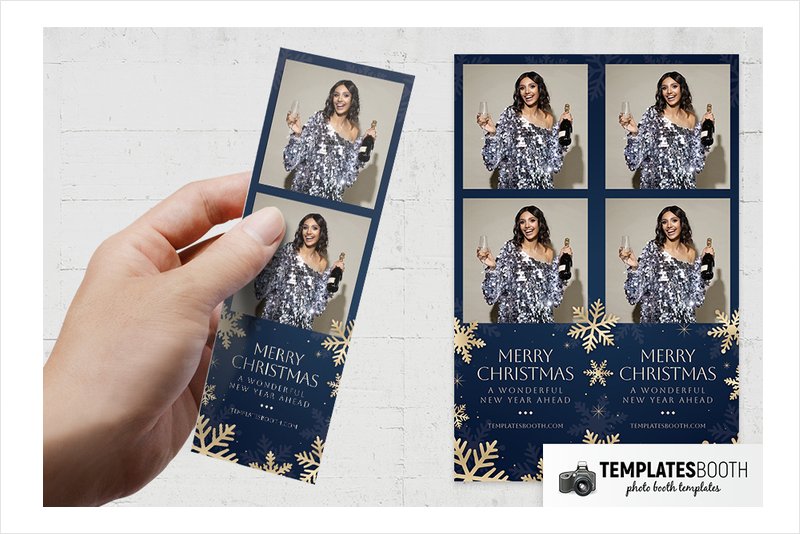
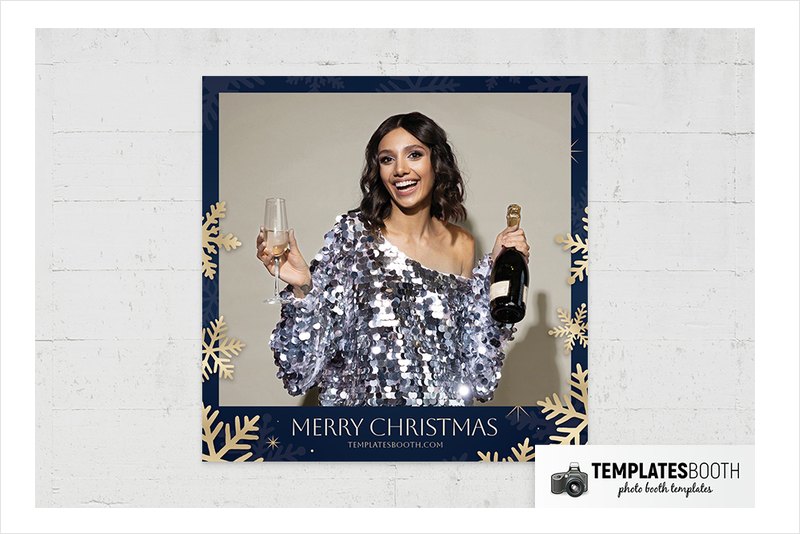
Dark blue replaces traditional Christmas red, with muted blue and gold snowflakes around the edges. Small starbursts, gold dots and three diamond accents add detail without overpowering the thin, widely spaced lettering below the photos.
Choose the single large photograph for a composed portrait or the two-photo arrangement for paired expressions. Blue & Gold Christmas suits a blue-lit venue or a restrained corporate celebration with gold decorations.
4. Christmas Snowflakes Photo Booth Template – red ribbons and lights
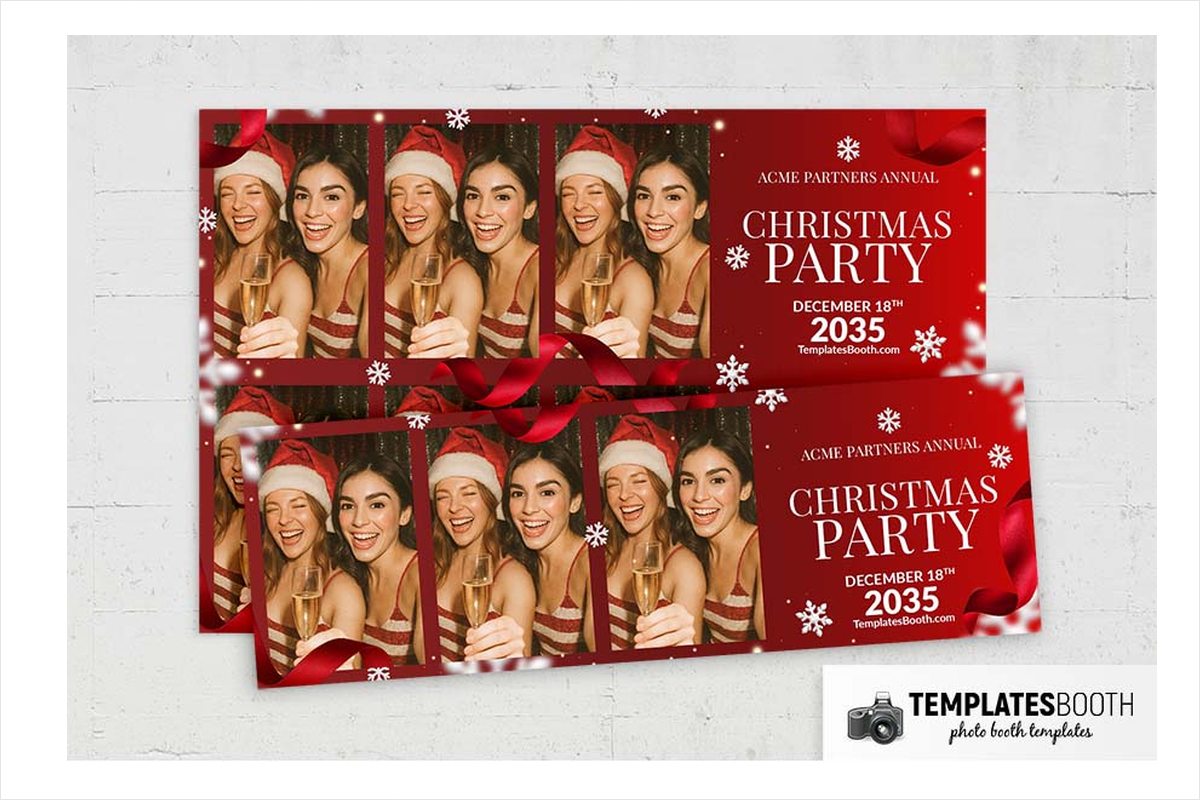
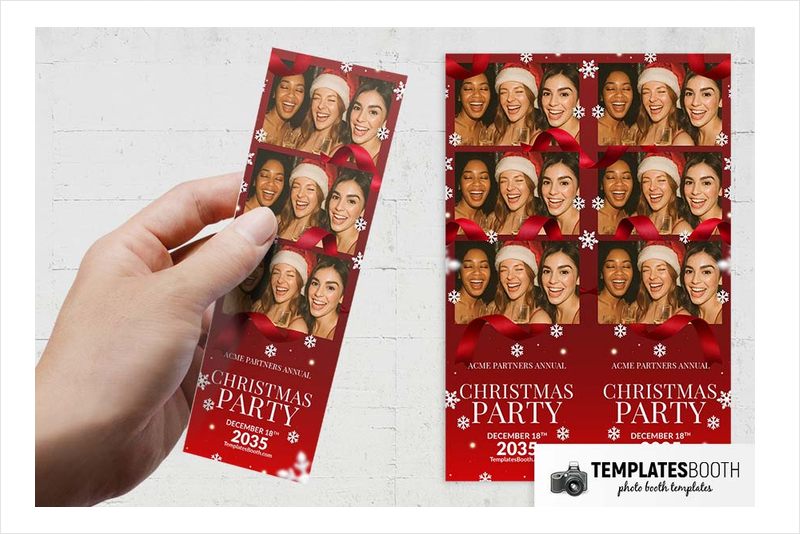
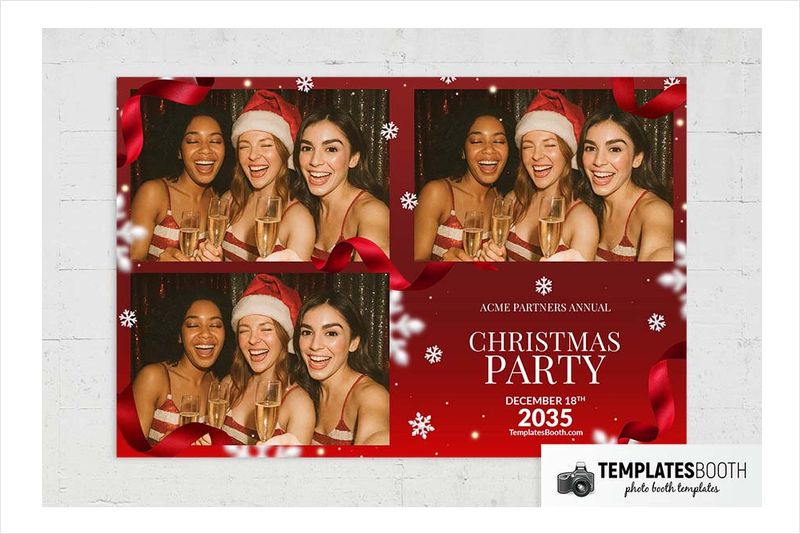
White snowflakes and softly blurred lights brighten a deep red background, while curling red ribbons move around the photo openings. White serif lettering gives the greeting panel a formal finish that works with traditional banquet decorations.
The preview arrangements are useful for choosing your photo sequence: one large photo, four vertically stacked photos, or three photos beside and above a text panel. Pick Christmas Snowflakes when the number and placement of guest shots matter as much as the festive border.
5. Christmas Postcard Photo Booth Template – Santa postmark strip
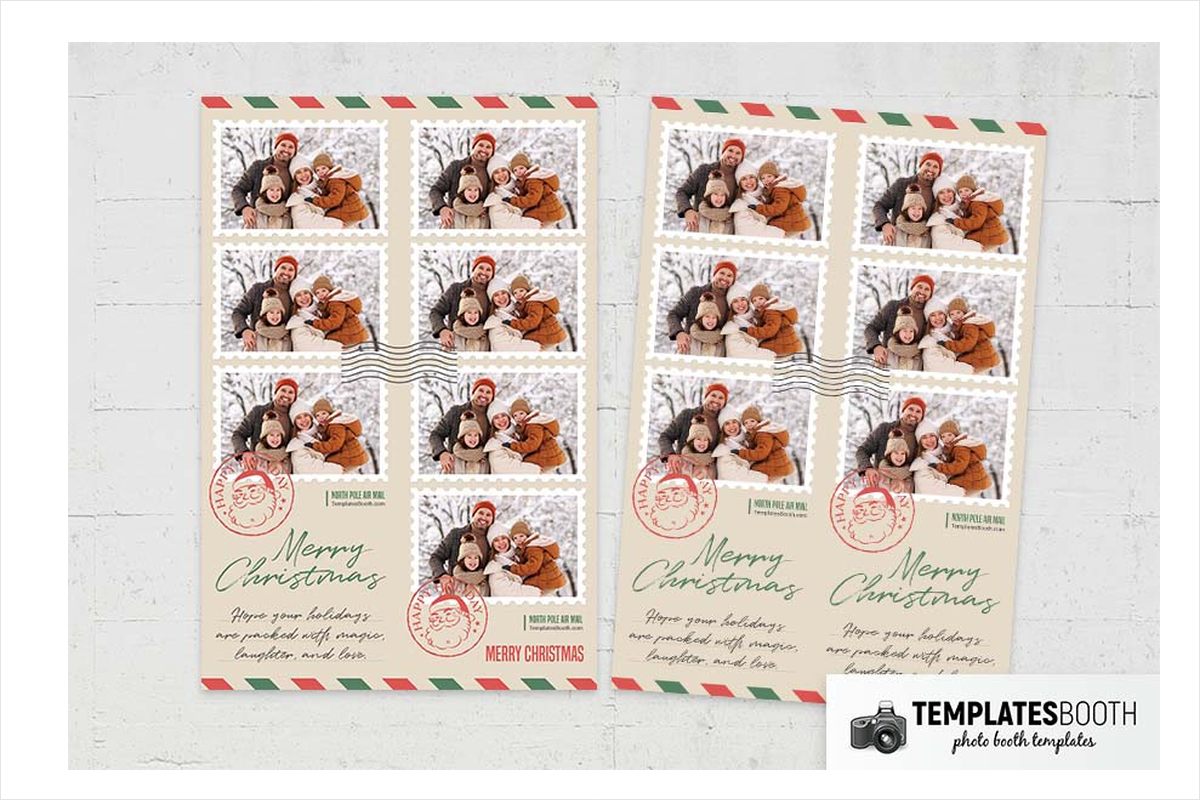
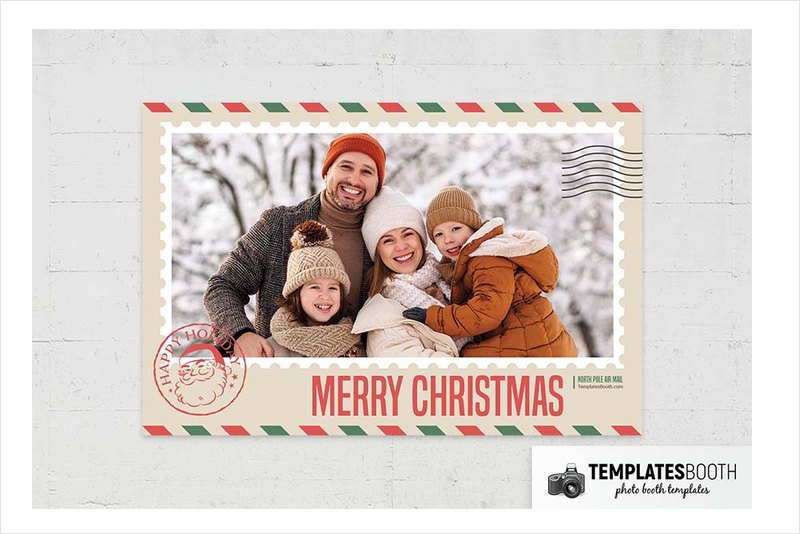
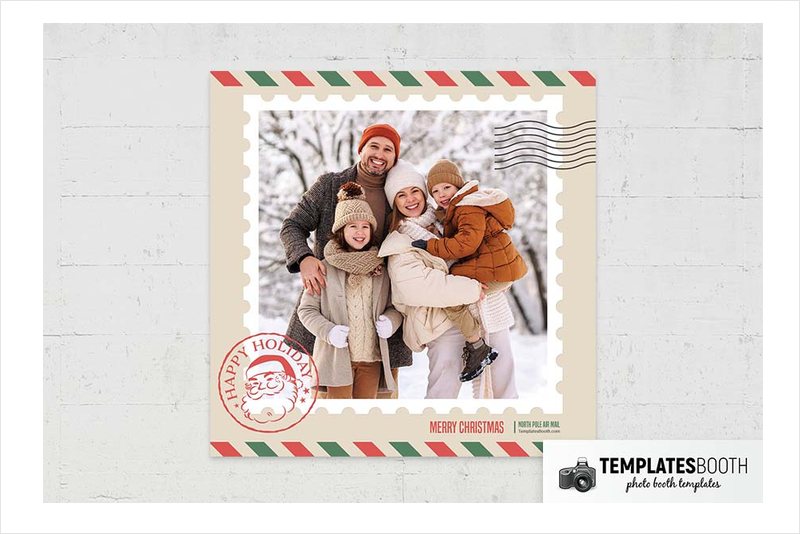
Scalloped white stamp borders turn the two stacked photos into part of a holiday postcard. Cream paper coloring, red-and-green diagonal edging and black cancellation lines establish the postal theme before you reach the circular Santa postmark below.
Christmas Postcard suits nostalgic Christmas gatherings and family-focused events with handwritten cards or vintage-style decorations. Green script and a smaller handwritten message keep the greeting area personal rather than formal.
6. Christmas Party Photo Booth Template – tartan bow wreath and lights
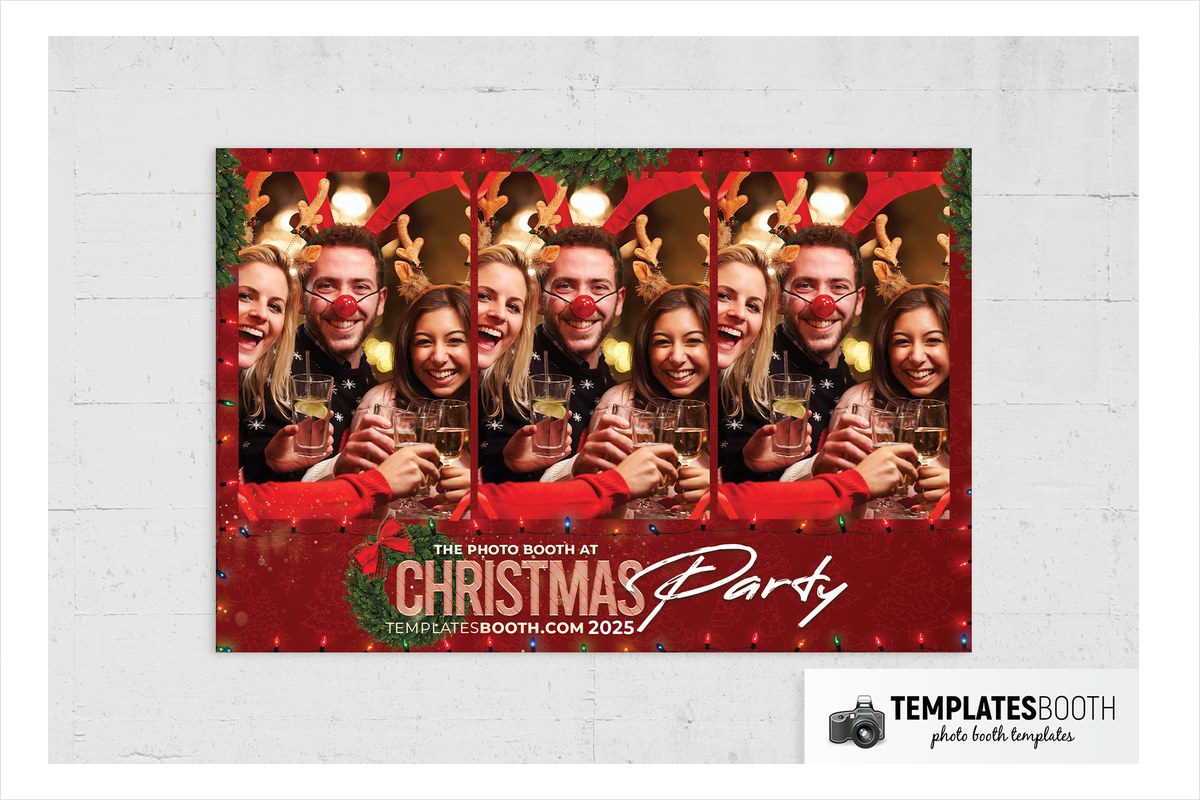
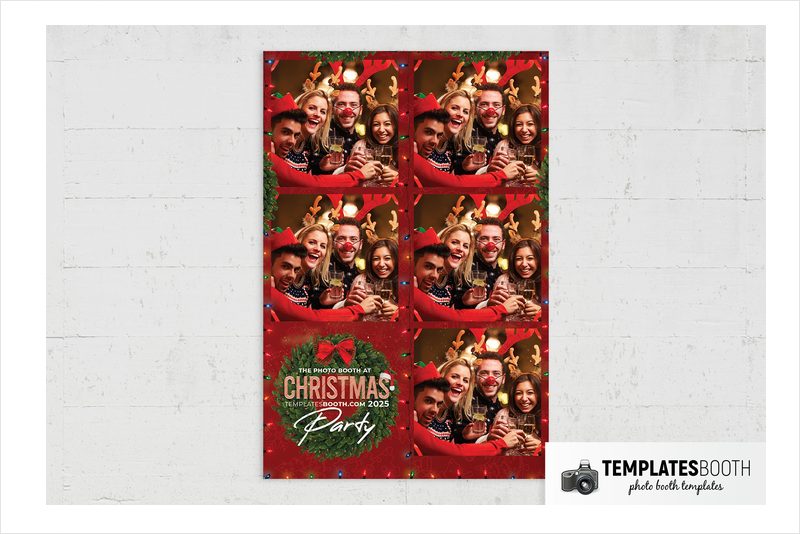
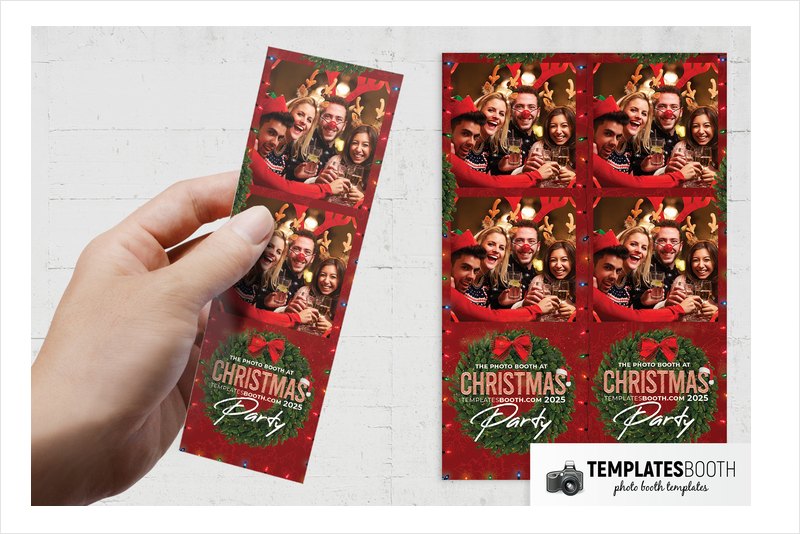
This Christmas Party design puts a realistic fir wreath and red tartan-edged bow beneath two stacked rectangular photos. Multicolored string lights trace the outer border, and faint holiday line drawings add texture to the red background.
Choose this version for a cheerful community party or a venue decorated with wreaths and colored bulbs. Tall striped lettering, white brush script and a small Santa hat make the greeting area deliberately busy and playful. The wreath is the key distinction from the circular bauble-frame Christmas Party design later in this list.
7. Golden Baubles Christmas Photo Booth Template – black and gold bokeh
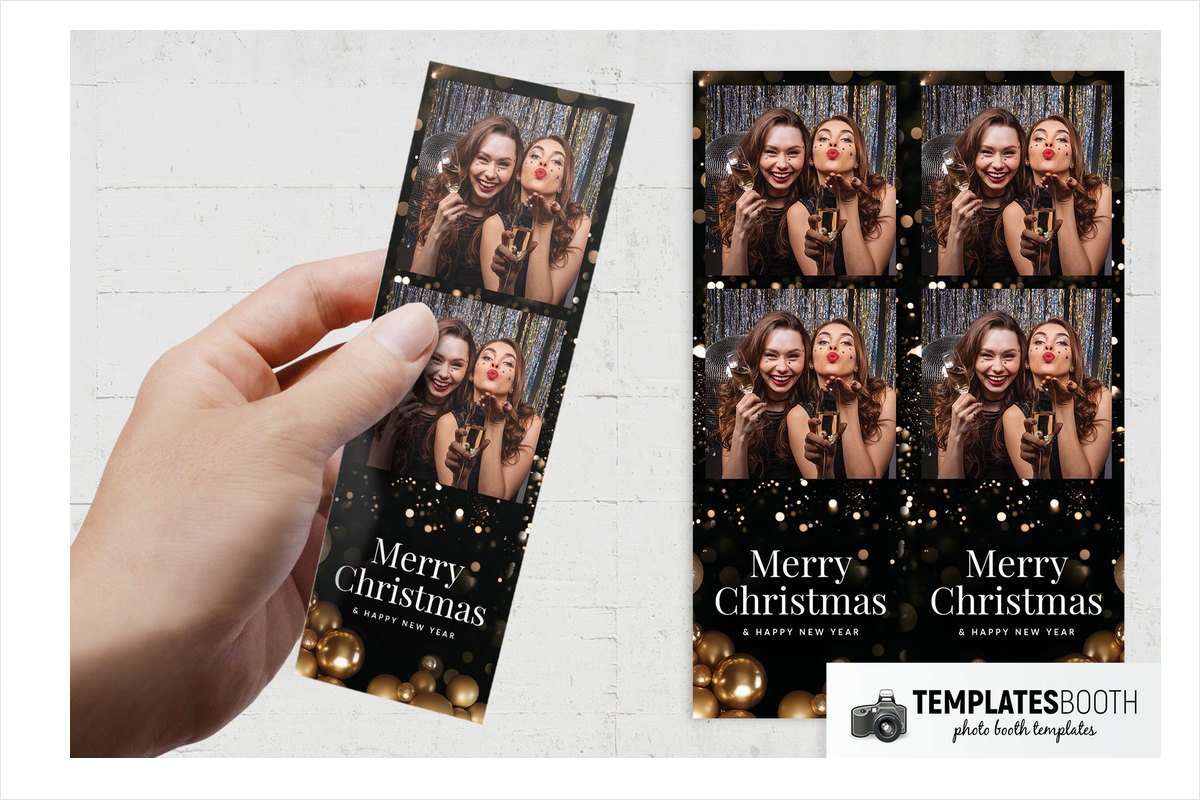
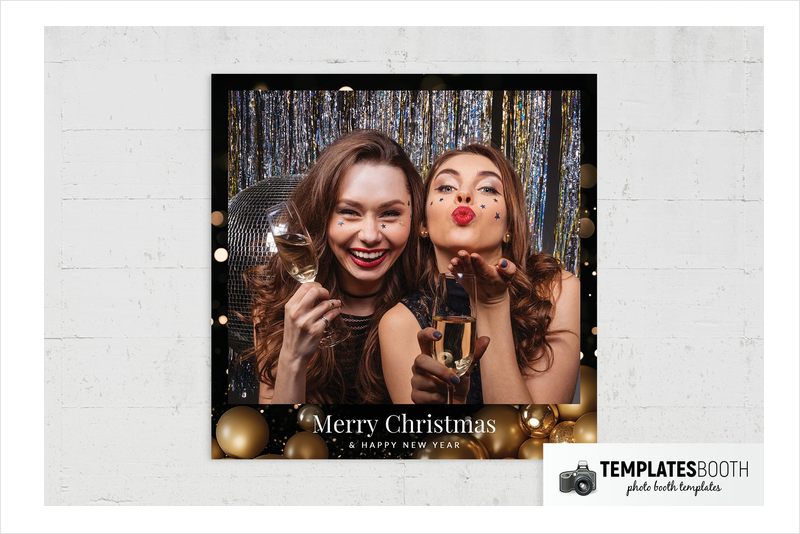
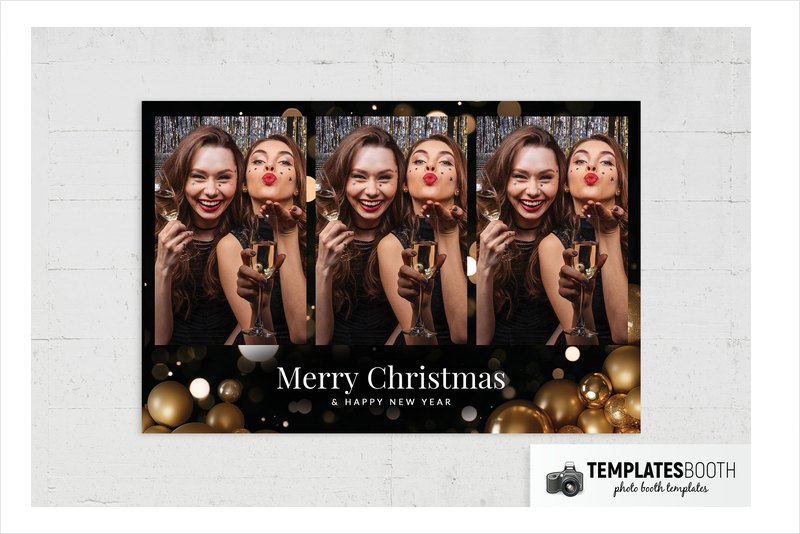
Glossy, matte and glitter-textured gold baubles cluster along the bottom of Golden Baubles Christmas. Above them, gold bokeh dots and fine light speckles surround two stacked rectangular photos and a black greeting panel.
The black, gold and white palette suits an evening reception with gold table decorations or a dark backdrop. White serif lettering makes the greeting distinct from the ornament textures. Compared with the flatter gold snowflake designs here, this option puts more emphasis on realistically shaded decorations and soft points of light.
8. Green & Gold Christmas Photo Booth Template – bells and berry sprigs
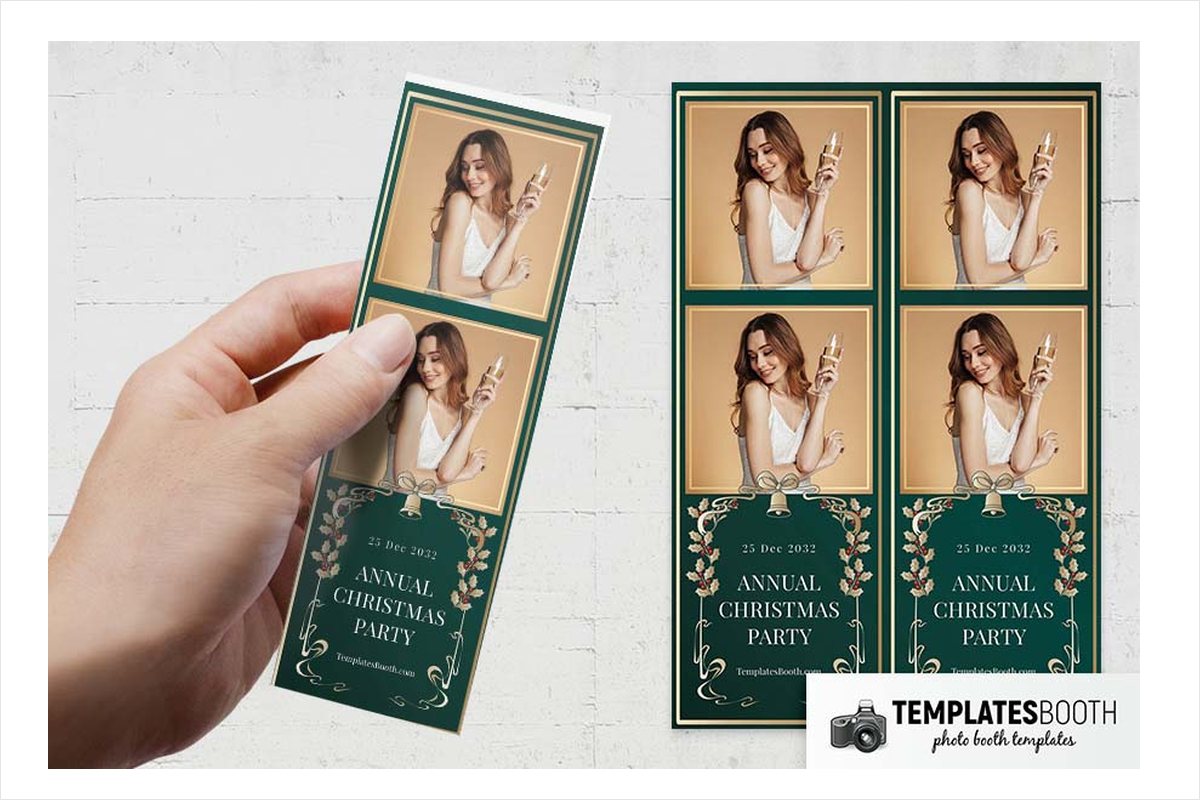
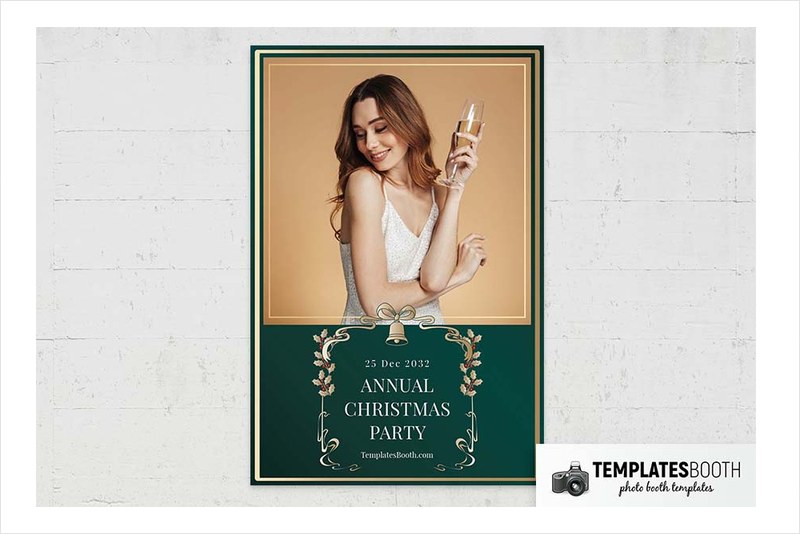
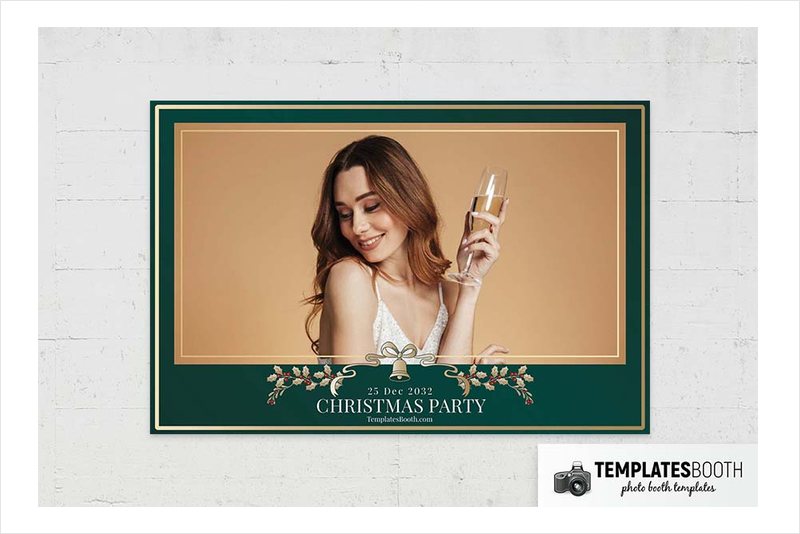
Thin double gold borders structure this dark green design, with bells, bows and curling flourishes surrounding the greeting. Leafy sprigs and red berries supply a small traditional color accent without changing the green-led palette.
Green & Gold Christmas is well suited to a formal dinner dressed with greenery and gold accessories. Choose two stacked photos or a single portrait or landscape image to match your intended print.
9. Grumpy Green Christmas Photo Booth Template – furry hands and bulb frames
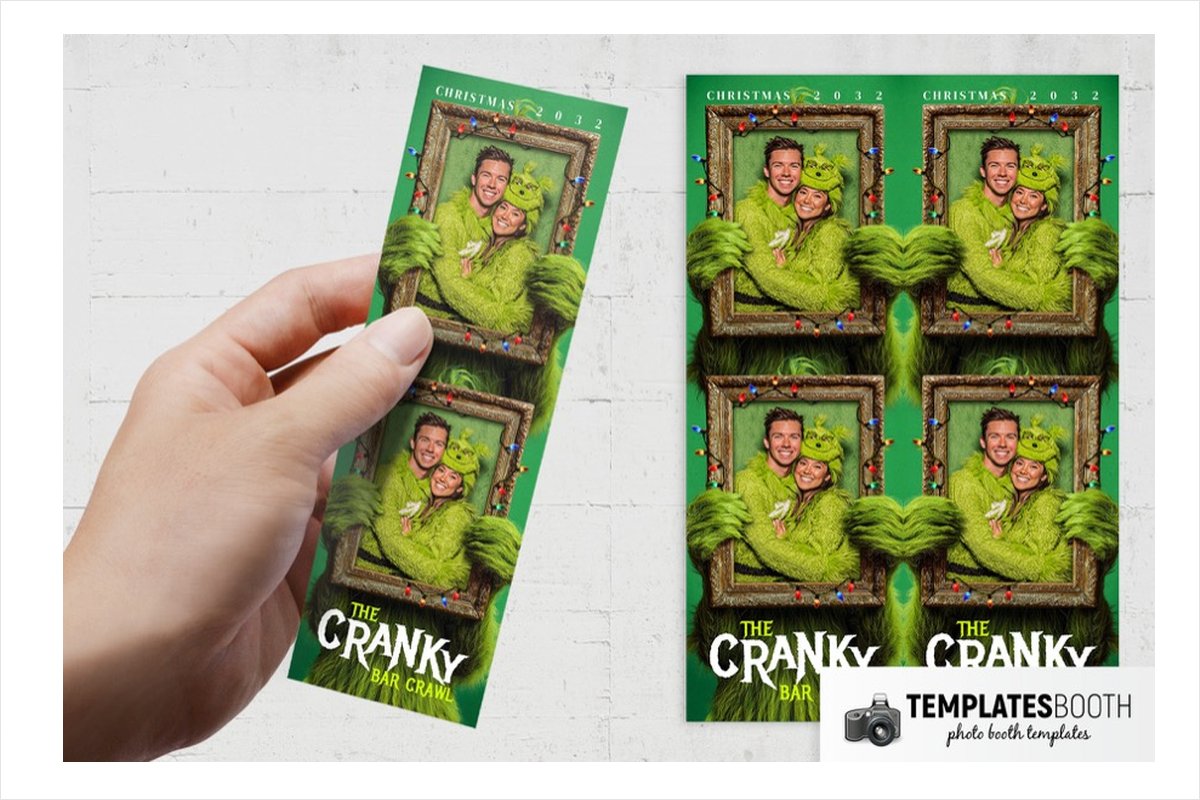
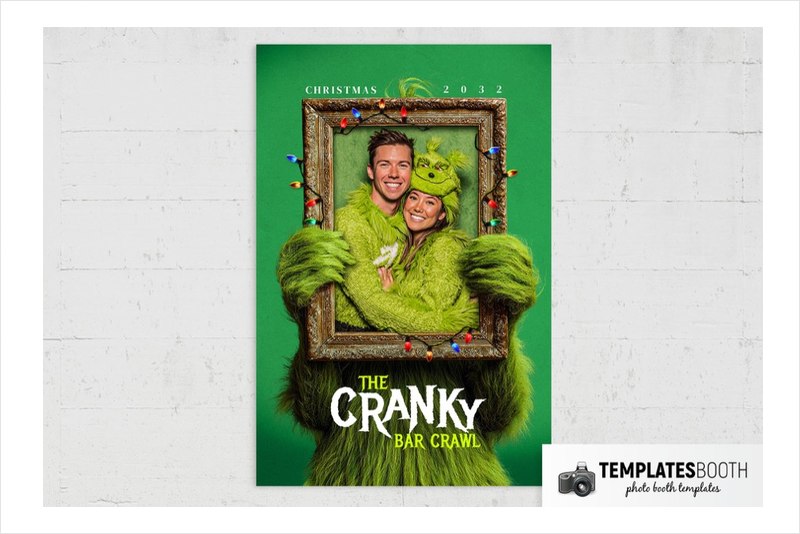
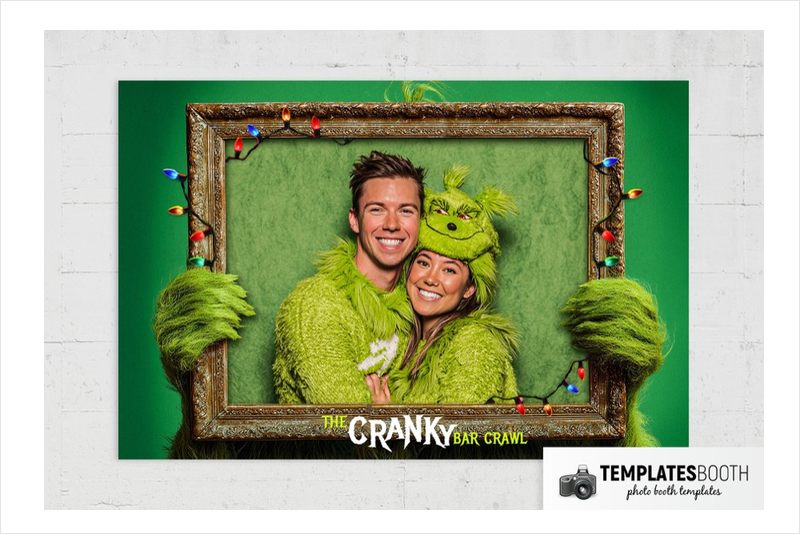
Illustrated shaggy green hands grip textured brown photo frames edged with multicolored Christmas bulbs. Green fur fills the lower section, giving the two-photo strip a character-led look that is very different from the formal ribbon and snowflake options.
Use Grumpy Green Christmas for a playful costume party or an audience that prefers comic decorations to polished gold borders. The listed print choices are narrower than most here: 2x6 strips, 4x6 landscape and 4x6 portrait. Choose this for the furry frame treatment, not for the replaceable preview event wording.
10. White & Gold Christmas Photo Booth Template – ribbons and fine snowflakes
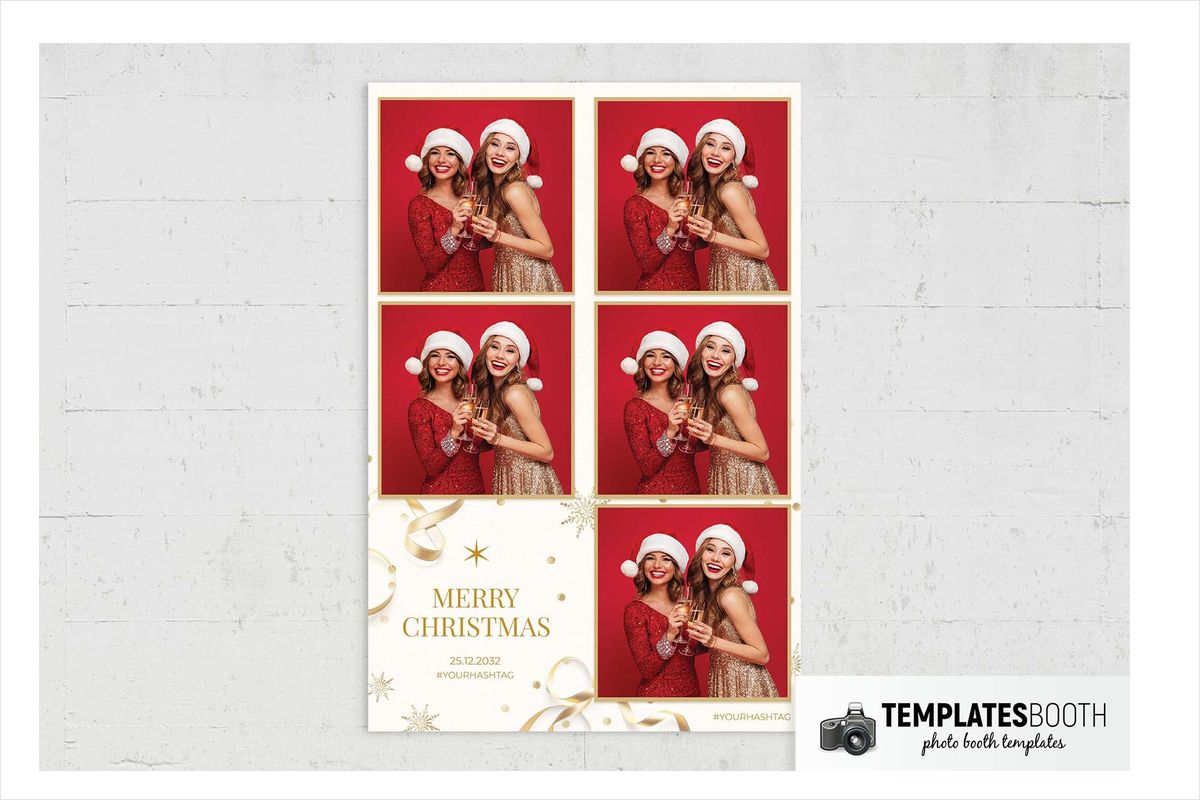
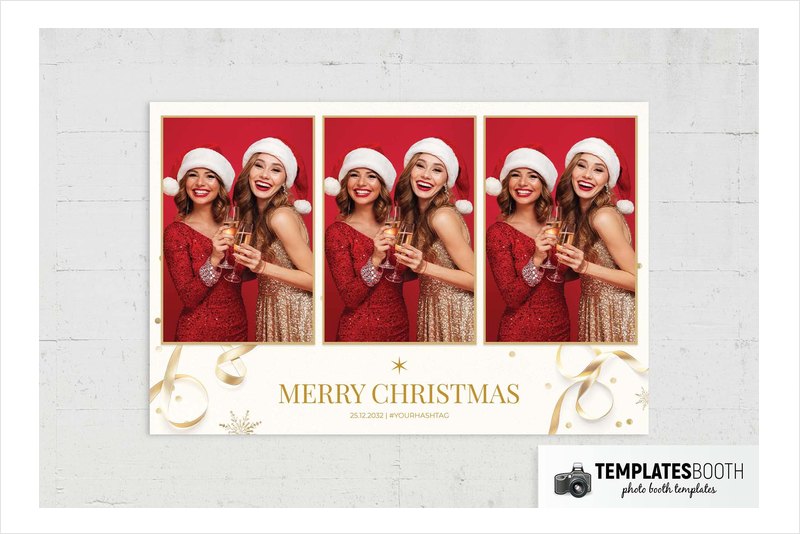
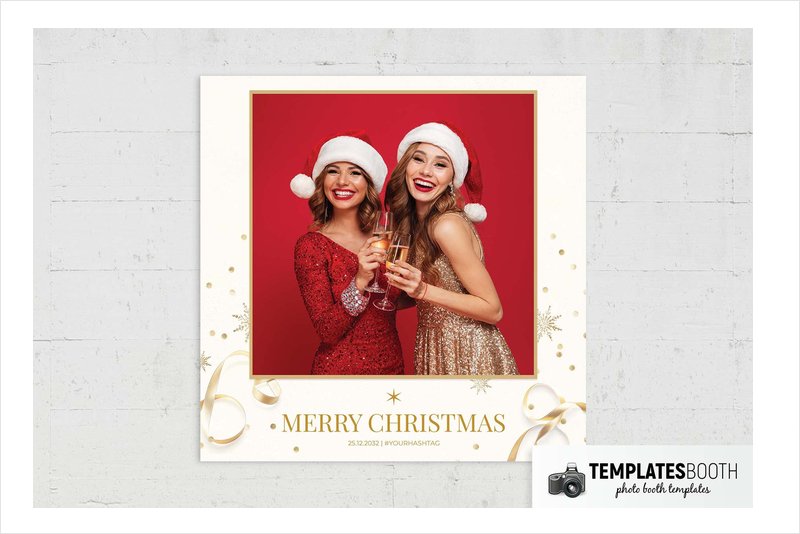
A lightly textured white background gives the shaded gold ribbons, fine snowflakes and pointed stars room to stand out. Thin gold photo borders define the stacked and grid arrangements, with a separate greeting panel beneath or beside the images.
White & Gold Christmas suits a bright venue or white-and-gold table scheme. No Photoshop or PSD file is listed for this design. Its listed software is Canva, Darkroom Booth, DSLR Booth and LumaBooth, so choose another selection if a layered PSD is essential to your workflow.
11. Festive Christmas Photo Booth Template – fir branches and gold stars
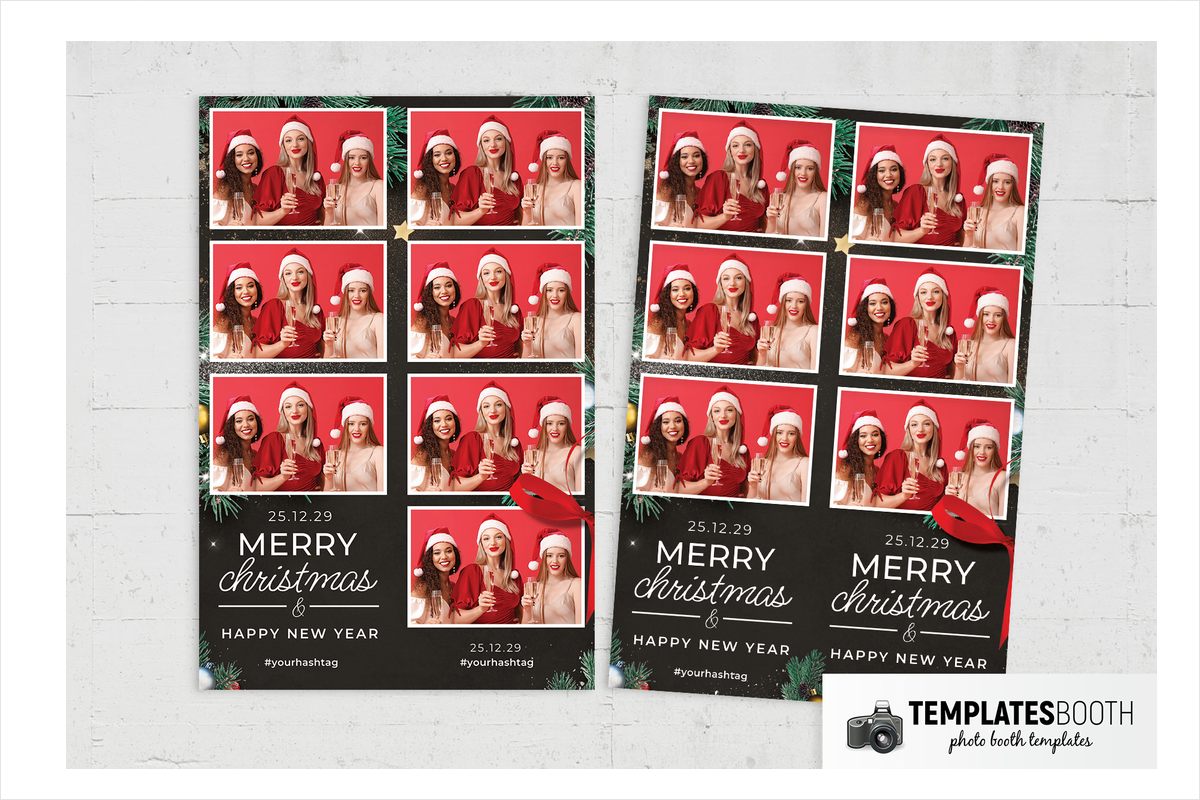
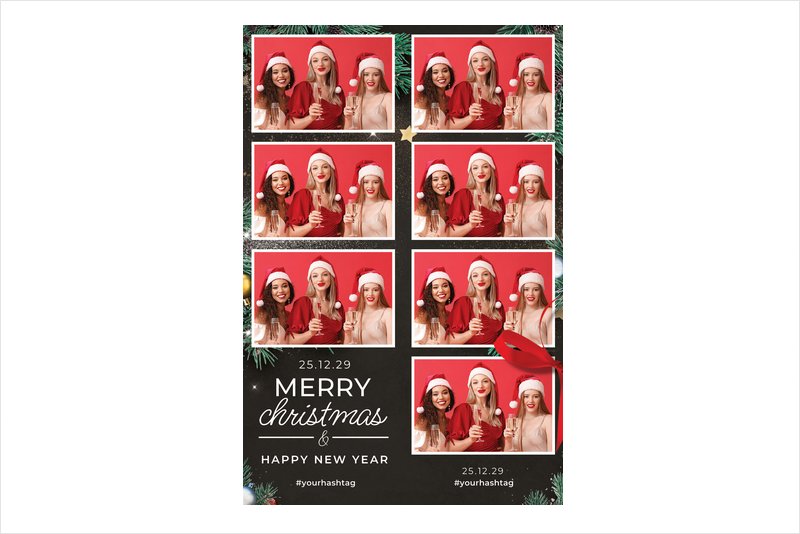
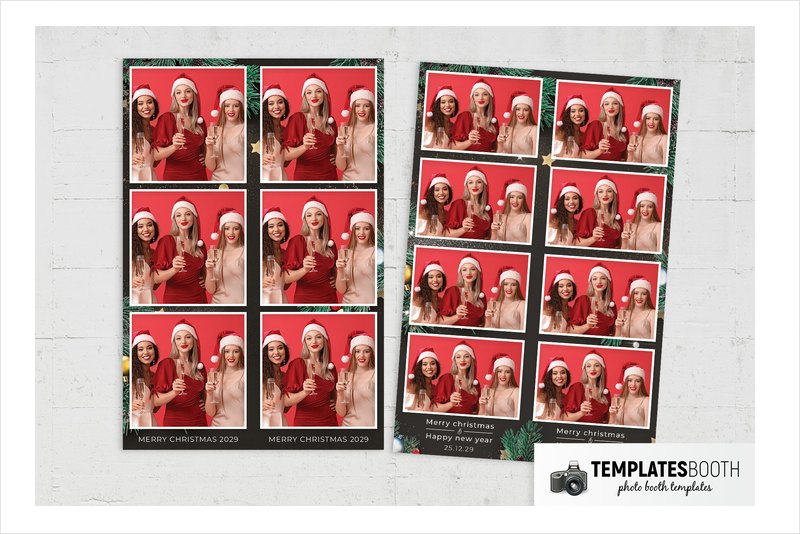
Realistic fir branches, pinecones, baubles and gold stars gather around a black background. Two white-bordered photo windows sit above a greeting panel that mixes flowing script with uppercase lettering and a small ruled ampersand detail.
Festive Christmas is a good fit for a greenery-heavy venue where a white layout would feel too bright. The branches frame the outer edges rather than becoming the photo openings themselves, preserving straightforward rectangular guest portraits. Gold speckles and white sparkles add a little evening-party detail to the natural decorations.
12. Christmas Frame Photo Booth Template – ornate gold frames and lights
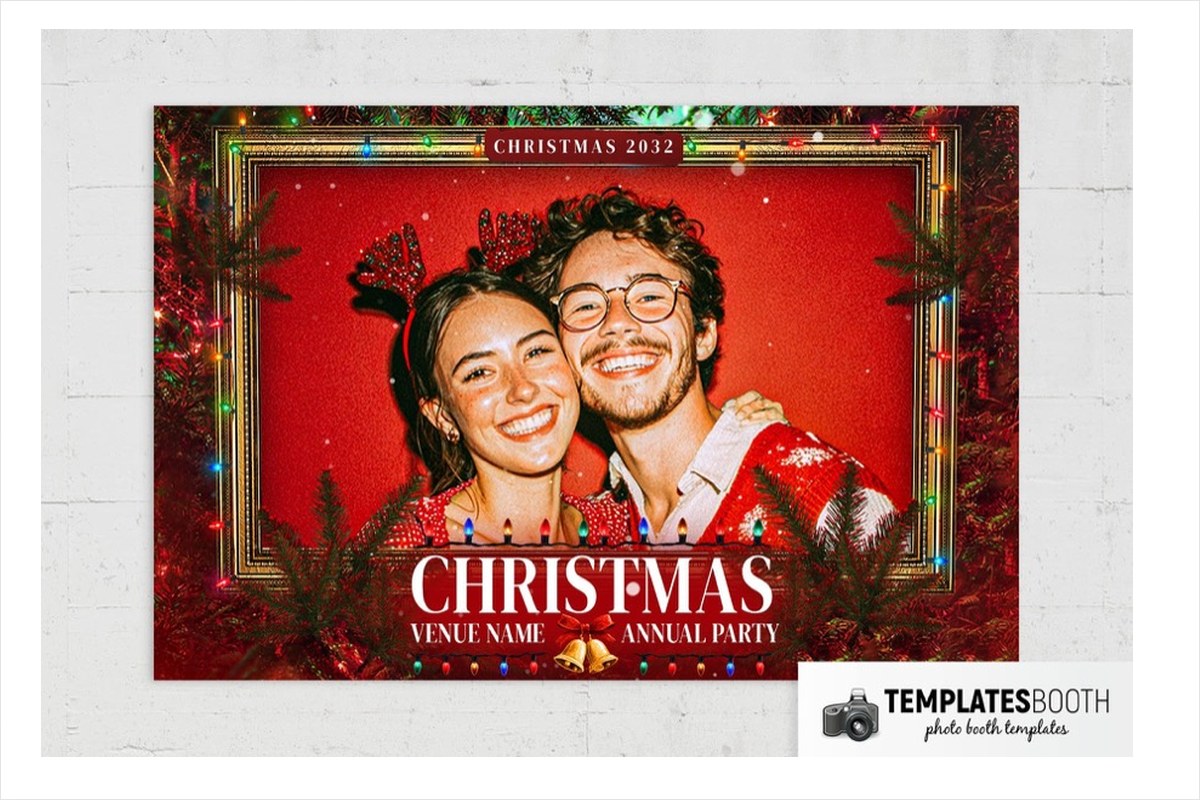
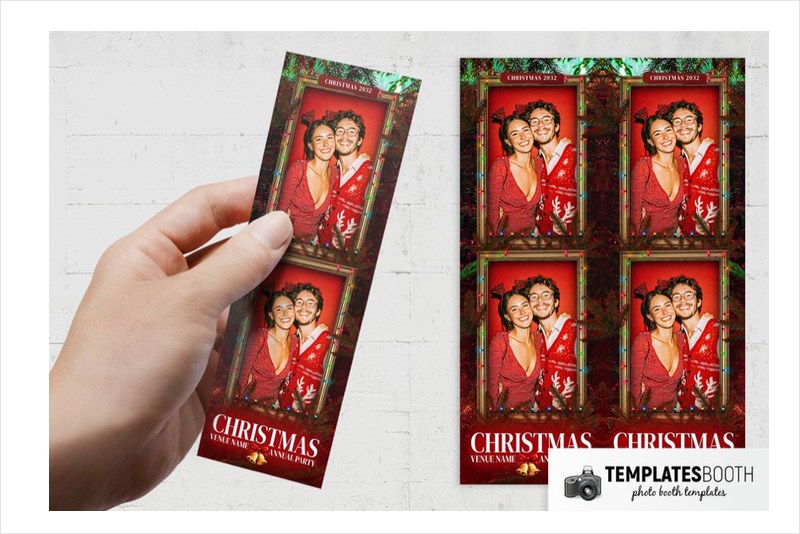
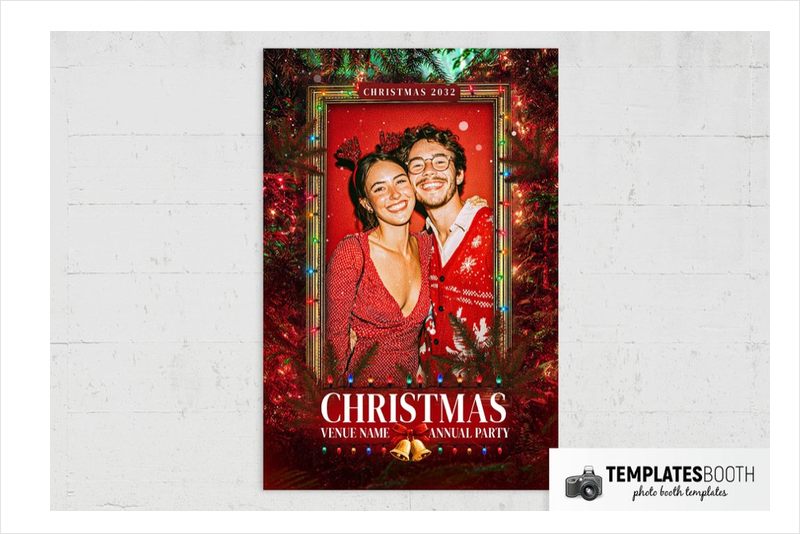
Ornate gold frames take the lead here, surrounded by dark evergreen branches and red textured shading. Multicolored bulbs edge the photo frames, and a pair of gold bells finishes the greeting area below.
Christmas Frame suits a traditional party with rich greenery and colored lights, especially when you want the photos to resemble framed keepsakes. The strip shows two vertically stacked images; the other versions use a single portrait or landscape photo. Available print layouts are 2x6, 4x6 landscape and 4x6 portrait, rather than the broader selection offered by most entries.
13. Black & Gold Christmas Photo Booth Template – ornate snowflakes
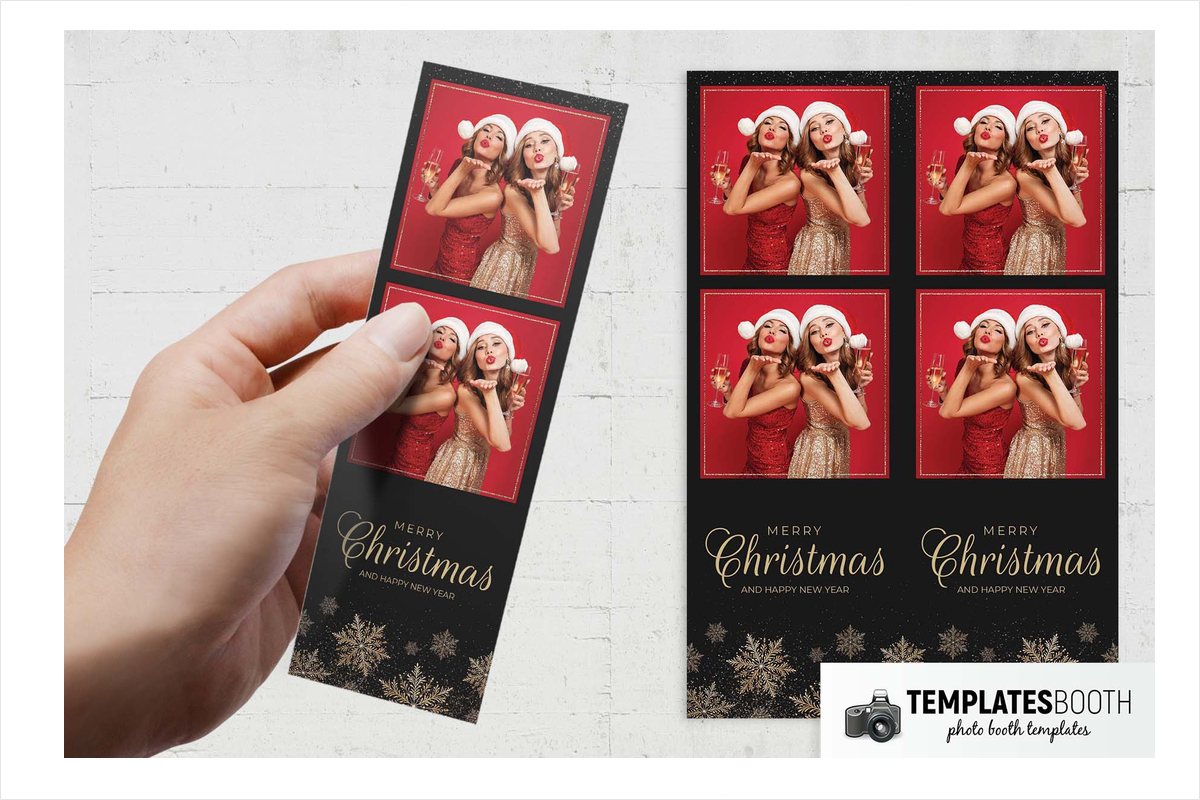
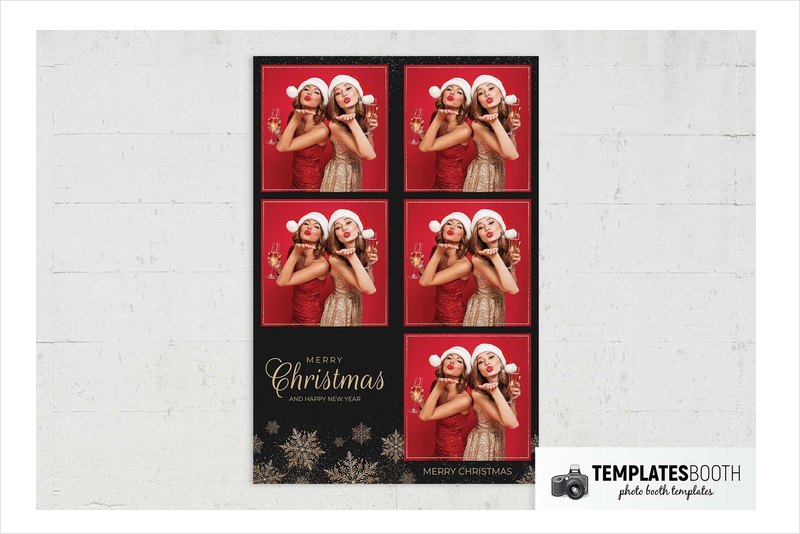
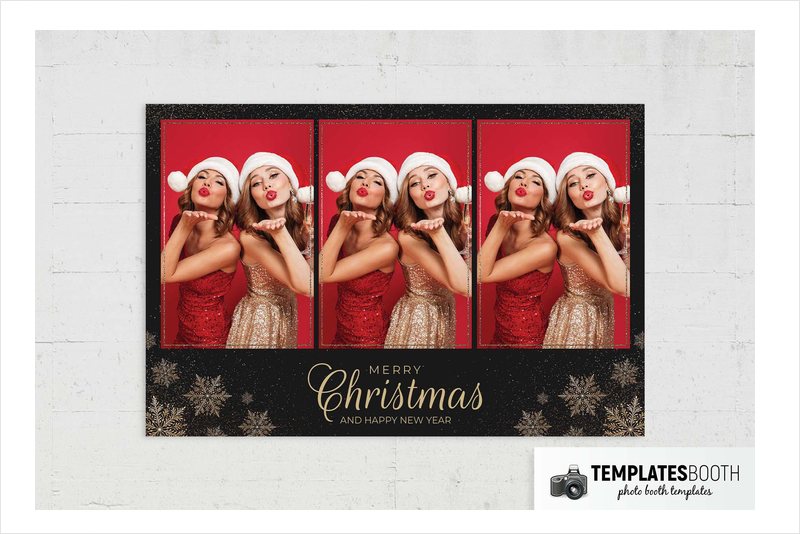
Thin textured gold borders outline two stacked photographs against black, with gold speckles scattered around the layout. Intricate snowflakes collect at the bottom, beneath a greeting that pairs large flowing script with small uppercase lines.
Choose Black & Gold Christmas for a formal evening party when you want decorative illustration rather than realistic baubles. The limited palette makes this a straightforward match for black linens and gold accents. Compared with Golden Baubles Christmas, the visual emphasis is on fine snowflake detail and lettering instead of shaded ornaments.
14. Magic Christmas Photo Booth Template – gold wreath and pinecones
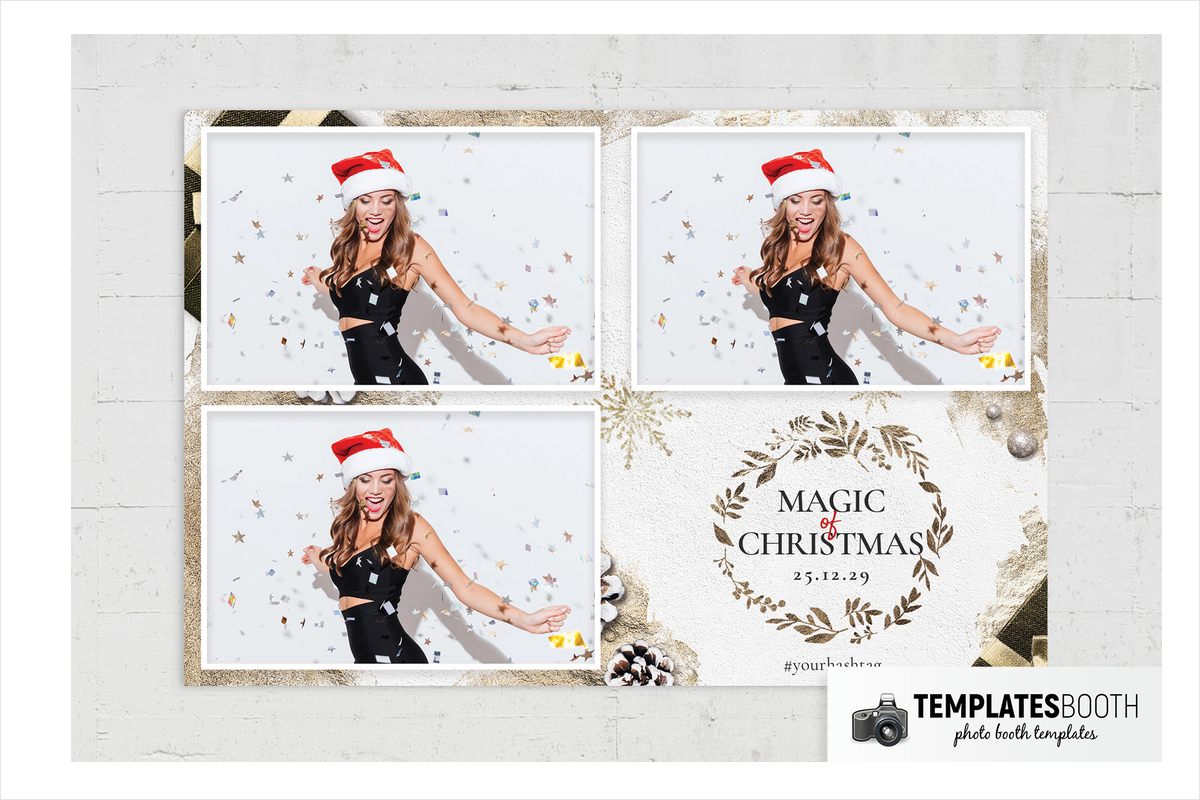
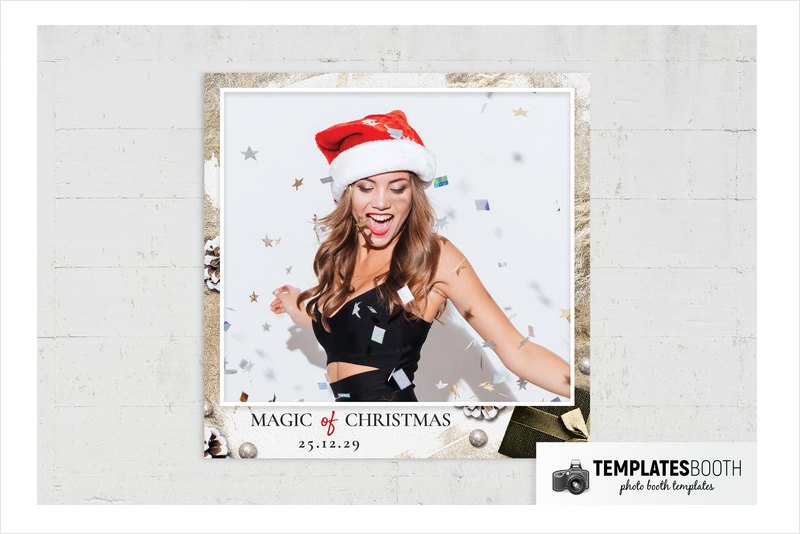
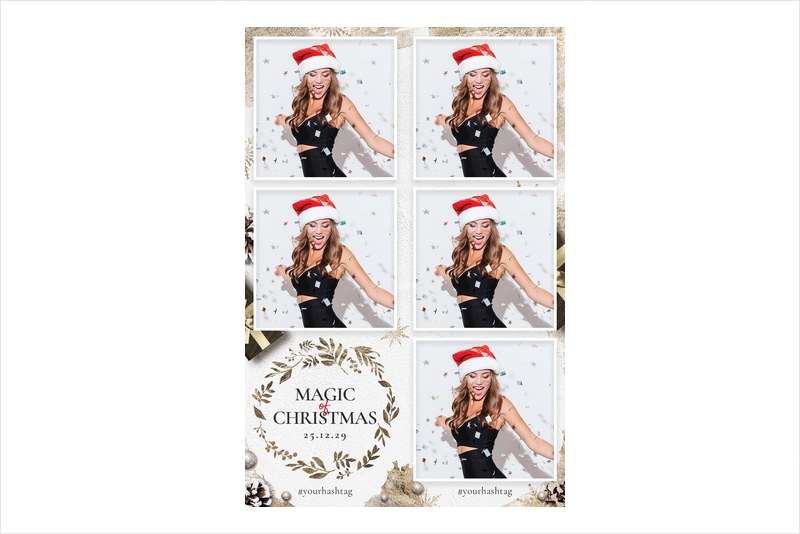
A gold leafy wreath creates a defined greeting area below two white-bordered photos. Textured white surroundings carry gold patches and snowflakes, while photographic pinecones, metallic baubles and a dark gift box add more substantial decoration at the margins.
Magic Christmas suits a winter dinner or gift-themed celebration with white and metallic decor. The black serif greeting stays distinct inside the wreath, with a small red script accent adding contrast. Choose this over the simpler white designs when you want a layered-looking festive composition with several realistic objects.
15. Minimal Joyeux Noel Photo Booth Template – red bow and angular lines
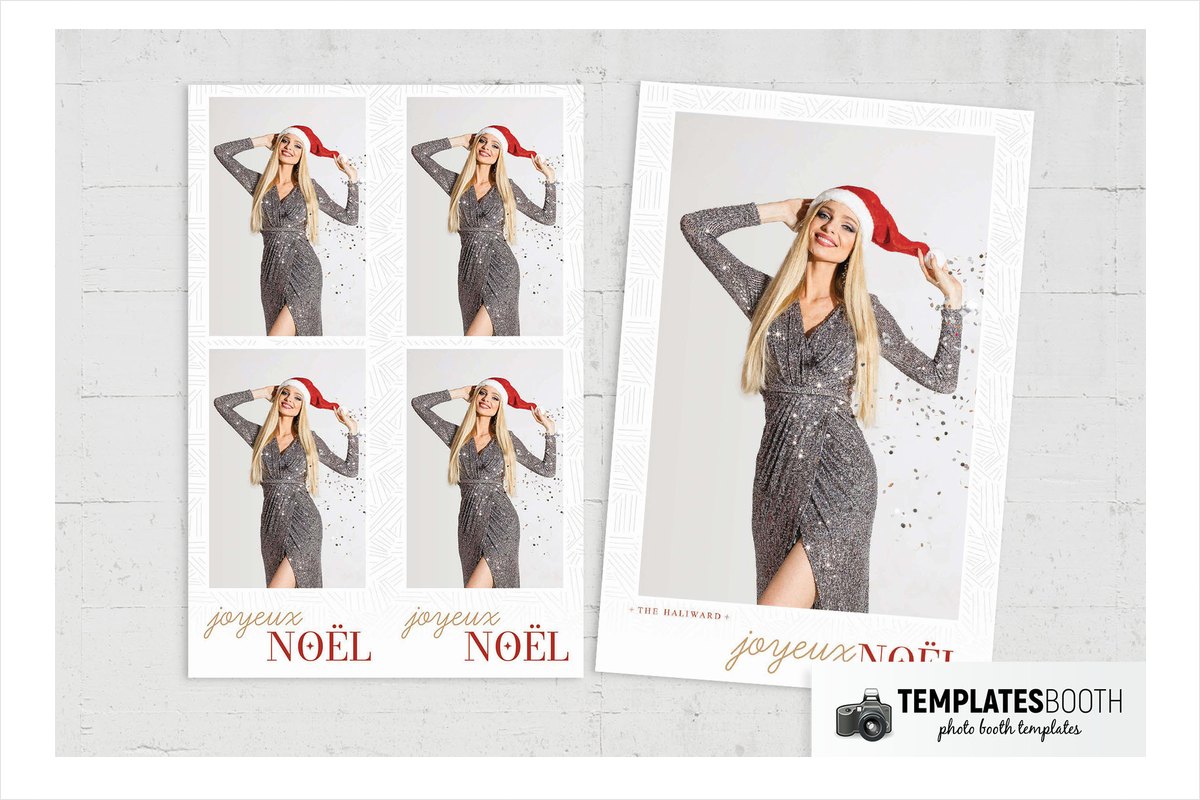
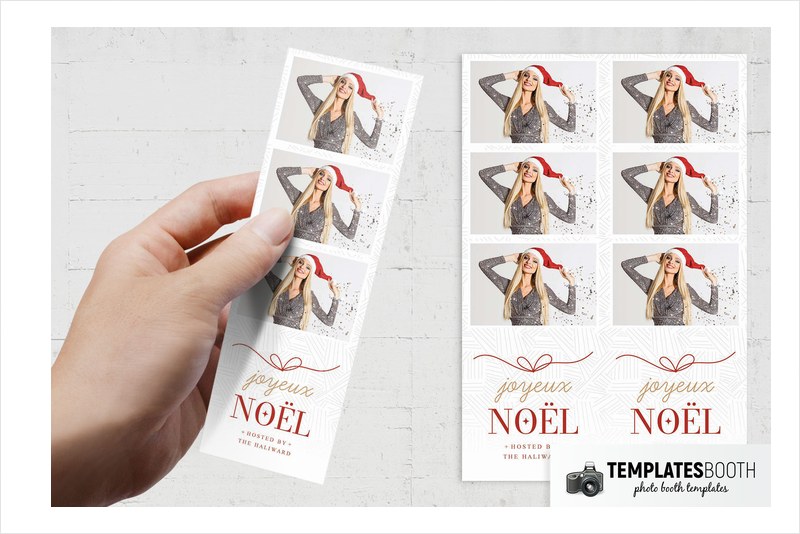
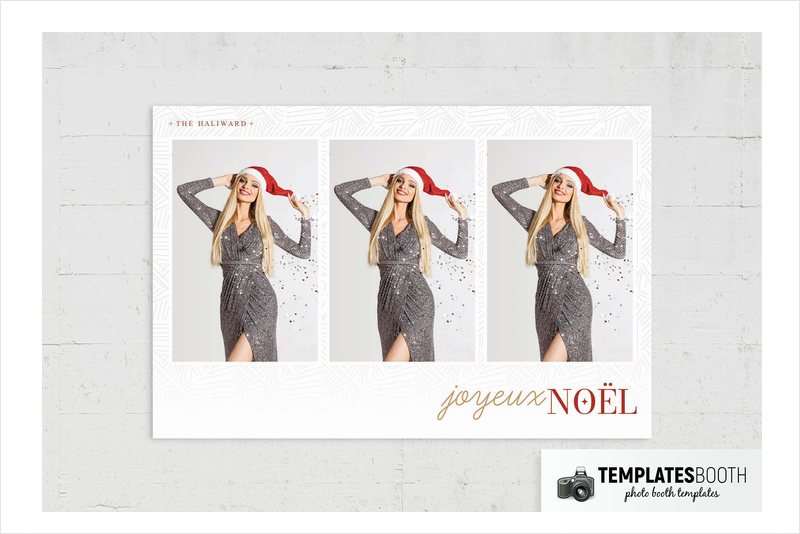
Fine pale gray angular lines pattern the white background without competing with the two rectangular photos. Below them, a red line-drawn bow sits above gold cursive lettering and a large red serif greeting with a four-point star detail.
Minimal Joyeux Noel suits a pared-back reception or contemporary venue using red accents sparingly. Its personality comes from the restrained bow drawing and contrasting letter styles rather than dense foliage or realistic ornaments. Choose this when you want a Christmas photo frame that feels light around the guest images.
16. Feliz Navidad Photo Booth Template – textured red and gold bow
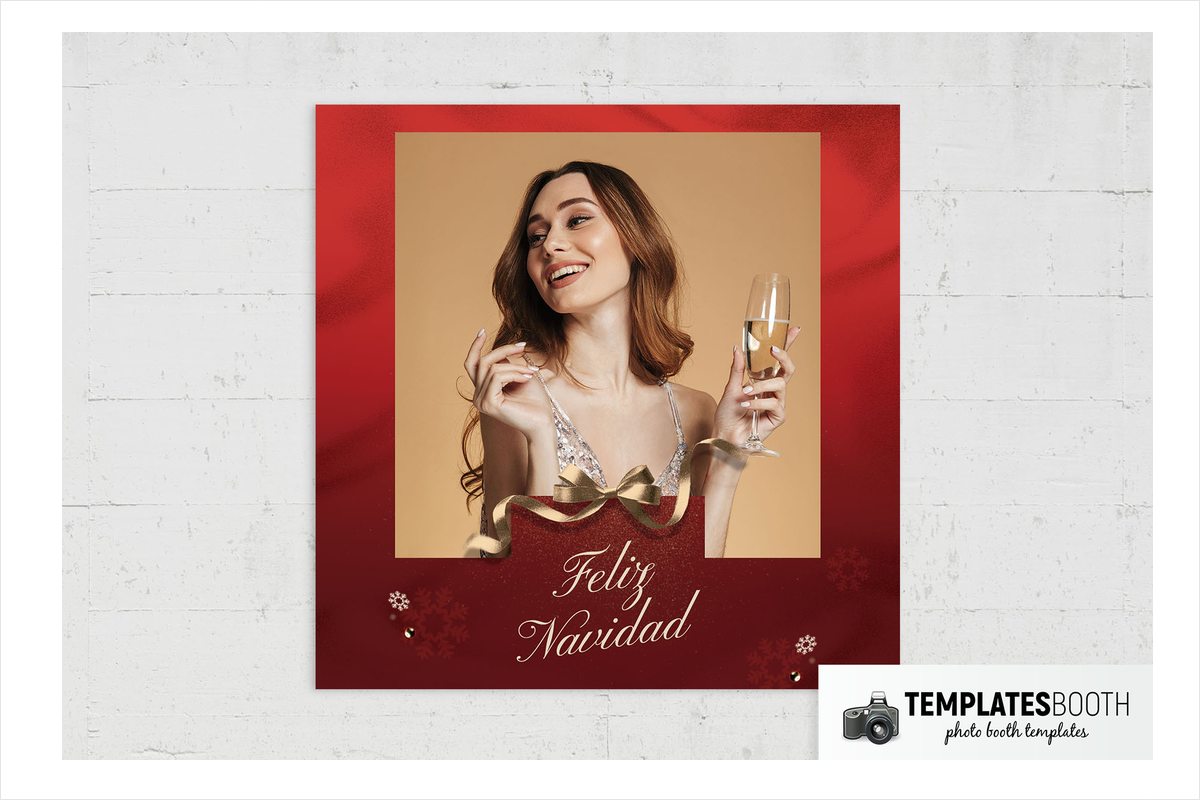
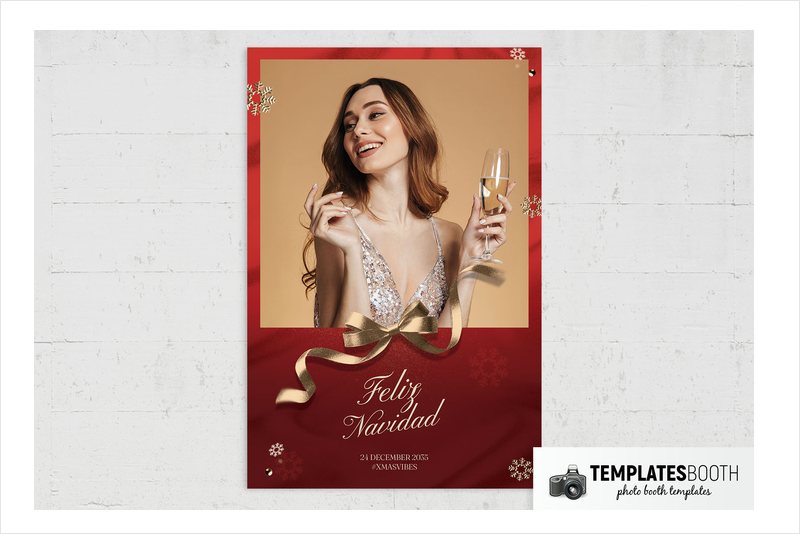
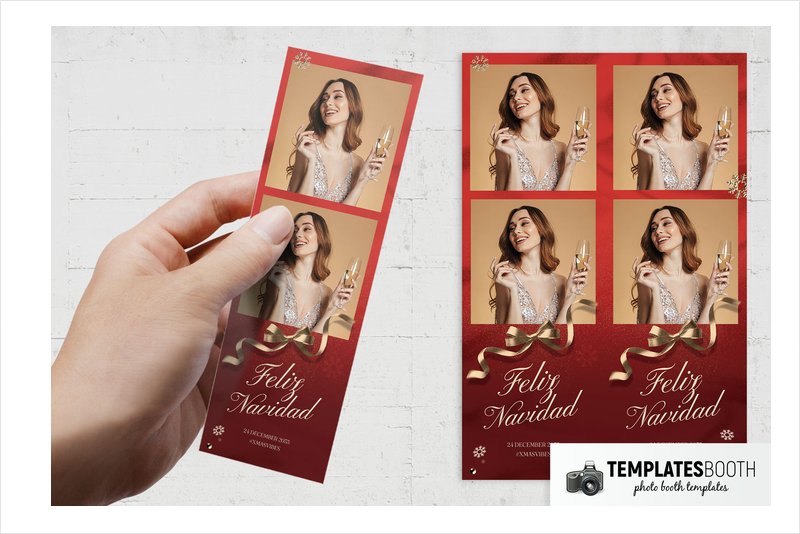
Broad textured red borders surround the photos, while shaded gold ribbon curls and a bow overlap the lower photo edge. Small metallic snowflakes and round corner accents support the large cream calligraphic greeting without adding another dominant motif.
Feliz Navidad suits a rich red-and-gold celebration, with the greeting providing an additional choice for your event wording. No Photoshop or PSD file is listed for this design. Canva, Darkroom Booth, DSLR Booth and LumaBooth are the listed options; select a different design if you specifically need a layered Photoshop file.
17. Ornate Christmas Photo Booth Template – cream reindeer and holly
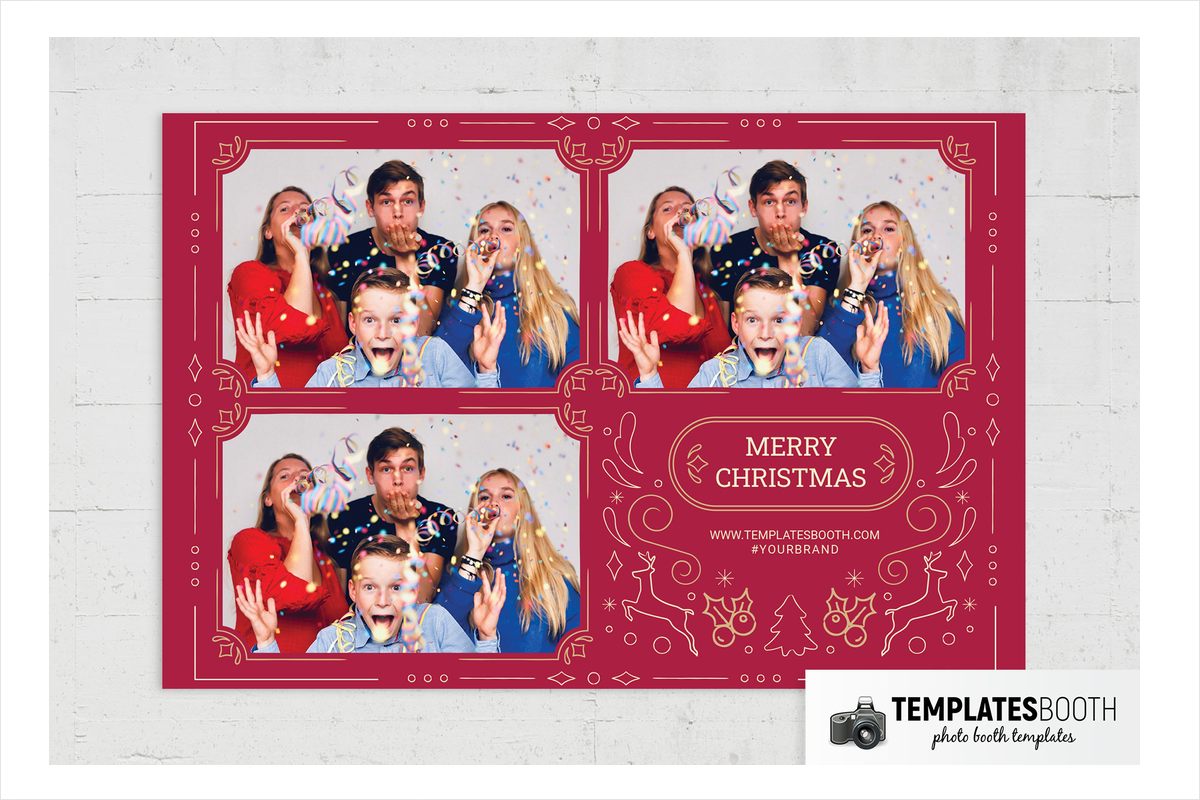
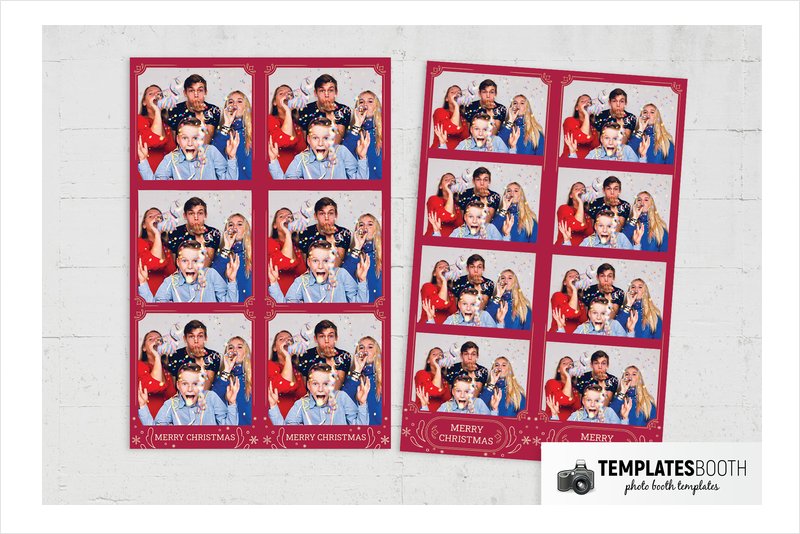
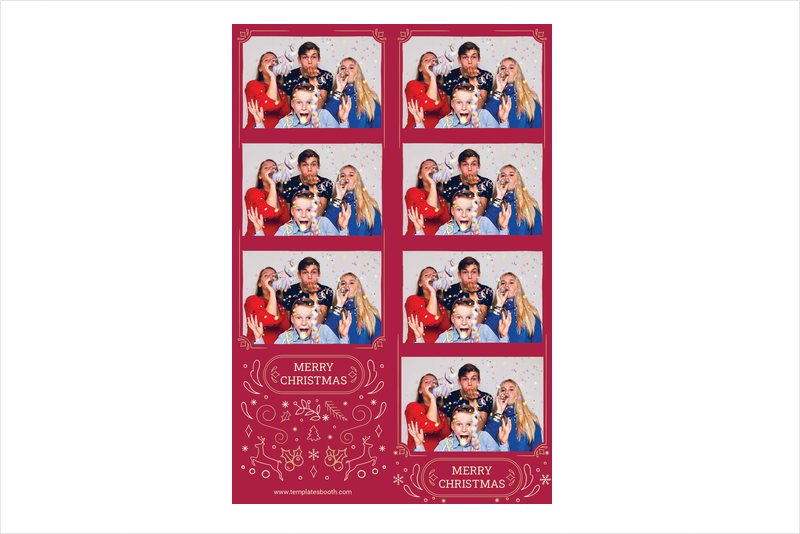
Deep red and cream give Ornate Christmas a tightly controlled traditional palette. Thin corner flourishes trim the stacked photo openings, and a double-line rounded cartouche contains the uppercase serif greeting.
Below the photos, cream line drawings combine leaping reindeer, holly, berries, leafy sprigs and a Christmas tree with smaller stars and curled details. Choose this for a traditional dinner or heritage-style venue where flat ornamental illustration will fit better than glossy baubles. The two-color approach keeps the many decorative motifs visually connected.
18. Decorated Christmas Photo Booth Template – striped baubles and gold snowflakes
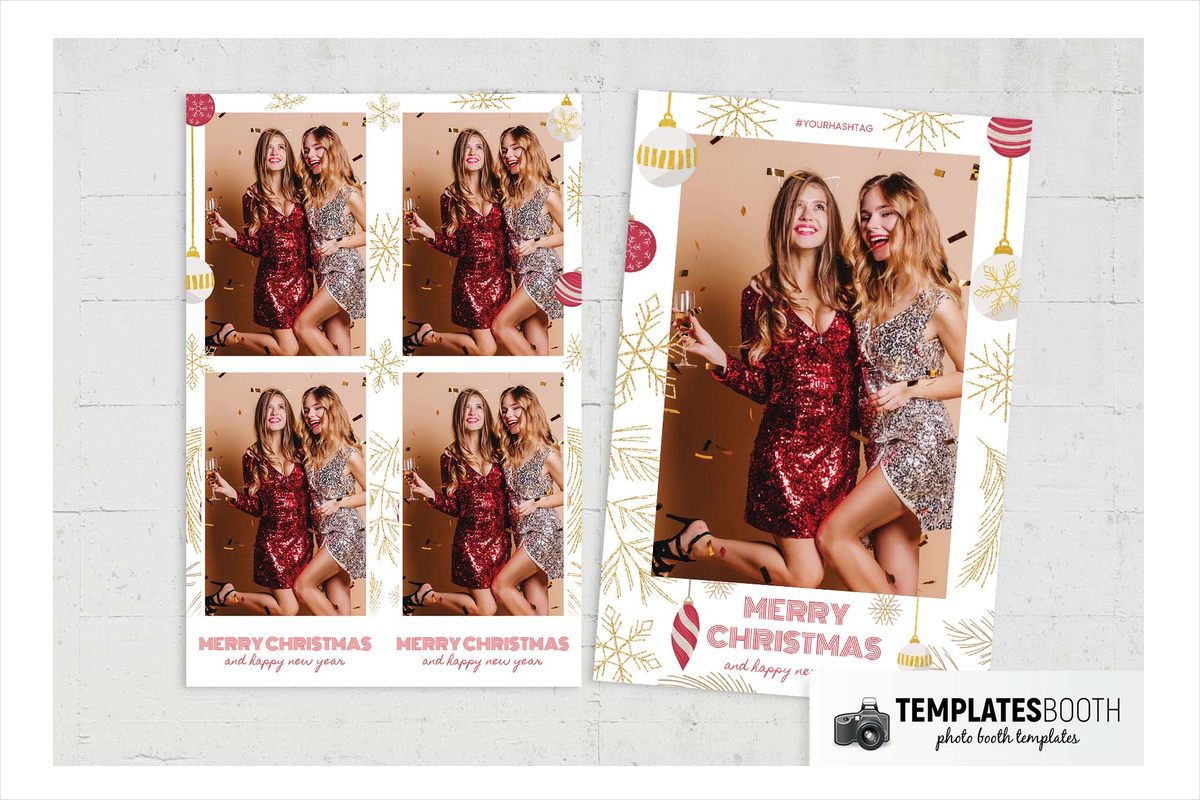
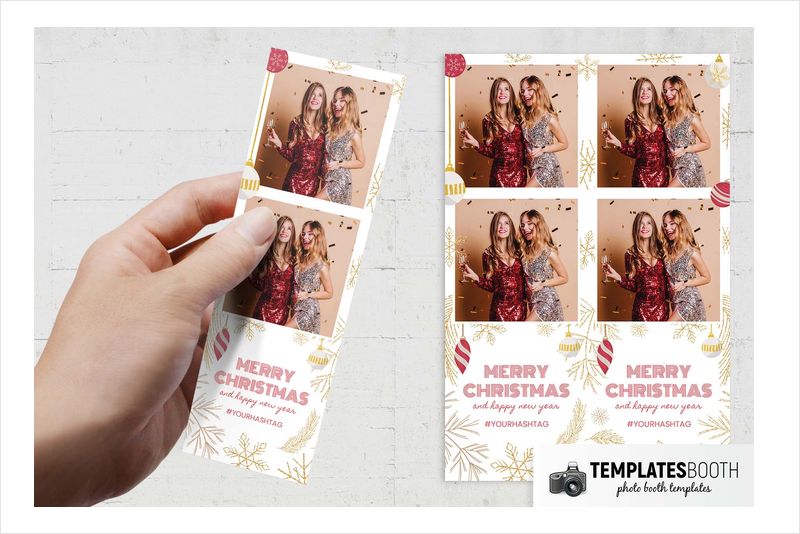
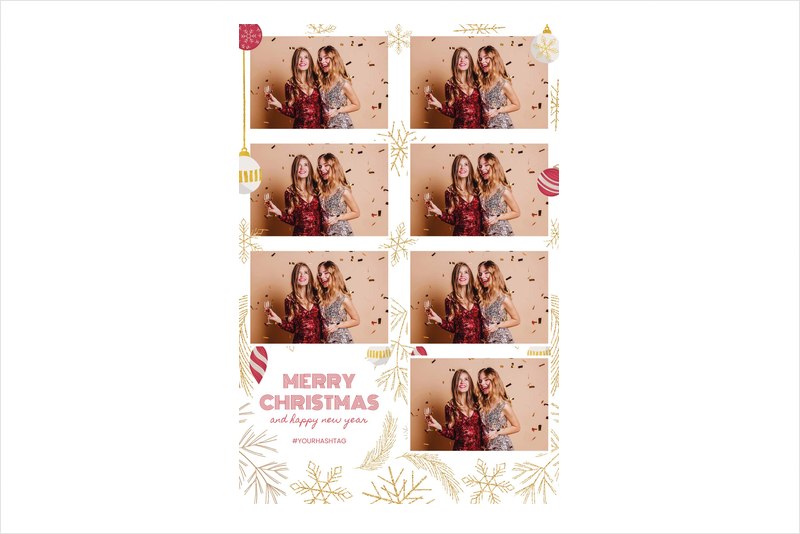
Glitter-textured gold snowflakes and fine pine sprigs decorate white borders around two stacked photos. Hanging round and pointed baubles introduce red-and-white and white-and-gold stripes, echoed by the striped outline capitals in the greeting panel.
Decorated Christmas suits a cheerful party with hanging ornaments or red-and-gold table decorations. The white base keeps the layout brighter than the black-and-gold options, while the baubles give children and adults an immediately recognizable festive frame. Pick this when you want decorative detail without a dark background or character illustration.
19. Simple Christmas Photo Booth Template – navy pine and berries
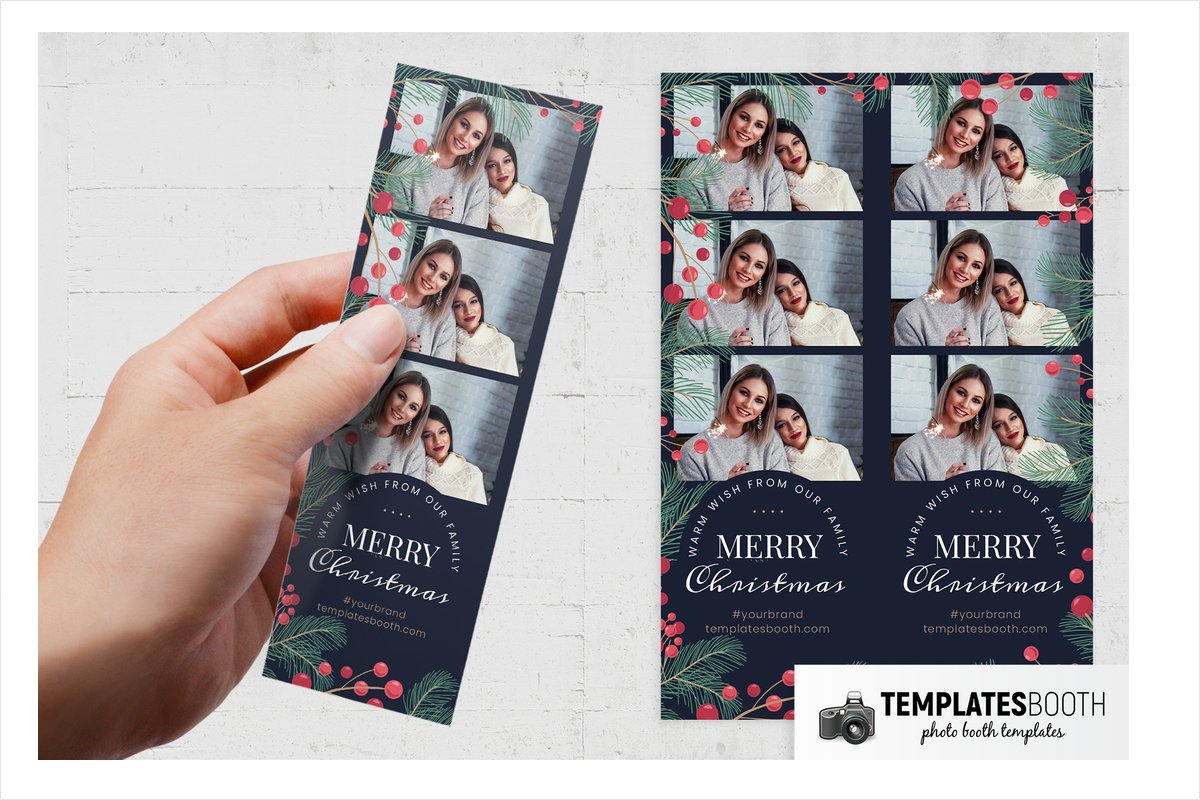
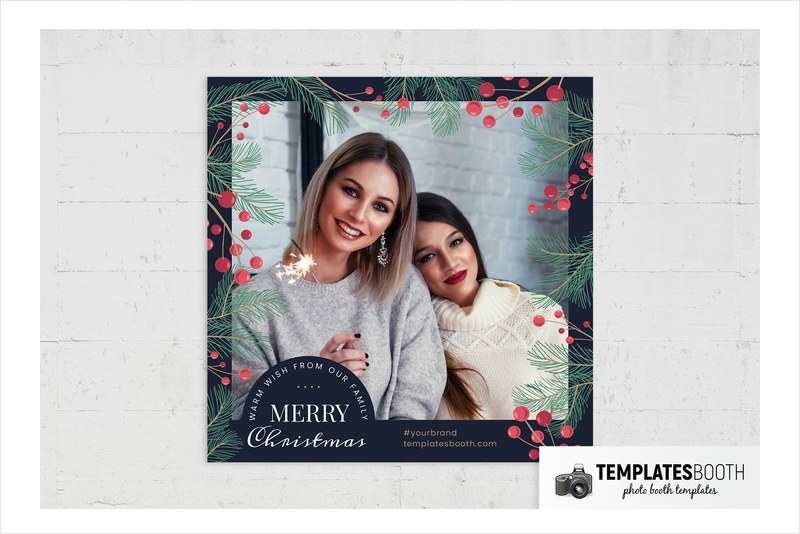
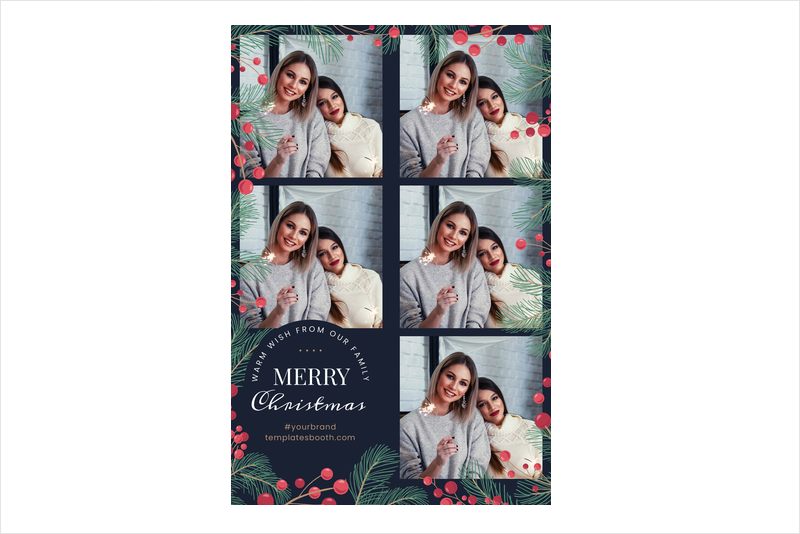
Illustrated green pine needles and red berries on tan stems overlap the outer edges of this navy design. The greeting panel combines white serif capitals and flowing script, with an arched line above and four small tan dots completing the composition.
Simple Christmas suits a restrained gathering with greenery and dark blue accents. The two rectangular photo openings remain the main feature, while the pine sprigs supply a natural border. Choose this for its quieter illustrated treatment rather than assuming the preview’s family wording defines the event it can serve.
20. Winter Festival Photo Booth Template – snowman and fir trees
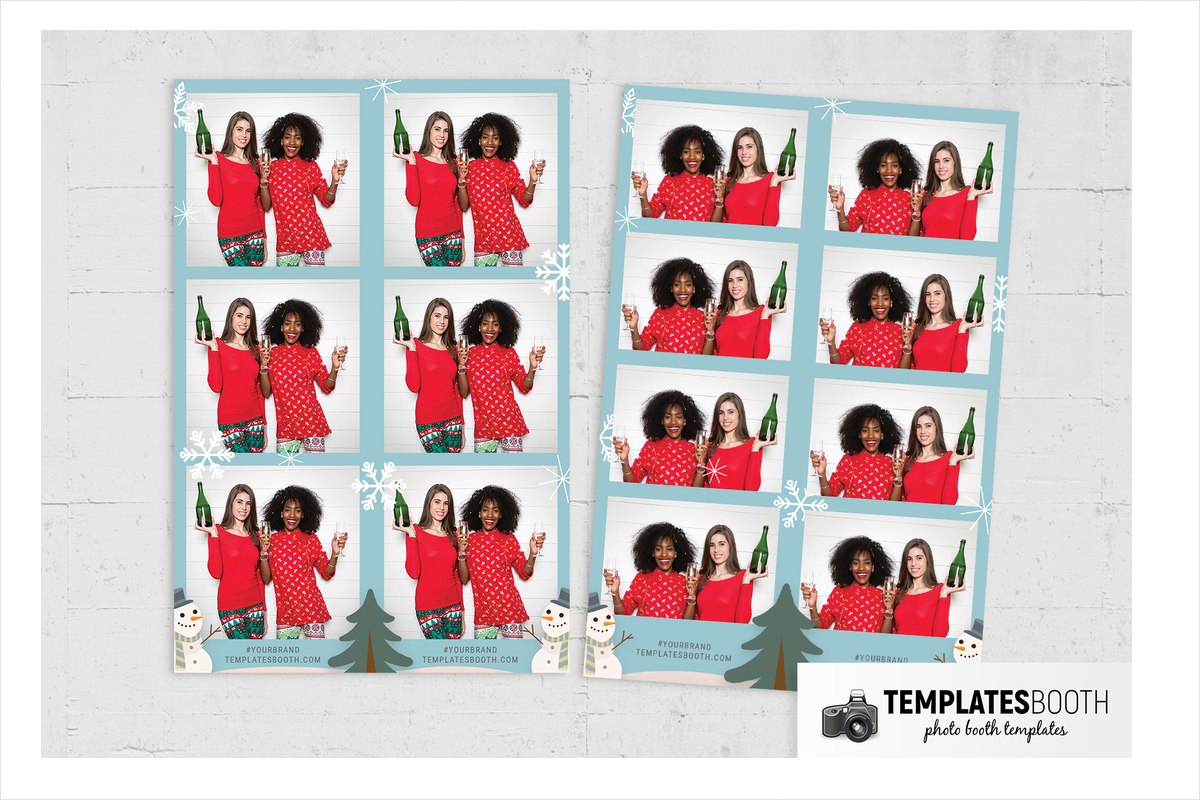
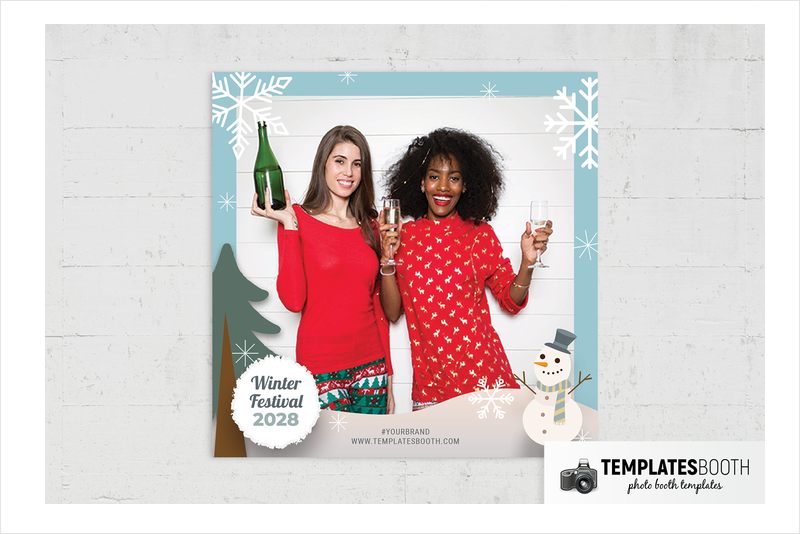
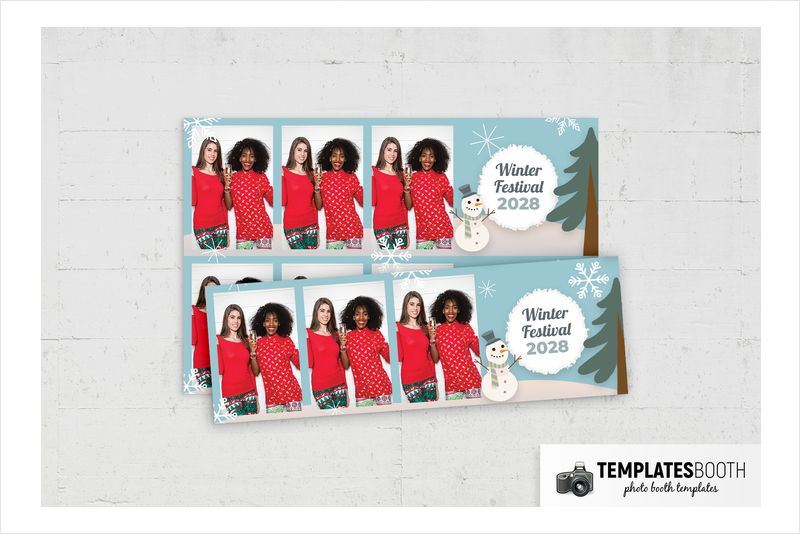
A pale blue background, curved snowbank and flat illustrated snowman give Winter Festival a playful winter setting. Dark green fir trees, white snowflakes and thin starbursts fill the edges without introducing a formal metallic theme.
This is a natural shortlist choice for children’s activities or a community winter celebration. The wider previews show grid and three-photo arrangements, while the strips stack the images vertically. A rough-edged circular badge provides a separate place for the event greeting, keeping the snowy scene distinct from the main photo openings.
21. Christmas Gift Photo Booth Template – gift box and gold bow
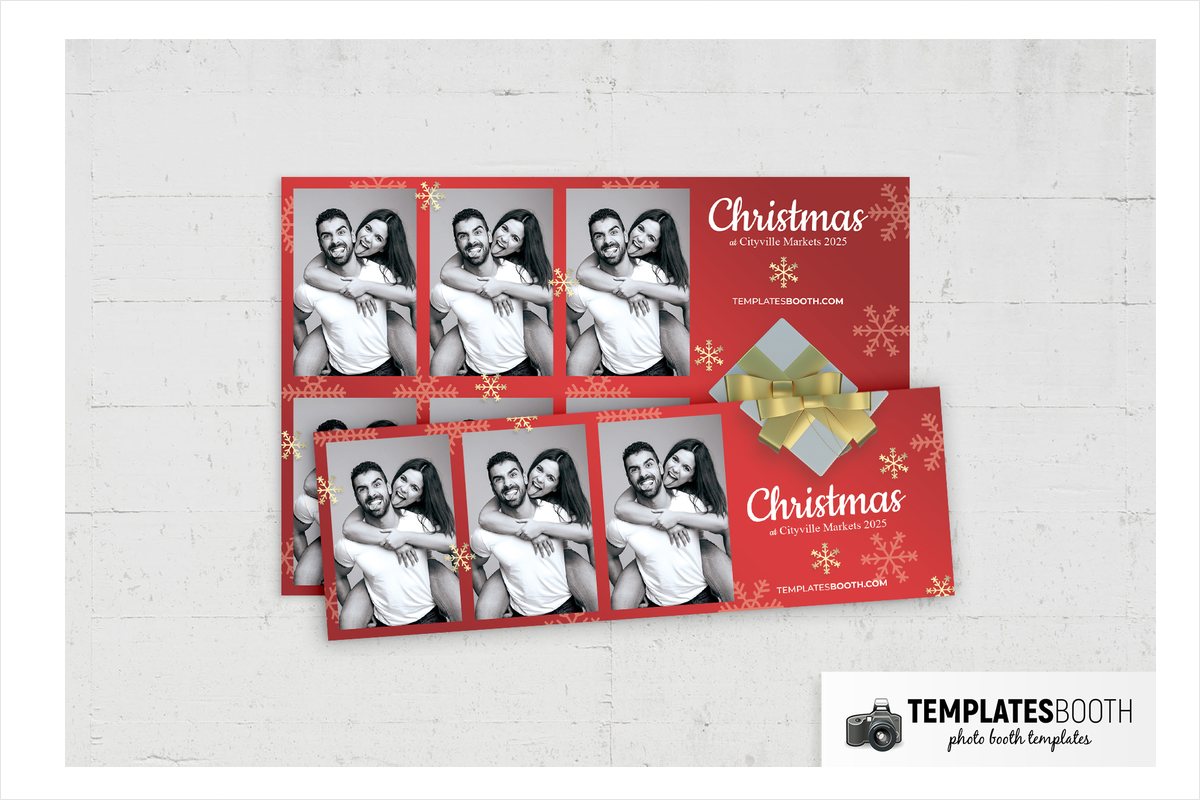
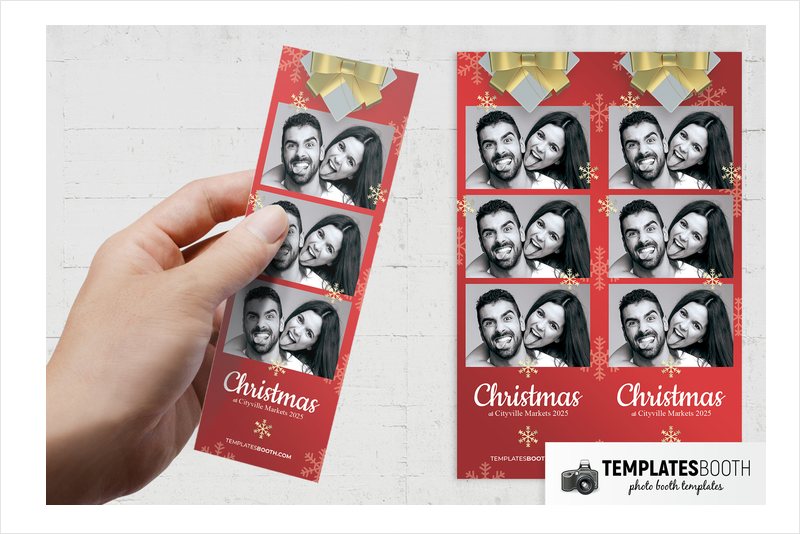
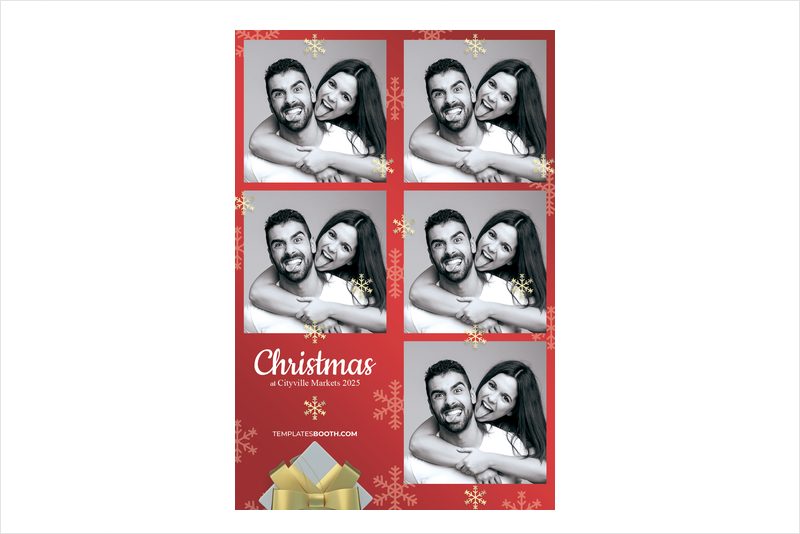
A pale gray gift box with a large metallic gold bow fills the bottom edge of Christmas Gift. Above it, two stacked rectangular photos sit within red borders scattered with flat gold and muted pink snowflakes, some overlapping the photo edges.
Choose this for a gift exchange or cheerful Christmas party where wrapped presents are part of the decorations. White flowing script balances the heavier gift-box illustration below. The red background supplies a classic Christmas base, while the muted pink snowflakes make the palette less strictly red and gold.
22. Christmas Party Photo Booth Template – red bauble photo frames
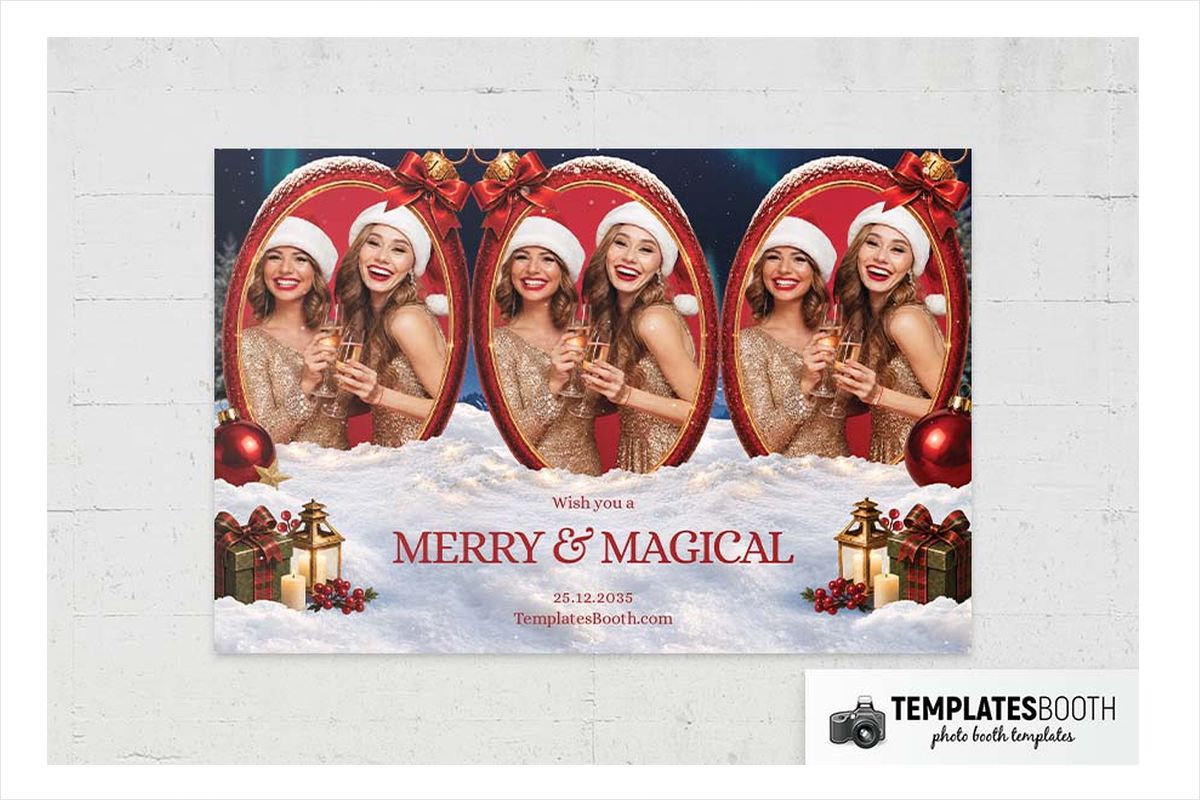
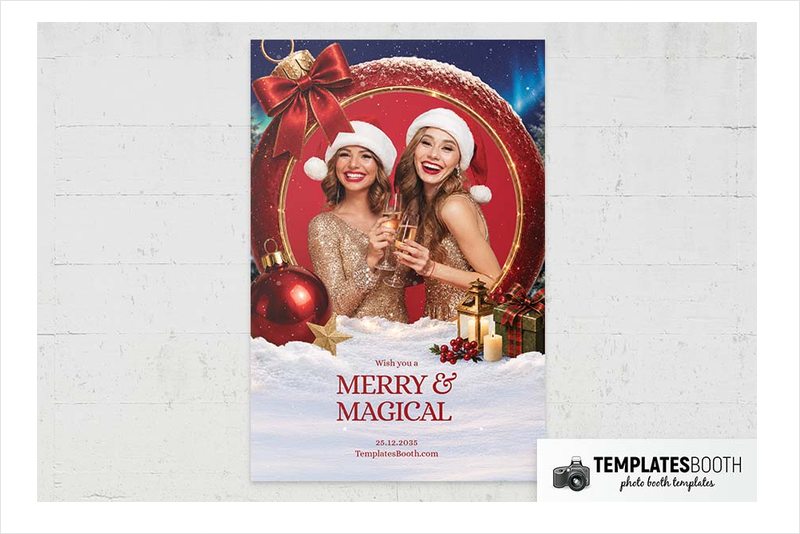
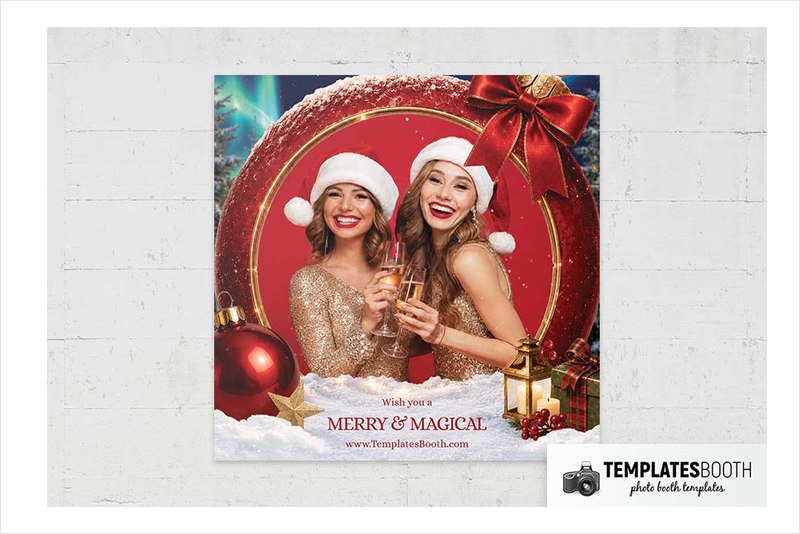
This new 2026 release uses two circular photo openings shaped like red baubles, with gold edging, snowy tops and ribbon bows. Dark blue snowfall and green light streaks transition into a white snowy base filled with ornaments, stars, pinecones, candles and a lantern.
Choose this Christmas Party version for a wintry, decorative display where circular portraits are part of the appeal. Unlike most selections here, no separate 4x6 horizontal-photo layout is listed.
Why TemplatesBooth is the go-to source for Christmas photo booth templates
TemplatesBooth offers 22,000+ photo booth templates, strips and animations, including 1,400+ Christmas layouts across 60+ Christmas sets. More than 2,500 photo booth owners trust the library. Five Christmas designs are free and unlock with an email address, with the same layouts and file formats as premium designs.
Each design is a coordinated set of print templates, static welcome screens, an animated start screen and mirror booth start screens. Matching animated overlays cover video, GIF and boomerang capture, keeping the screen presentation consistent with the prints.
TemplatesBooth’s file options include layered Photoshop PSDs and blank transparent PNG overlays for almost any other booth app. Other options span Canva, LumaBooth, DSLR Booth and Darkroom Booth (.XBDR). The TemplatesBooth browser editor lets you change names, dates and wording without design experience.
One membership unlocks the entire library, every format and new releases, with unlimited downloads. TemplatesBooth offers a 30-day money-back guarantee and cancellation at any time. The TemplatesBooth Widget also lets booth owners embed the library on their websites so clients can choose designs, with submissions arriving in a dashboard.
Classic red and green, gold, snowy or kids: choose your Christmas style
For classic red and green: Christmas Postcard combines diagonal red-and-green edging with a cream postcard base. Christmas Party – tartan bow wreath and lights goes fuller and brighter, with a fir wreath and multicolored bulbs. For a green-led formal look, choose Green & Gold Christmas and its bells, double borders and berry sprigs. You can also browse green photo booth templates for more greenery-led directions.
For gold evening decor: Golden Baubles Christmas emphasizes shaded ornaments and bokeh, while Black & Gold Christmas uses intricate illustrated snowflakes. Modern Christmas Party adds deep red and a leaping reindeer. For an office celebration, compare those restrained choices with these corporate photo booth templates.
For a snowy setting: Christmas Bow uses frost speckles, Blue & Gold Christmas supplies restrained snowflakes, and Christmas Party – red bauble photo frames builds a fuller snowy scene. For bookings continuing beyond Christmas Day, explore winter photo booth templates.
For children and playful groups: Winter Festival offers a snowman and illustrated fir trees. Grumpy Green Christmas uses furry hands and bulb-edged frames for a more comic look. Let the decorations and audience guide the choice rather than the preview’s sample headline.
Working in Photoshop: layered PSDs versus transparent PNG overlays
A layered PSD is the Photoshop working file. Twenty selections here include that layered format and support Photoshop. Choose your design and photo arrangement first, then personalize the event details.
A transparent PNG overlay is the frame placed over the guest photo. The blank transparent areas let the photograph show through while the surrounding Christmas design remains visible. TemplatesBooth supplies these overlays for use with almost any booth app; a PNG overlay is not the same thing as a layered Photoshop document.
White & Gold Christmas Photo Booth Template and Feliz Navidad Photo Booth Template do not list Photoshop or PSD files. Both list Canva, Darkroom Booth, DSLR Booth and LumaBooth. If your handoff requires a layered PSD, choose one of the other 20 designs rather than assuming those two include it.
For wording-only personalization without Photoshop, TemplatesBooth’s browser editor supports changes to names, dates and wording. Keep the chosen photo arrangement in mind when reviewing the result so your greeting and decorative border complement the guest images.
Frequently Asked Questions
Where can I get Christmas photo booth templates?
You can get Christmas photo booth templates from TemplatesBooth, which offers 1,400+ Christmas layouts across 60+ Christmas sets. The collection includes coordinated prints, transparent PNG overlays, animations and welcome screens. Use the descriptions above to compare styles and check the two Photoshop exceptions before choosing.
What is TemplatesBooth?
TemplatesBooth is a membership library offering 22,000+ photo booth templates, strips and animations. One membership unlocks the library, formats and new releases with no download limits. TemplatesBooth also provides a browser editor for changing names, dates and wording without design experience.
Can I edit Christmas photo booth templates in Photoshop?
You can edit 20 of the 22 Christmas designs in this list using their layered Photoshop PSD files. White & Gold Christmas and Feliz Navidad do not list Photoshop or PSD support. Choose from the other 20 if a layered Photoshop source file is a requirement.
Do Christmas photo booth templates come with transparent PNG overlays?
Blank transparent PNG overlays come with TemplatesBooth sets and work with almost any other booth app. The overlays place the Christmas frame over guest photos. The PNG is the transparent overlay, while a listed PSD provides the layered Photoshop working file.
Can I use these Christmas photo booth templates in Canva?
All 22 Christmas photo booth templates in this list include Canva in their software listings. That includes White & Gold Christmas and Feliz Navidad, the two selections without listed Photoshop support. TemplatesBooth also offers its own browser editor for names, dates and wording.
Are there free Christmas photo booth templates?
TemplatesBooth offers five free Christmas designs, but none of the 22 designs in this list is free. Free designs unlock with an email address and include the same layouts and file formats as premium designs. Check the collection’s free choices if you need a no-cost starting point.
Final Thoughts
Shortlist the design that matches your decorations, then check the photo arrangement and listed Photoshop support before you commit. Choose a layered PSD for your Photoshop workflow and a transparent PNG overlay for the guest-photo frame, with matching screens to carry the same Christmas look through the event.
