
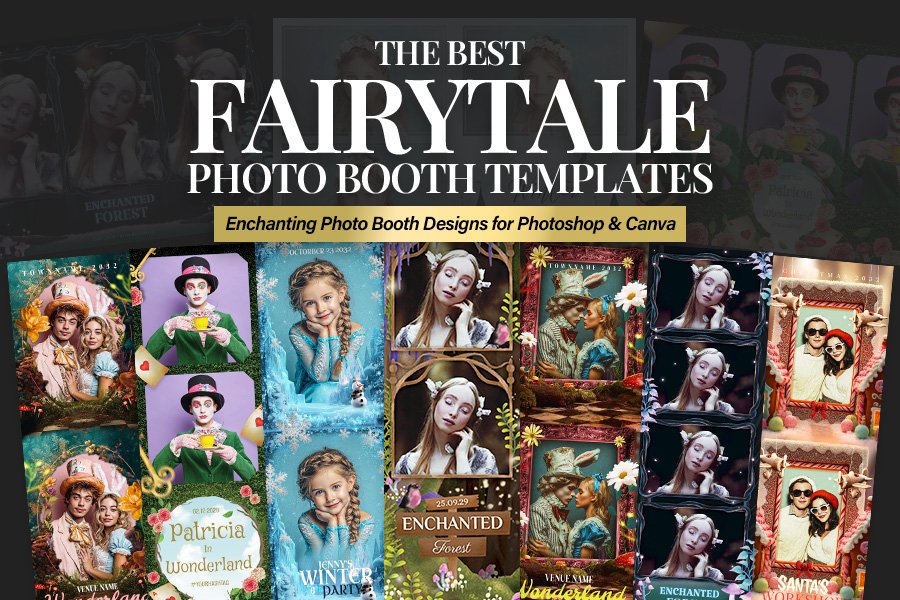
When you’re running a booth at a kids’ event, the backdrop and props get attention—but the print design is what guests take home. The right fairytale photo booth template turns a simple strip into a keepsake that looks cohesive, premium, and totally on-theme for a storybook celebration. In this list of the 10 Best Fairytale Photo Booth Templates, you’ll find fantastical, whimsical layouts built for Photoshop and Canva-friendly workflows, so photo booth business owners, event planners, and photographers can deliver fast, professional results without sacrificing style.
Whether you need an enchanted photo booth template for a woodland party, a princess photo booth template for a castle-inspired birthday, or a wonderland photo booth template filled with playful garden details, these designs are made to personalize quickly—swap photos, edit names/dates, and match colors to the décor. Planning the full party vibe too? Pair your booth output with coordinated promos like a glam birthday party flyer template or a seasonal invite like this magical Christmas party flyer template for winter events.
Scroll on to find the perfect magical photo booth template for your next fairytale birthday party booth setup.
1. Fantastical Wonderland Party Photo Booth Template
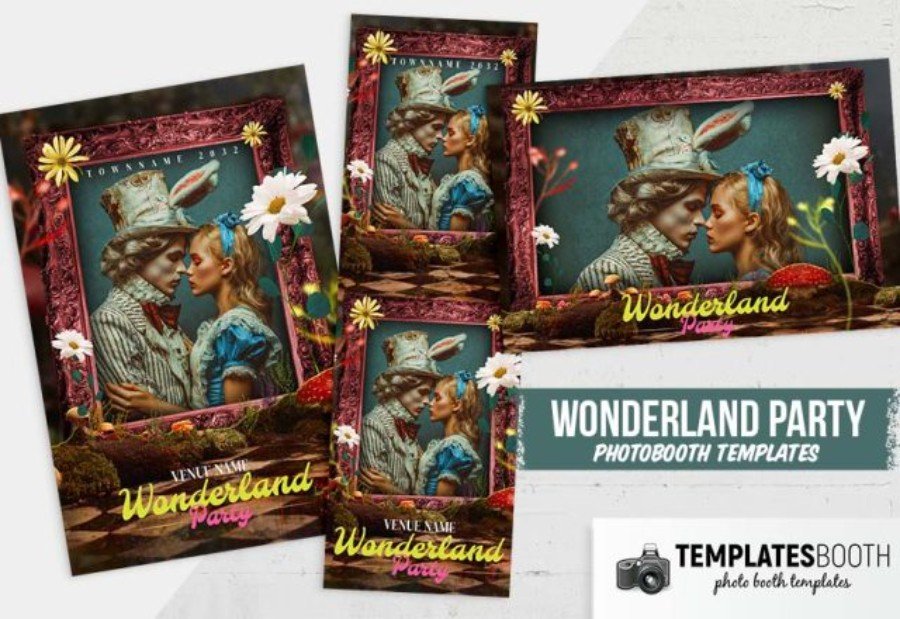
Turn every snapshot into a storybook keepsake with this Fantastical Wonderland Party photo booth template for Photoshop. The layout pairs a vintage portrait vibe with playful fairytale touches—ornate frame details, whimsical garden accents, and a bold “Wonderland Party” title that reads clearly on prints and digital shares. Built for photo booth business owners and busy event planners, it’s easy to personalize: swap photos, adjust colors, and edit text for the birthday child’s name, date, and venue. Ideal for kids’ birthdays, tea parties, and wonderland-inspired celebrations where you want a polished, themed finish.
2. Wonderland Party Photo Booth Template
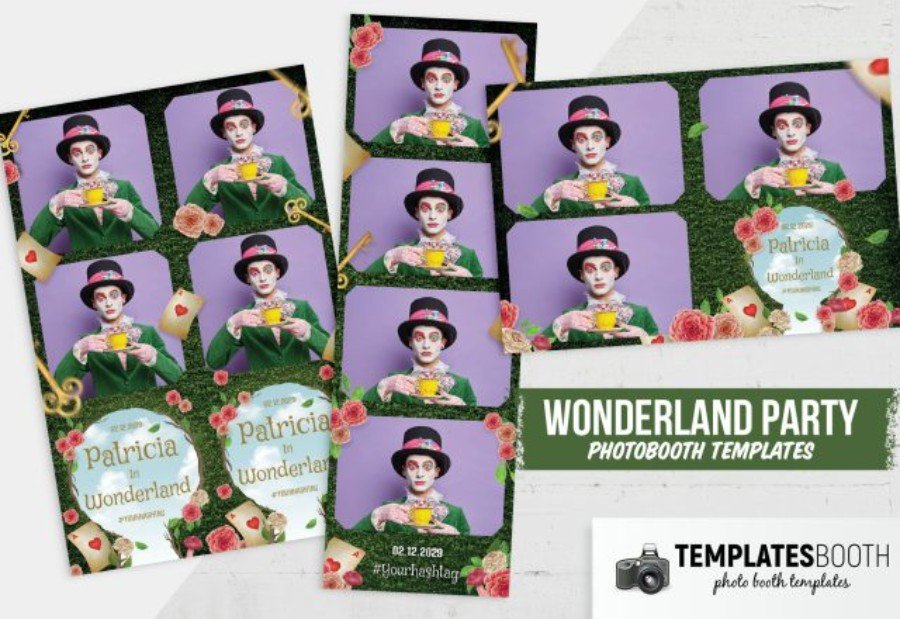
For a kids’ event that leans into storybook charm, this Wonderland Party Photo Booth Template delivers a lush garden look with rose clusters, leafy borders, and playful card motifs—perfect for turning a standard strip into a themed souvenir. Designed as a Photoshop file, it’s set up for quick production: drop in images, update the name/date, and keep branding consistent across multiple bookings. Photo booth business owners will appreciate the clean photo windows and balanced spacing, while photographers and planners can tailor colors and text to match invitations or décor. A strong pick for fairytale birthdays and whimsical tea-party celebrations.
3. Enchanted Forest Photo Booth Template
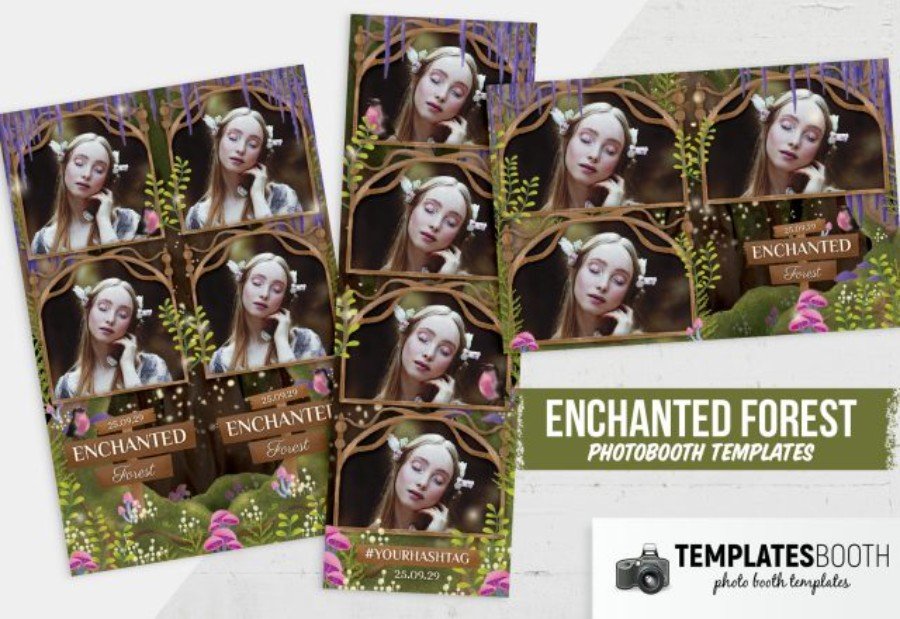
Mossy greens, curling branches, and tiny glowing specks give the Enchanted Forest Photo Booth Template a magical woodland feel that fits everything from fairy birthdays to “into-the-woods” kids events. This Photoshop design uses an organic arch-style frame and layered foliage details to make each photo look like it’s peeking through a forest canopy. For photo booth business owners, it’s built for fast personalization—drop in images, update the child’s name and date, and add a hashtag for sharing. Event planners and photographers can coordinate it with floral décor, rustic backdrops, and storybook invitations for a cohesive party suite.
4. Pirates Photo Booth Template
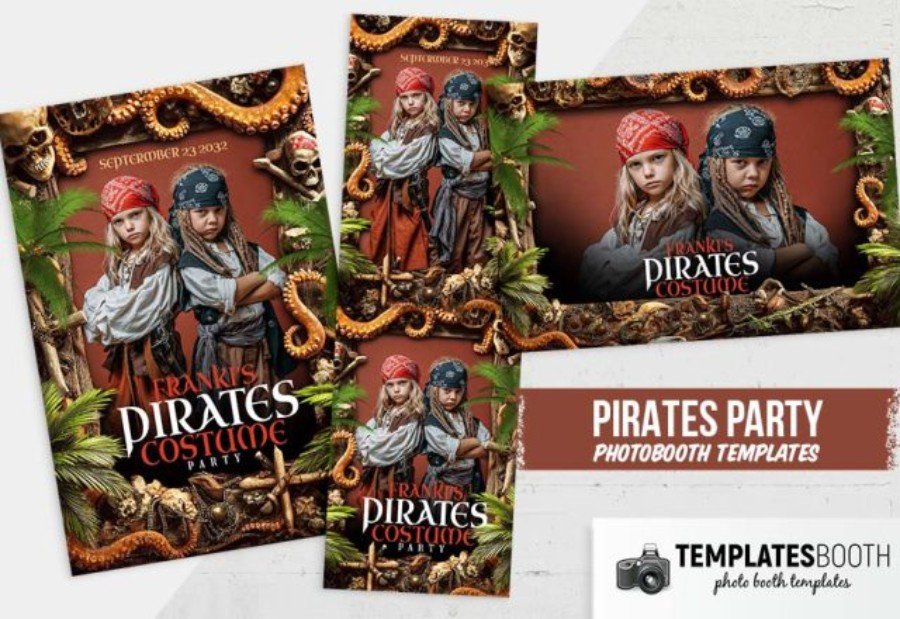
Swap castles and tea cups for treasure maps—this Pirates Photo Booth Template brings full “high-seas” atmosphere to kids’ birthdays in a way guests instantly understand. The design leans into rugged adventure with rope-and-coin trim, skull-and-crossbones details, tropical greenery, and a weathered backdrop that frames photos like a wanted poster from a pirate tale. As a Photoshop template, it’s made for efficient editing: replace the sample images, change the child’s name and party date, and keep your output consistent across sessions. A smart add-on for photo booth business owners, photographers, and event planners building a bold, themed party experience.
5. Wonderland Photo Booth Template V2
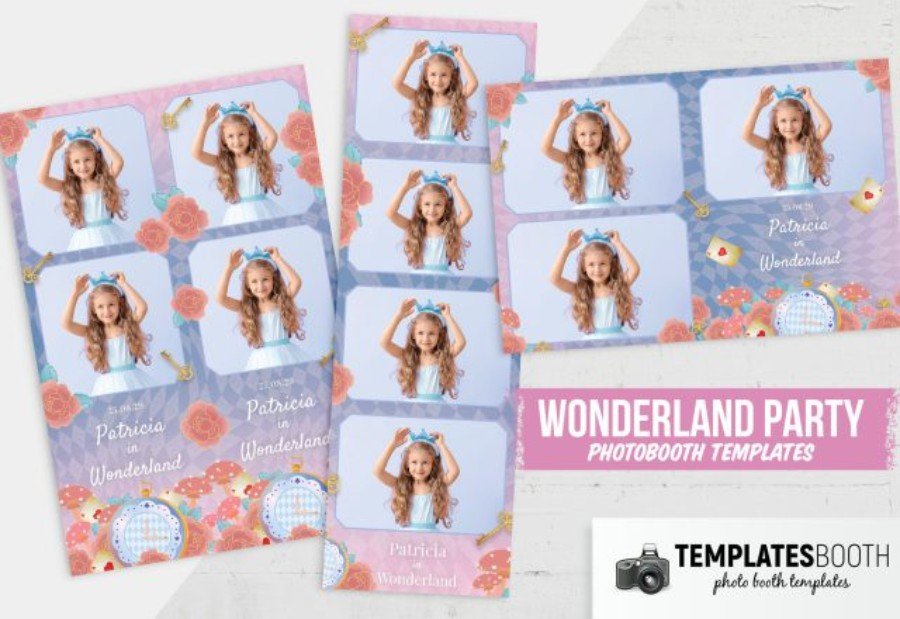
Looking for a wonderland set that feels sweet, modern, and instantly recognizable on the print table? Wonderland Photo Booth Template V2 blends soft pastels with a geometric harlequin backdrop, oversized roses, and playful card accents for a polished “storybook party” finish. Designed for Photoshop, it’s made to move fast in a busy workflow—drop in photos, update the birthday child’s name and event details, and keep everything aligned without fuss. Photo booth business owners get a clean, client-friendly layout, while event planners and photographers can match it to invitations and décor for kids’ birthdays and fairytale-themed celebrations.
6. Frozen Birthday Photo Booth Template
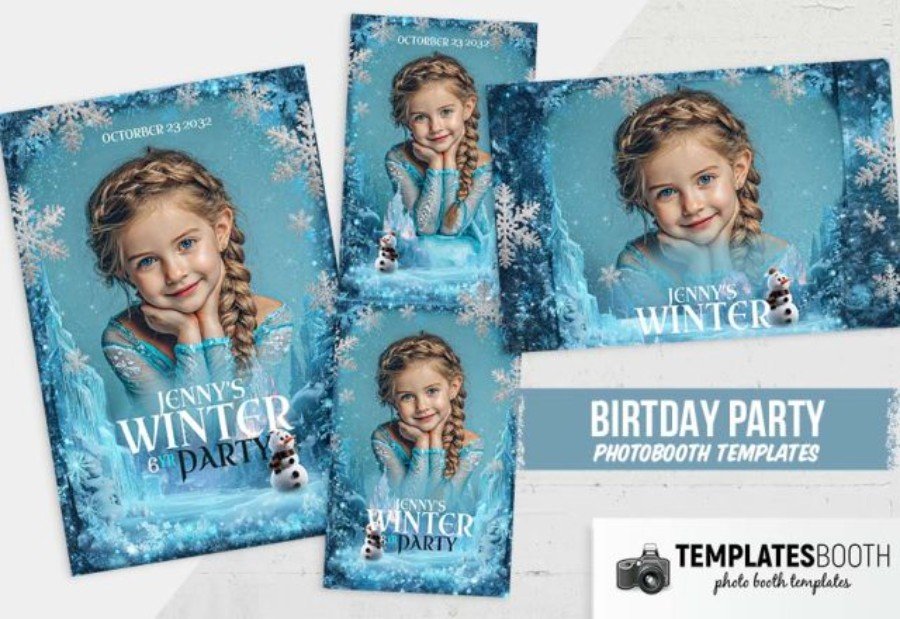
Bring an icy storybook vibe to your booth lineup with this Frozen Birthday Photo Booth Template for Photoshop. It’s styled with frosted snowflake borders, cool blue winter textures, and a castle-like backdrop that instantly fits snow-princess birthday themes without feeling cluttered. The set includes both a classic photo strip and a 4×6-style layout, making it easy to deliver prints guests actually keep. Photo booth business owners can drop images in fast, while event planners and photographers will appreciate how simple it is to personalize the child’s name, age, and party date—perfect for kids events that want a clean, cinematic winter finish.
7. Enchanted Forest Photo Booth Template 2
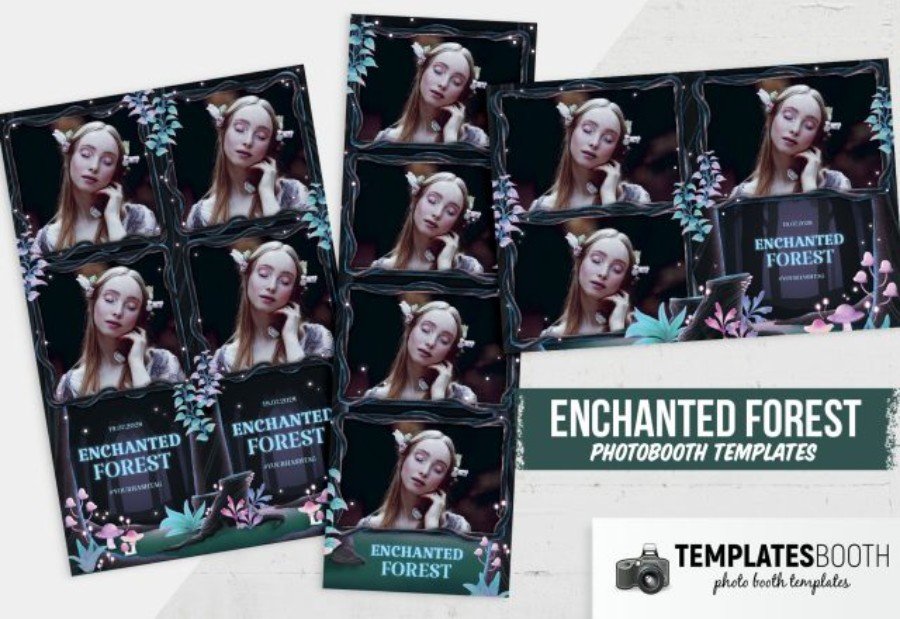
Moody, storybook-inspired, and a little mysterious, Enchanted Forest Photo Booth Template 2 brings a dark botanical aesthetic to kids’ birthday parties and fairytale-themed events. The design features glossy, wavy photo panels, a deep nighttime palette, and illustrated foliage with soft glowing accents—so every strip feels like it came from a magical forest scene. Built as a Photoshop template, it’s practical for busy photo booth business owners: drop in images, edit the event text, and keep the layout consistent across prints. Event planners and photographers will love how easily it coordinates with woodland décor, fantasy backdrops, and wonderland party details.
8. Whimsical Wonderland Party Photo Booth Template
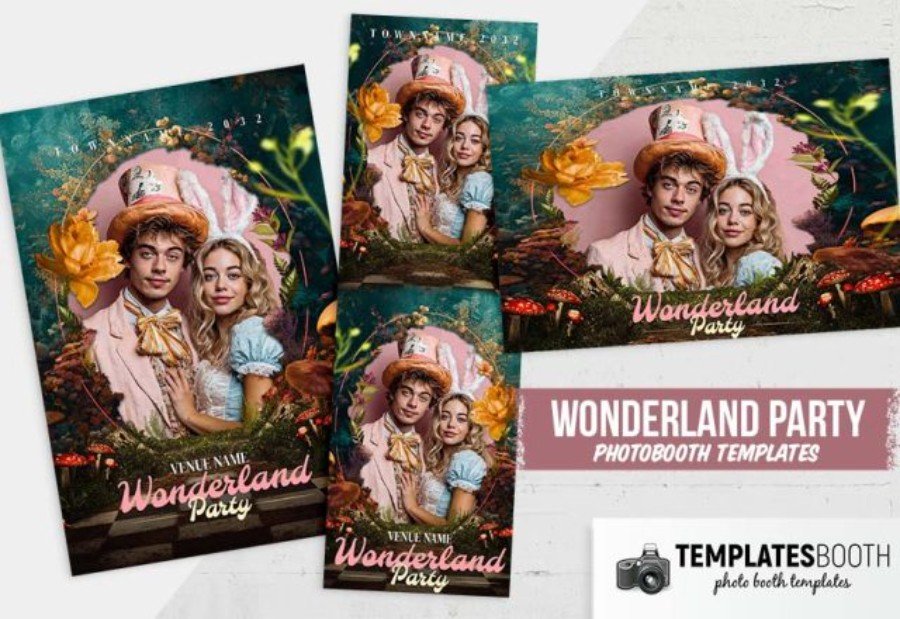
Moody florals and storybook drama take center stage in this Whimsical Wonderland Party Photo Booth Template, a Photoshop-ready set designed to make kids’ event prints feel like collectible keepsakes. The artwork layers lush greenery, oversized blooms, and woodland mushrooms around a rounded portrait frame, finished with a playful “Wonderland Party” script that reads beautifully on both strips and 4×6 layouts. It’s a strong fit for photo booth business owners who need fast, dependable customization—swap photos, edit the event name, venue, and date, then export for print or digital delivery. Event planners and photographers will love how easily it ties into fairytale décor and wonderland party styling.
9. Christmas Workshop Photo Booth Template
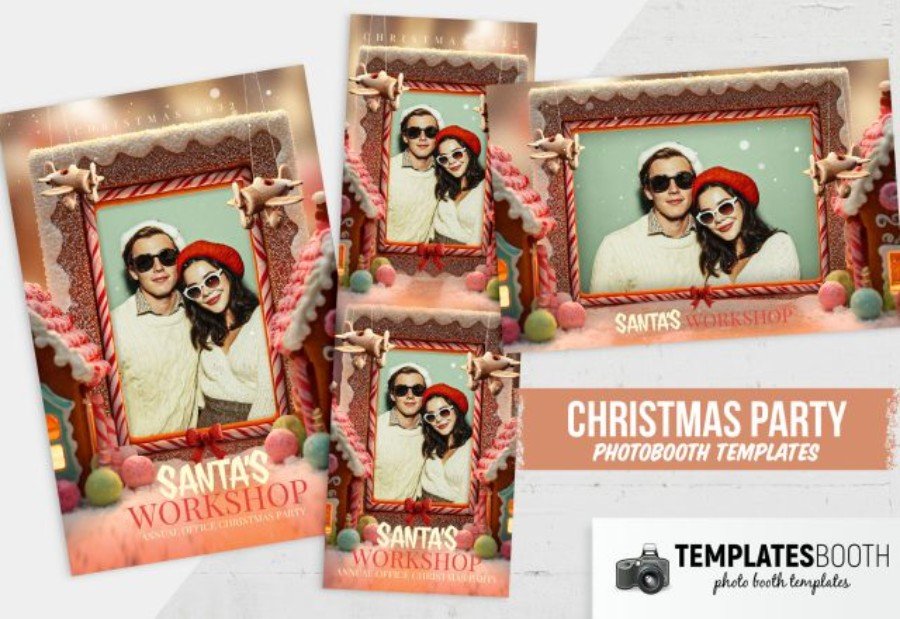
Cookies, candy canes, and a cozy “Santa’s Workshop” vibe—this Christmas Workshop Photo Booth Template turns your output into a festive keepsake that feels straight out of a holiday story. The design frames photos with gingerbread-style icing trim, peppermint stripes, and soft snowfall details, making it a standout choice for kids’ birthday parties in December, school holiday events, and winter wonderland setups.
Built as a Photoshop template, it’s easy for photo booth business owners to run through a fast workflow: drop in images, change the wording, and deliver polished prints or digitals. Event planners and photographers will appreciate how naturally it pairs with candy-themed décor, Christmas backdrops, and Santa-meet moments.
10. Winter Wonderland Photo Booth Template
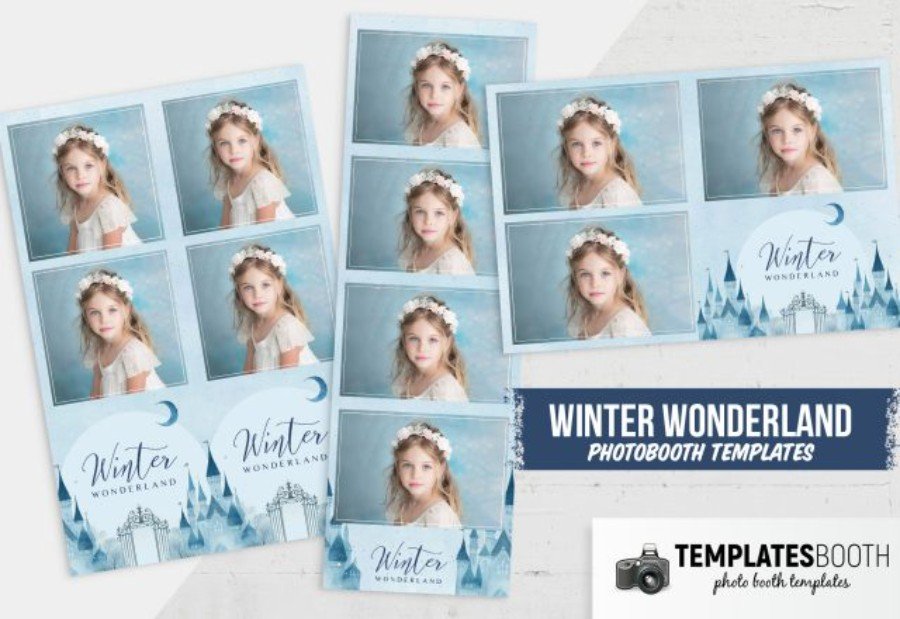
Snowy blues, icy gradients, and a dreamy castle silhouette give this Winter Wonderland Photo Booth Template a crisp, fairytale finish that feels made for kids’ birthday parties and winter-themed celebrations. Created for Photoshop, it’s ideal for photo booth business owners who need a reliable, print-ready layout: clearly defined image slots, tidy margins, and a title area that’s simple to customize for the guest of honor, date, or event name. Event planners and photographers can match it to winter décor in minutes—swap text, tweak tones, and deliver a polished keepsake that looks consistent across strips and full 4×6 outputs.
Final Thoughts on Fairytale Photo Booth Template Picks
A great kids birthday photo booth template does more than “look cute”—it keeps your workflow smooth and your deliverables consistent, whether you’re exporting print-ready strips in Photoshop or customizing a quick storybook photo booth design for digital sharing. From wonderland garden frames to enchanted forest arches and icy castle scenes, the templates in this list help you create a birthday party photo booth experience that feels polished, immersive, and easy for clients to love.
As you choose your next whimsical or fantastical layout, think about readability (names/dates), photo window spacing, and how well the colors match the party décor—especially for a fairytale birthday party booth where every detail matters. If you’re also promoting the event, you can keep the theme consistent with a cozy seasonal option like this Christmas Eve celebration flyer template or a fun winter-themed promo like the ugly sweater party event flyer template. Pick your favorite enchanted look, customize it once, and you’ll have a repeatable template that delivers magical results booking after booking.