
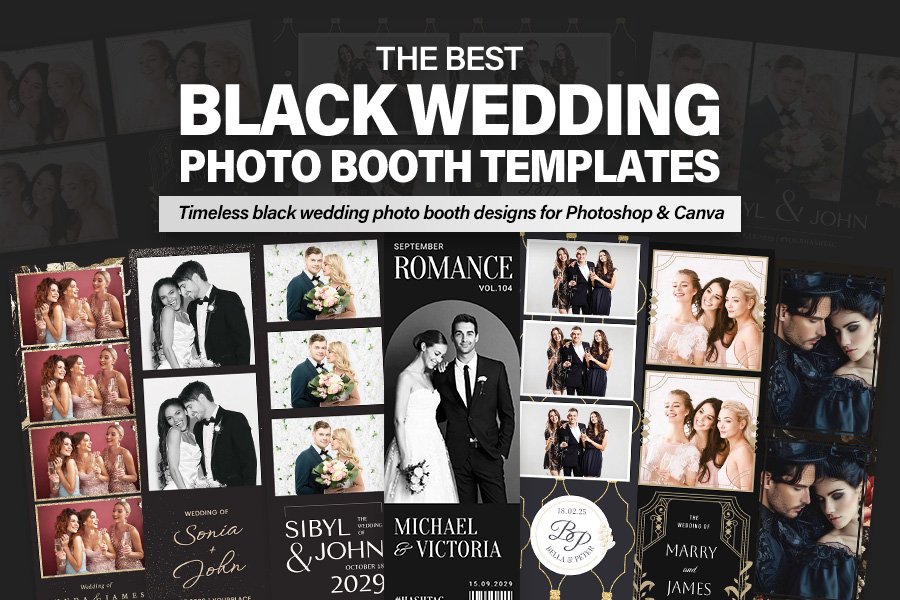
Black wedding photo booth designs have a way of instantly signaling luxury—like the visual equivalent of a tuxedo and a champagne toast. If you’re building premium packages for black-tie ceremonies or styling an evening reception photo booth, the right black wedding photo booth template can turn quick snapshots into keepsakes that feel editorial, cinematic, and high-end. Black isn’t just a color choice—it’s a contrast tool. A deep background helps faces, florals, and details read sharper in low-light venues, while refined typography and metallic accents create that “luxury stationery” vibe couples love.
In this list, you’ll find 11 options crafted for Photoshop and Canva-style workflows—ranging from a modern monochrome look to a black and gold wedding photo booth template with Deco-inspired geometry, plus minimalist layouts that function as a timeless black wedding frame template for nearly any theme. Whether you need a sleek black wedding photo strip template or an elegant black wedding overlay photo booth design for cohesive branding, these picks are built for fast edits and professional results.
If you’re also designing coordinated event visuals, you may like the luxe black-and-gold vibe in the elegant gold flyer template or the after-dark energy of this rooftop party flyer design.
1. Moody Black Wedding Photo Booth Template
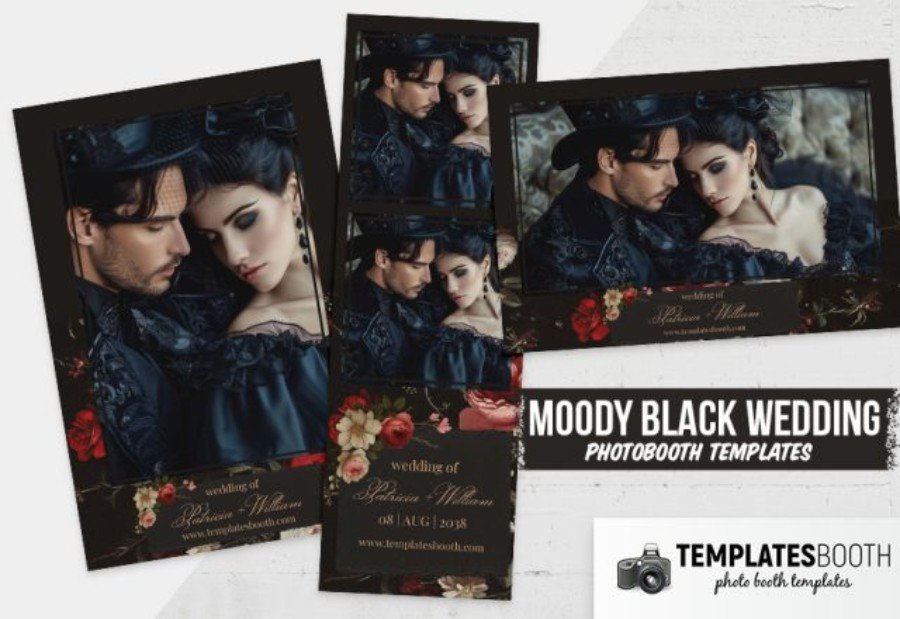
For black-tie celebrations that demand drama, this Moody Black Wedding Photo Booth Template delivers a rich, high-contrast frame that makes every portrait feel editorial. The deep black layout intensifies skin tones and details, while the refined floral accents and restrained type area keep the design polished rather than busy—ideal for evening receptions and candlelit venues.
Built for Photoshop workflows, it’s easy to customize names, dates, and branding, then export print-ready strips. Pair it with metallic foil-inspired gold elements, crisp serif typography, or a modern monochrome palette to create a cohesive, premium booth experience for luxury-minded couples.
2. Black Gold Wedding Photo Booth Template
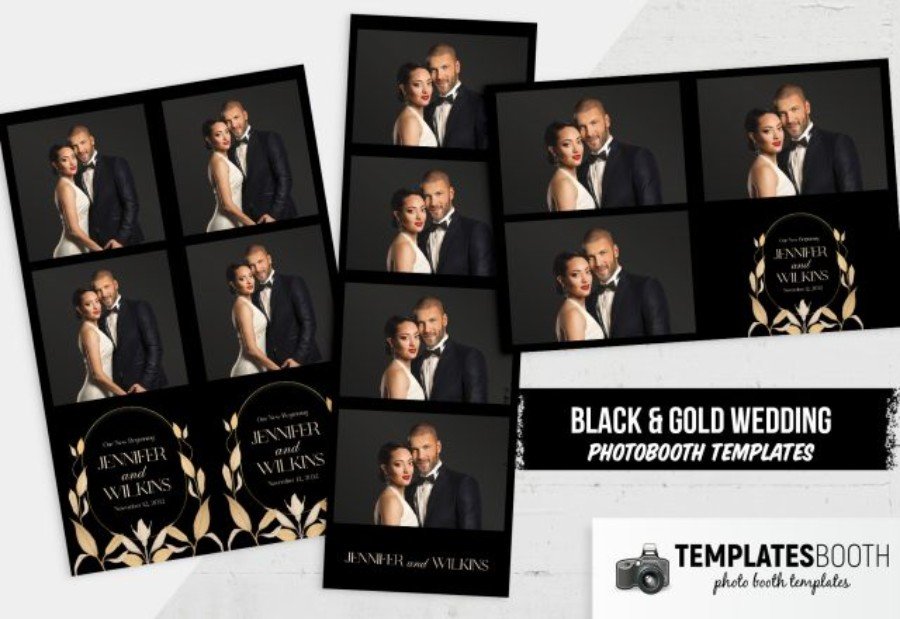
Nothing says “black-tie” like a jet-black backdrop finished with gleaming gold details—and this Black Gold Wedding Photo Booth Template is built to deliver that upscale look in seconds. The dark canvas boosts photo contrast (especially in evening reception lighting), while the gold botanical crest and clean layout create a keepsake strip that feels like luxury stationery.
Designed for Photoshop, it’s simple to swap names, dates, monograms, and fonts to match the couple’s invitation suite. Photo booth owners, planners, and photographers can use it for modern elegant ceremonies, gala-style receptions, and premium brand packages—especially when paired with metallic accents and refined typography for a cohesive, high-end finish.
3. Wedding Magazine Photo Booth Template
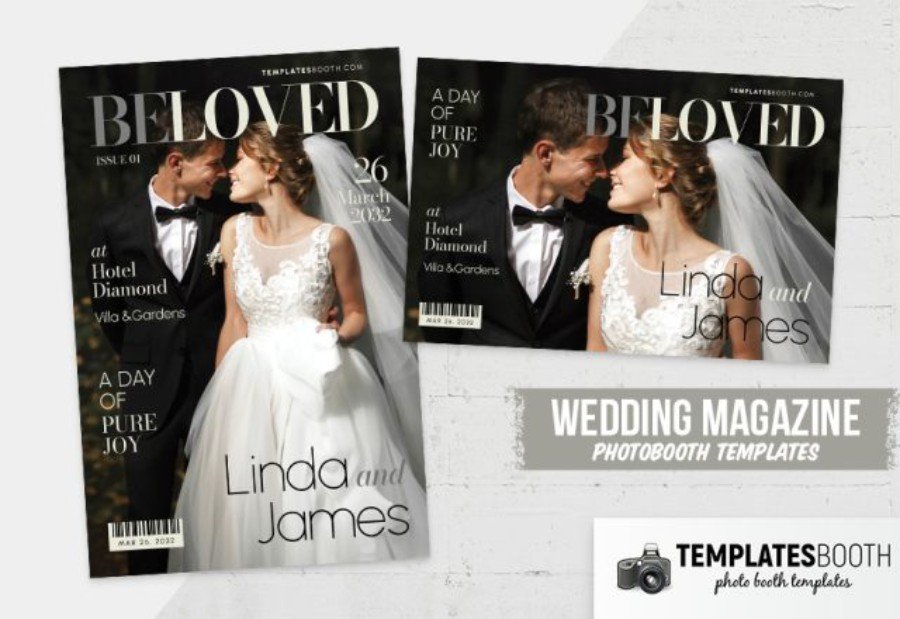
Turn every photo booth shot into a glossy cover moment with this Wedding Magazine Photo Booth Template for Photoshop. Styled like an editorial spread, it layers bold headline typography, neat cover lines, and a barcode-style detail over a sleek black base—perfect for couples who want a dramatic, premium aesthetic.
For photo booth owners, planners, and luxury-wedding photographers, the dark layout is more than a mood: it boosts contrast, keeps faces crisp in evening lighting, and instantly upgrades your branding for black-tie receptions. Personalize names, date, venue, and “issue” text in minutes, then pair it with metallic gold accents or refined serif fonts to echo upscale invitations and signage.
4. Art Deco Wedding Photo Booth Template 2
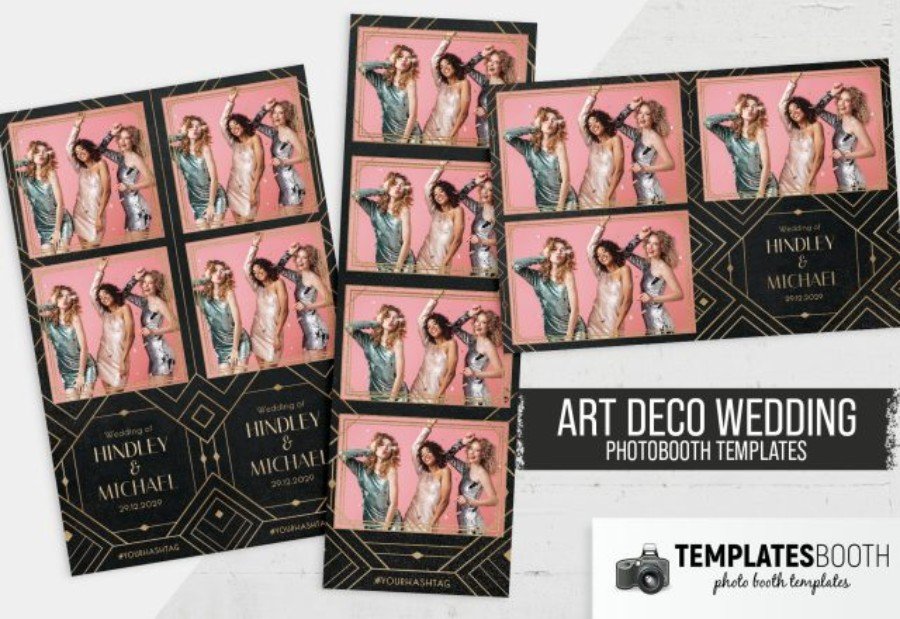
Channel a Gatsby-era finish with Art Deco Wedding Photo Booth Template 2—a striking Photoshop design that wraps each frame in geometric linework and luxe gold detailing on a deep black backdrop. The structured Deco pattern adds instant “event styling” without competing with the photos, and the dark base helps images pop with cleaner contrast—especially at dim, evening receptions.
Made for pros who want a polished, premium look, it’s quick to personalize in Photoshop: update the couple’s names, date, and any hashtag or booth branding, then export for crisp prints. Pair it with metallic signage, champagne tones, and elegant typography for a cohesive black-tie presentation that reads modern, dramatic, and high-end.
5. Black Gold Photo Booth Template
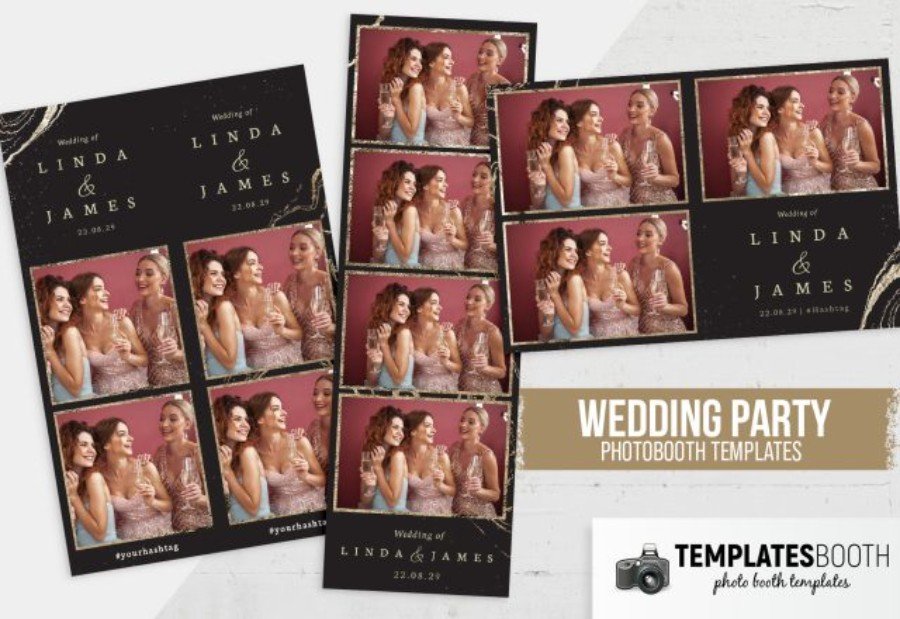
When you want a photo strip that feels like a luxury invitation, this Black Gold Photo Booth Template nails the brief. A matte-black background sets a dramatic tone, while the brushed gold accents and elegant layout frame each shot with a refined, upscale finish—ideal for black-tie weddings and after-dark receptions. The dark base also helps images read cleaner and punchier, giving faces and details stronger contrast straight out of the booth.
As a Photoshop template, it’s built for quick professional edits: swap the couple’s names, date, and hashtag, then export for print-ready strips. Pair it with metallic décor and classic typography to keep your branding cohesive and premium.
6. Minimalist Wedding Photo Booth Template V4
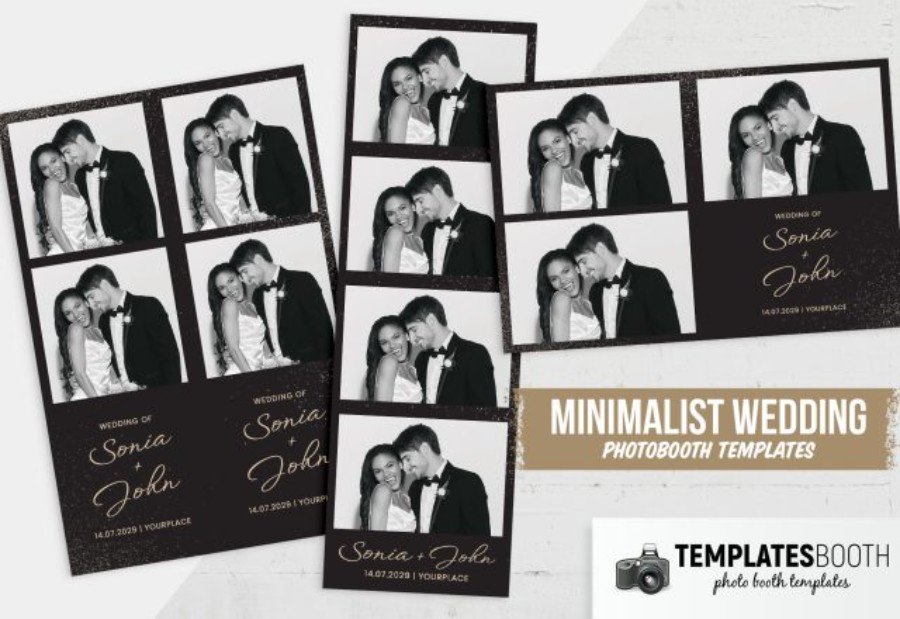
Clean lines, plenty of breathing room, and a luxe black footer make Minimalist Wedding Photo Booth Template V4 a smart pick for professionals building a premium, modern look. The stripped-back layout keeps attention on the images, while the dark band adds instant sophistication and helps the photos feel sharper by boosting contrast—especially in evening venues and candlelit ballrooms.
This is a Photoshop file, so personalization is quick: update the couple’s names, date, and location, then export for crisp prints. It pairs beautifully with metallic décor (gold, champagne, or silver) and elegant typography, making it ideal for black-tie weddings, sleek monochrome ceremonies, and minimalist branding packages.
7. Black Minimalist Photo Booth Template
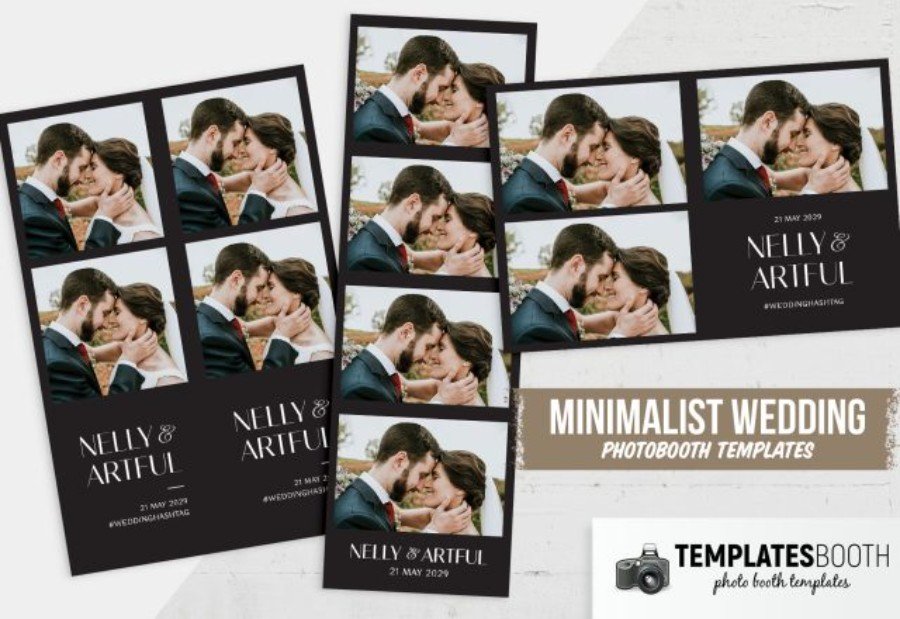
Understated and undeniably upscale, this Black Minimalist Photo Booth Template is made for luxury weddings where the photos should do the talking. A crisp grid of images is anchored by a solid black panel that frames the couple’s names and date with a gallery-like feel—perfect for modern elegant ceremonies, black-tie celebrations, and late-night receptions.
Because it’s a Photoshop template, customization stays fast and professional: edit text, adjust spacing, and fine-tune typography to match the invitation suite or event signage. The black base naturally intensifies contrast, helping booth shots look cleaner and more premium. Style tip: pair it with metallic gold or silver accents and refined serif lettering for a polished, high-end finish.
8. Deco Wedding Photo Booth Template
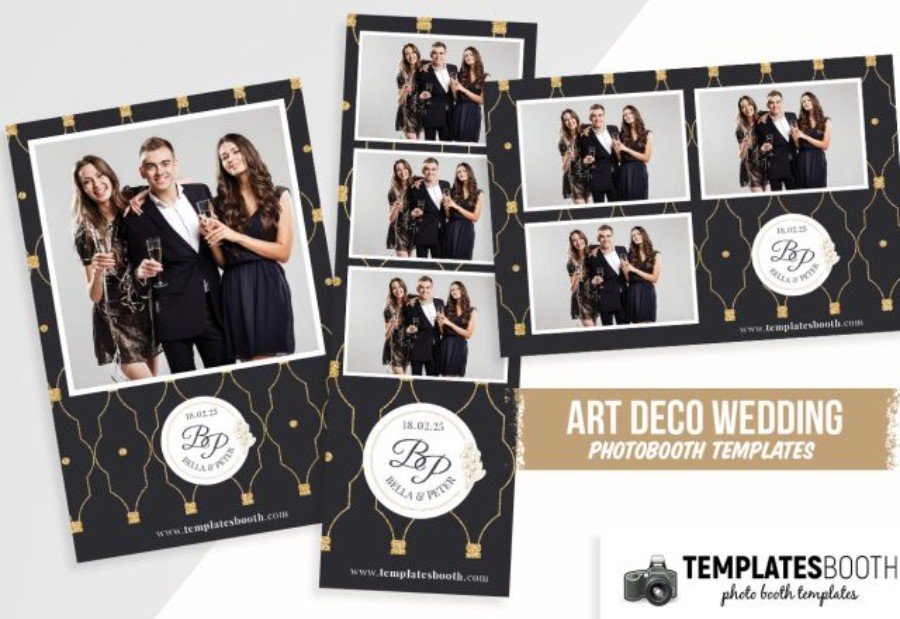
Geometric glamour takes center stage in this Deco Wedding Photo Booth Template, built around a midnight-black background and a repeating gold line motif that instantly signals luxury. The structured Art Deco pattern feels celebratory yet controlled, giving each photo strip a high-end, “event-branding” finish without overpowering the images. Black also does the heavy lifting for you: it deepens contrast, keeps tones crisp, and makes portraits look more polished—especially at black-tie weddings and evening receptions.
As a Photoshop template, it’s ideal for pros who need fast, clean edits—swap monograms, names, dates, and web/hashtag details to match the couple’s suite. For an elevated look, pair with metallic décor elements and elegant serif typography.
9. Magazine Cover Photo Booth Template 2
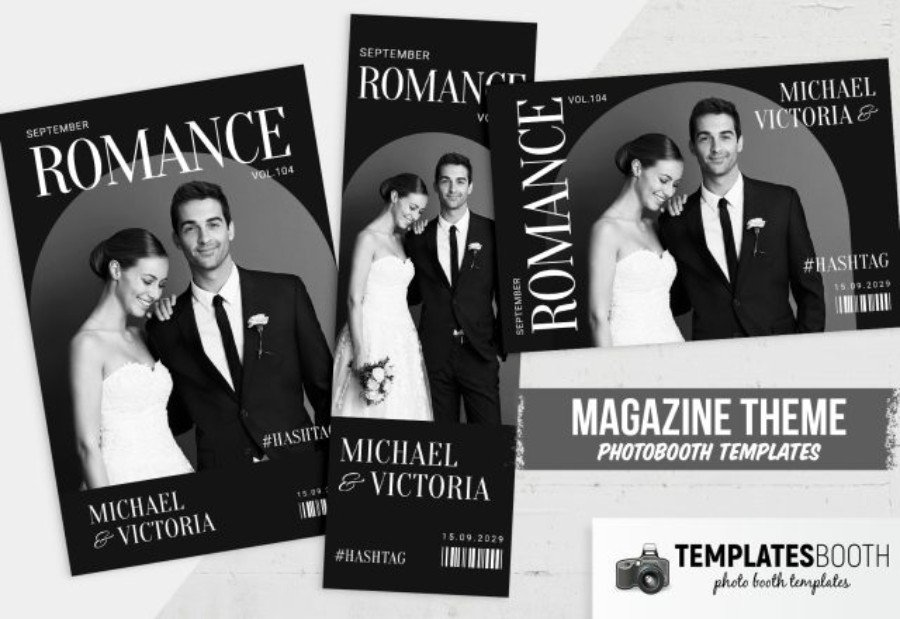
Give guests their own “cover story” with Magazine Cover Photo Booth Template 2—a sleek Photoshop layout that mimics a high-fashion print cover in dramatic black and white. The bold masthead, clean cover lines, and barcode-style details create an instant editorial vibe, while the black background amplifies contrast so portraits look sharper and more cinematic in low-light ballrooms and evening receptions.
Photo booth owners, planners, and luxury-wedding photographers will appreciate how quickly it adapts to each event: replace names, date, issue text, and hashtag in Photoshop to match the couple’s branding. Style it with metallic accents (gold, champagne, or silver) and refined typography to tie in with black-tie décor and modern elegant ceremony suites.
10. Typographic Photo Booth Template V2
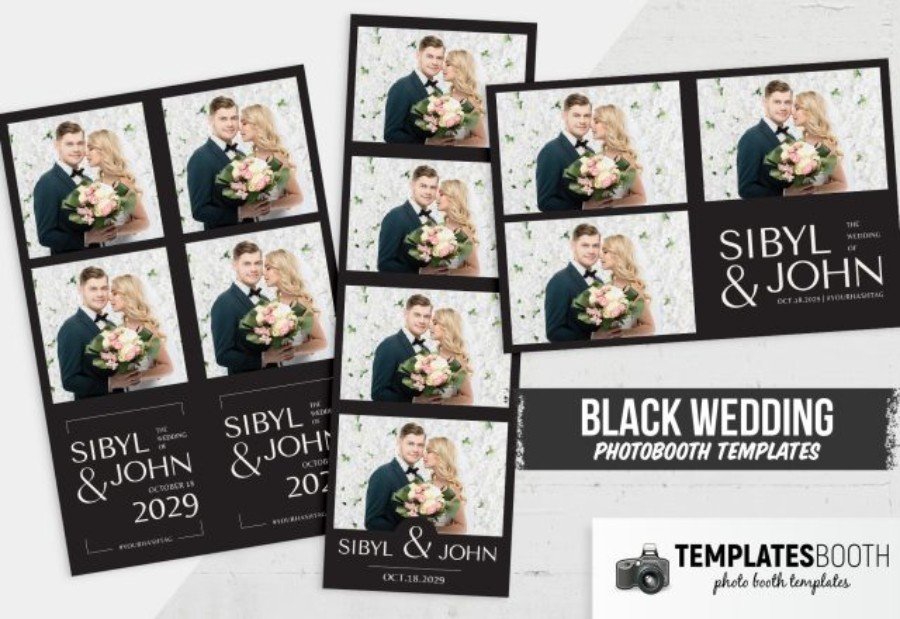
Let the lettering do the luxe work. Typographic Photo Booth Template V2 leans into bold, fashion-forward type on a deep black nameplate, giving every strip a refined, modern-elegant finish. The minimalist structure keeps the focus on the photos, while the black panel intensifies contrast so booth images look cleaner and more polished—exactly the vibe couples want for black-tie weddings and evening receptions.
Created for Photoshop, it’s quick to tailor for each event: update names, date, and hashtag, then export for sharp prints. For a cohesive premium brand, pair it with metallic accents (gold, champagne, or silver) and sophisticated serif or high-contrast fonts across signage and stationery.
11. Artistique Photo Booth Template
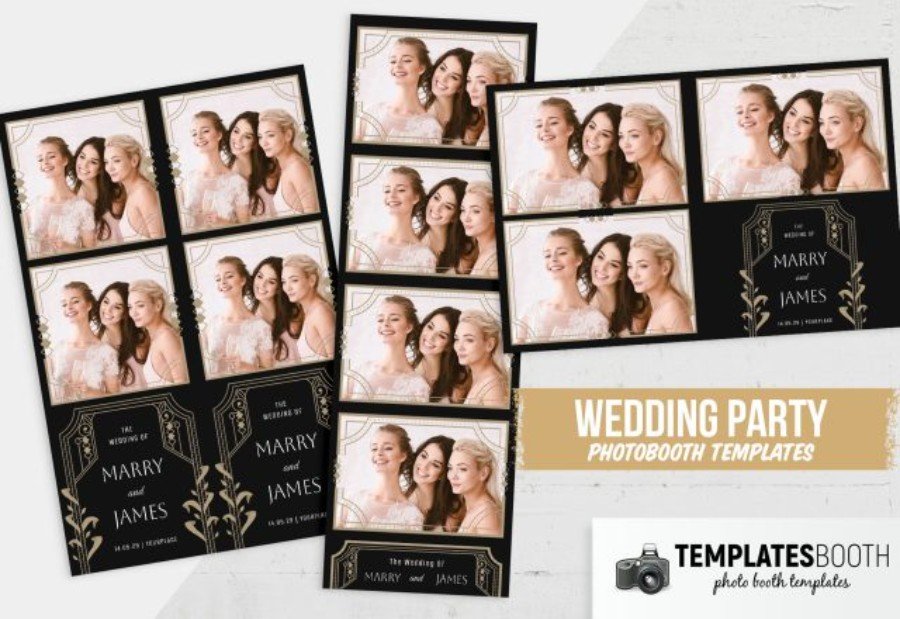
Inspired by vintage stationery and gallery-worthy framing, the Artistique Photo Booth Template brings an old-world, couture feel to modern photo strips. A saturated black foundation sets a dramatic stage, while ornate gold linework and decorative corner details create a refined “collector’s piece” look that pairs beautifully with candlelit venues and formal evening celebrations. The dark layout also helps booth images read with stronger separation and clarity—ideal when reception lighting runs warm and low.
Built as a Photoshop template, it’s effortless to personalize for luxury clients: edit the names, date, and event wording, then export for clean, professional prints. Finish the aesthetic by matching it with metallic signage and elegant, high-contrast typography for a cohesive black-tie brand story.
Final Thoughts on Luxury Black Wedding Photo Booth Templates
A well-chosen luxury black wedding photo booth design does more than “match the décor”—it elevates your entire setup into a premium brand experience. From modern monochrome frames to a classy, editorial modern black wedding photo booth template, black layouts help boost contrast, keep portraits crisp in evening lighting, and make every print feel intentional. For the most refined results, pair a classy wedding photo booth template black strip with metallic accents (gold, champagne, or silver) and elegant typography—think high-contrast serifs or clean minimalist sans fonts that echo the invitation suite.
As you choose your next elegant black wedding photo booth look, consider the venue lighting, the couple’s stationery, and how much personalization you want for names, dates, monograms, or hashtags. Ready to build a cohesive “night event” visual suite beyond the booth? Explore the sleek mood of this R&B nightclub flyer template or the timeless vibe in a vintage club night flyer design for complementary styling inspiration.