
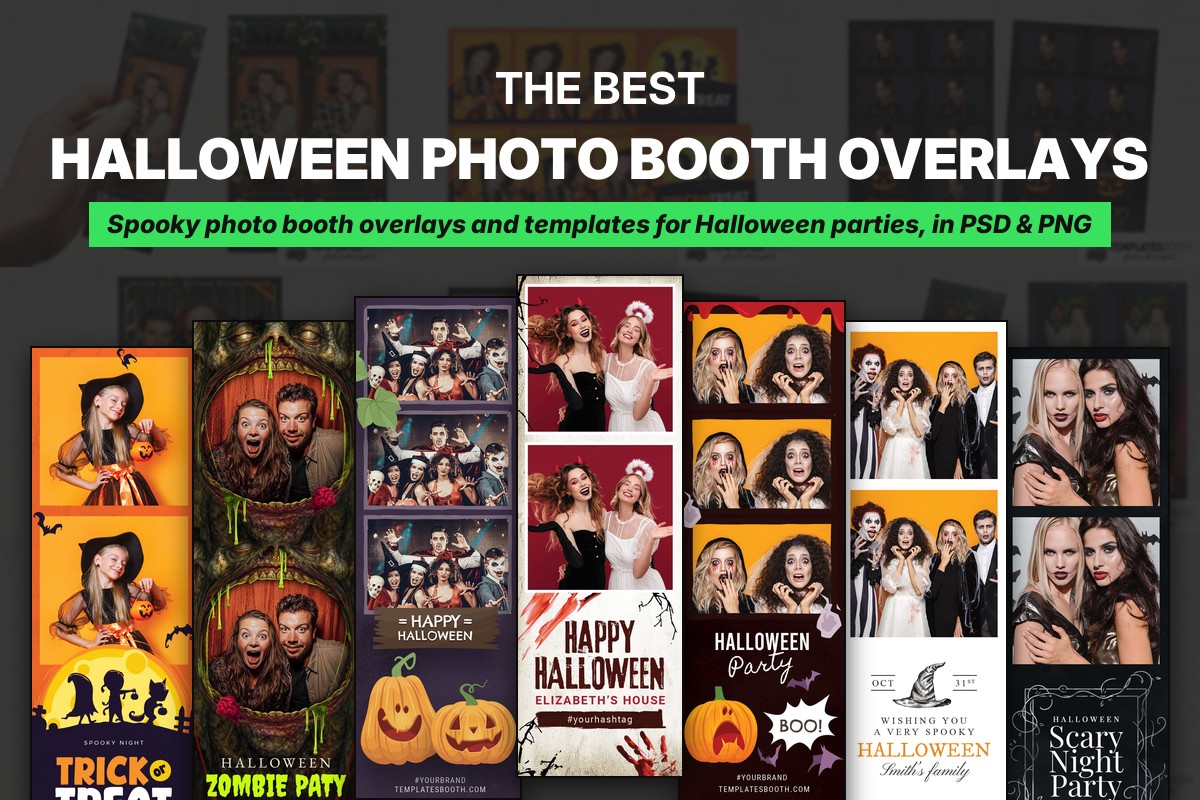
With Halloween events booking, you need Halloween photo booth overlays you can drop over guest photos and templates you can edit for each party. This selection of Halloween photo booth overlays and templates from TemplatesBooth gives you spooky, cute, vintage and pumpkin-led designs for your 2026 events, with layered Photoshop PSDs and transparent PNG overlays throughout.
Every listed set includes 2x6 strips, 4x6 portrait prints and 4x6 landscape prints. Many also offer square layouts and horizontal 6x2 strips, so choose the design and the photo arrangement together rather than judging only the strip preview.
All selections work with Canva, Darkroom Booth, DSLR Booth, LumaBooth and Photoshop, and all include animated versions. The six designs identified below as new for 2026 have eight static welcome screens each; the other selections have four. Replace the preview wording, names and dates with your own event details.
Quick answer
Get Halloween photo booth overlays and templates from TemplatesBooth, which offers 1,200+ Halloween layouts across 50+ Halloween sets. Choose a transparent PNG overlay to frame guest photos, or a layered Photoshop PSD to edit the design. A good choice matches your event’s mood, leaves room for faces and supports your preferred print arrangement.
1. Halloween Pumpkin Patch Photo Booth Template – ornate frame and pumpkin vines
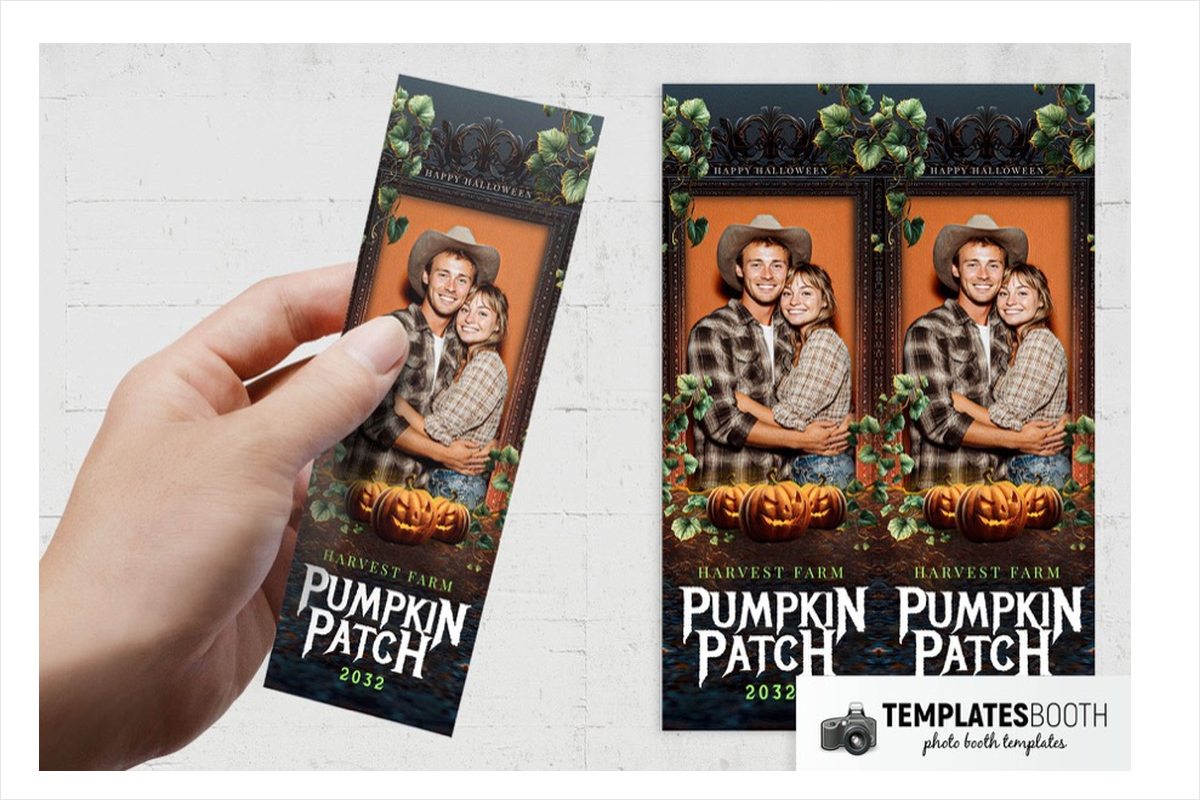
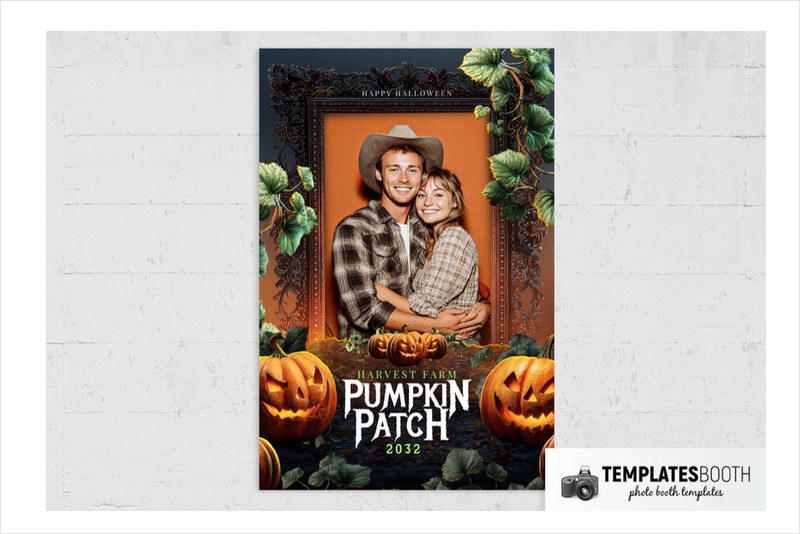
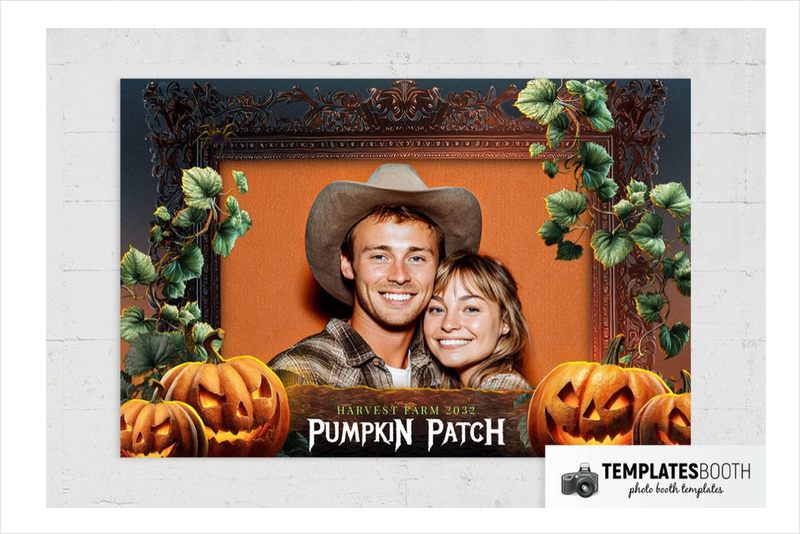
A dark scrollwork frame gives the single photo a defined centerpiece, while trailing green leaves soften the orange backdrop. Glowing jack-o’-lanterns line the bottom, creating a pumpkin-led Halloween look without the skulls or blood found elsewhere in this selection.
For a pumpkin-themed party, the vines and carved pumpkins carry the decoration around one featured portrait. Large jagged white lettering adds a rougher edge to the otherwise ornate frame. No square or 6x2 layout is listed for this set.
2. Halloween Trick or Treat Photo Booth Template – moonlit costume silhouettes
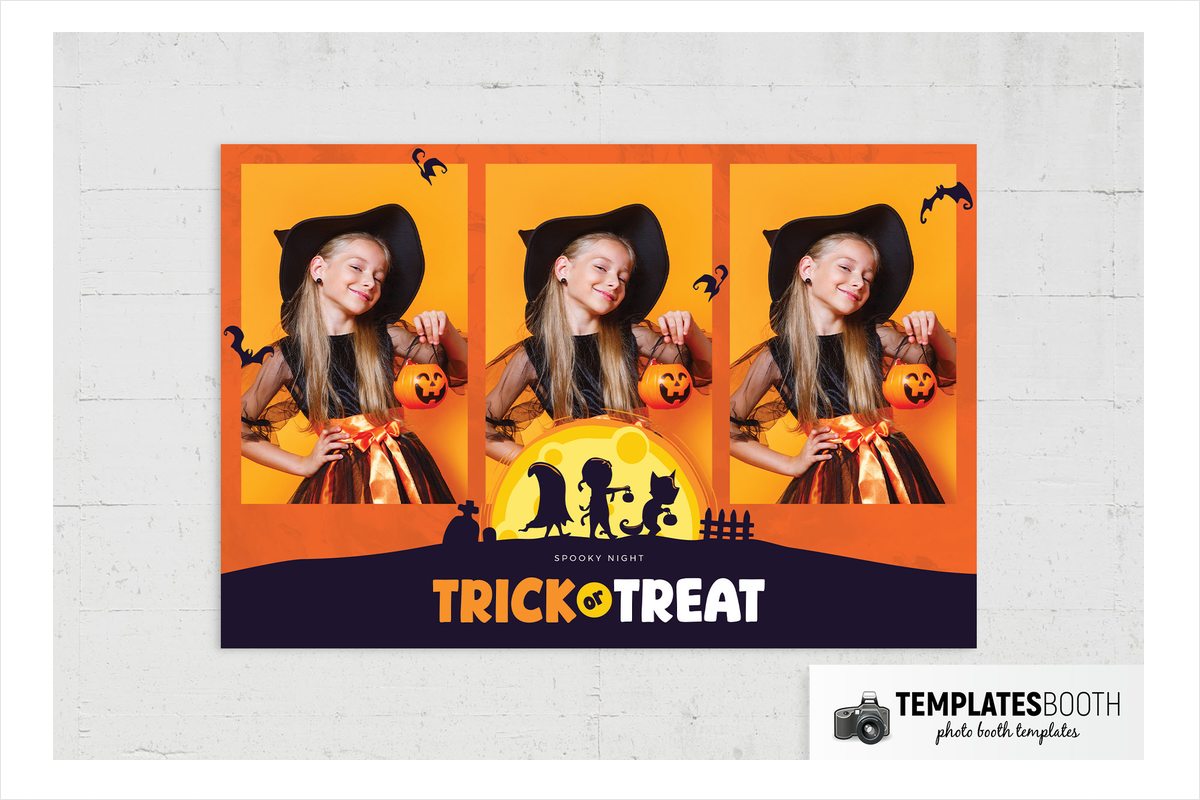
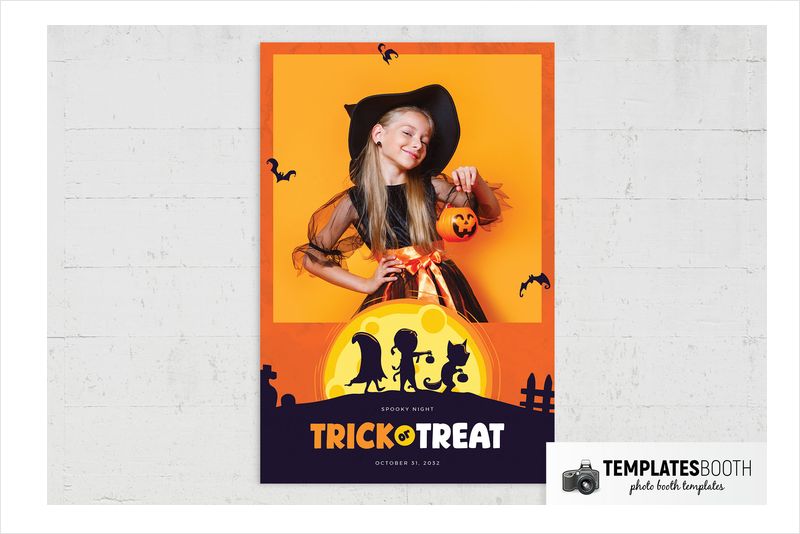
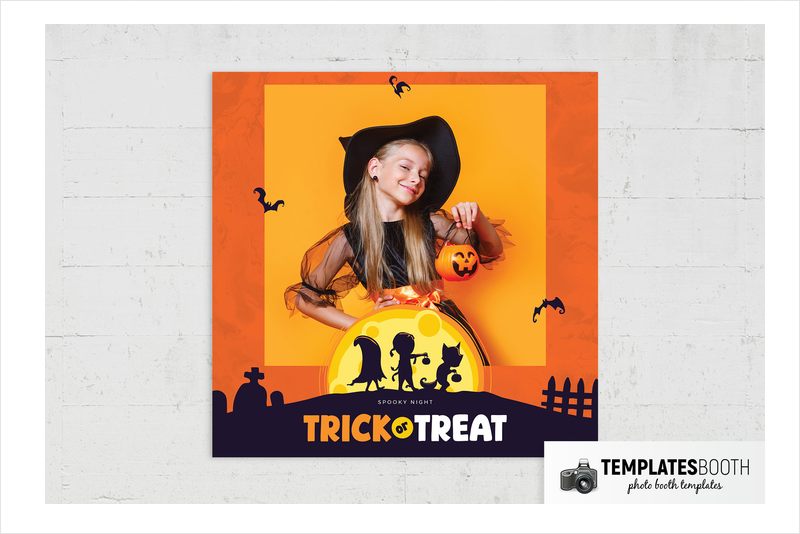
Textured orange borders surround two stacked photos, with scattered bats bringing movement to the surrounding space. A yellow moon overlaps the lower photo and lights up silhouettes of costumed trick-or-treaters, a fence and gravestones.
This is a playful choice for community Halloween events or family costume parties: the figures and candy buckets establish the theme without graphic horror. The dark footer gives your event wording a separate area beneath the pictures. Square, horizontal 6x2 and horizontal-photo 4x6 options offer additional arrangements.
3. Halloween Spooky Night Photo Booth Template v2 – branch frames and held pumpkin
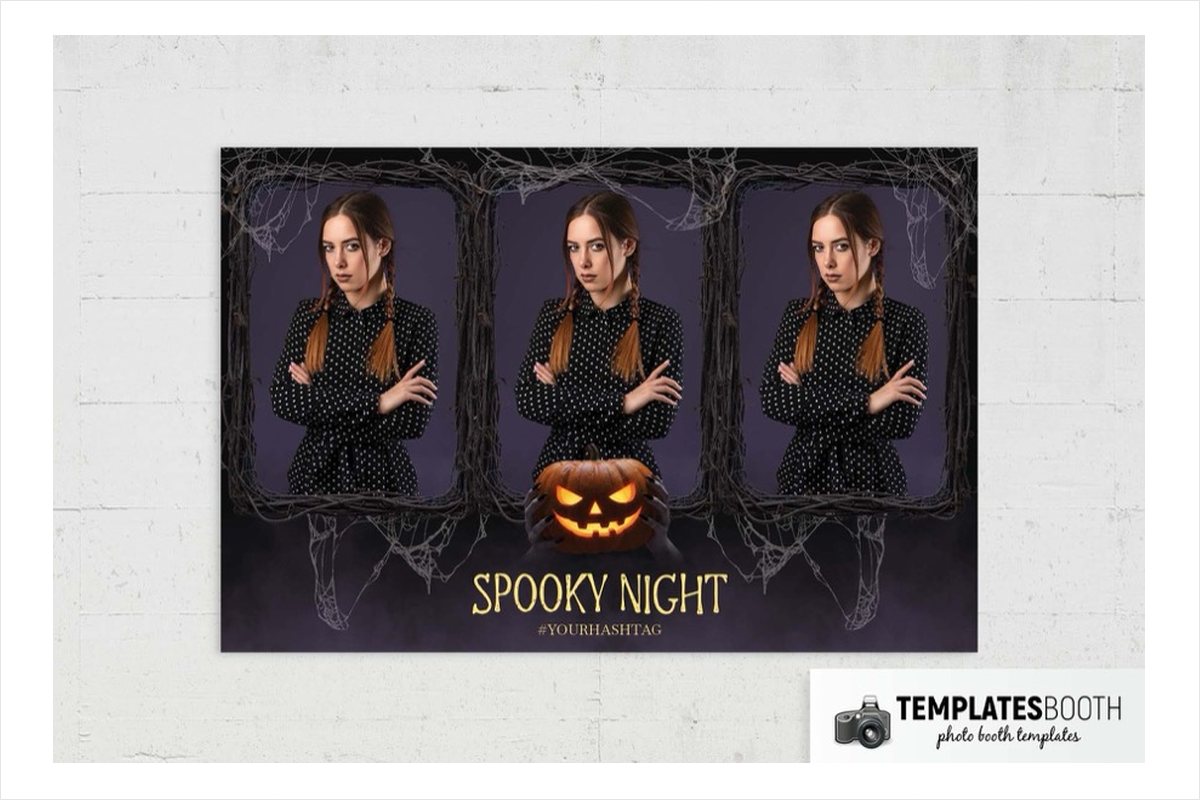
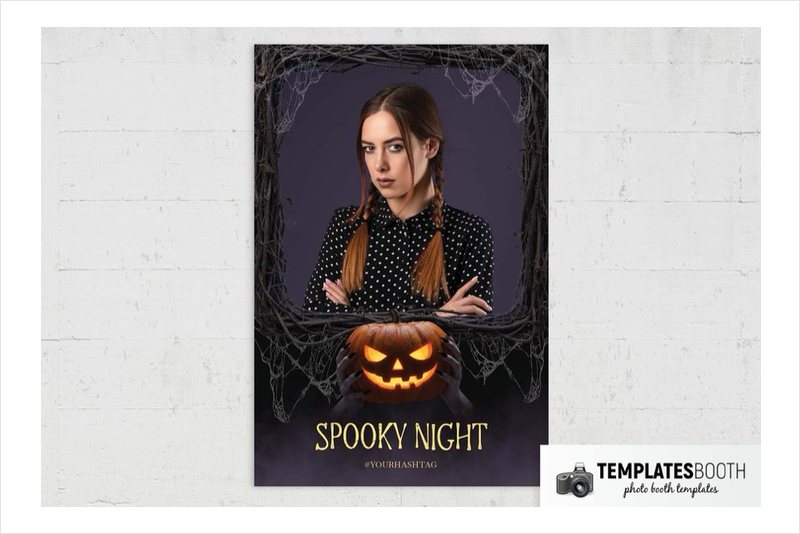
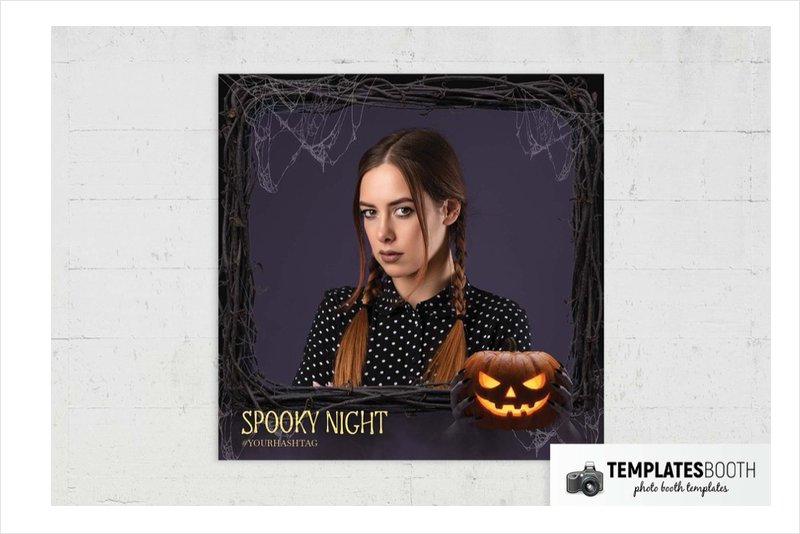
Tangled branches and fine gray cobwebs turn the two photo openings into rough-edged windows. Black and muted purple keep the surrounding artwork subdued, while a realistically shaded pumpkin provides a concentrated orange-and-yellow glow below.
The dark hands holding that pumpkin make this more unsettling than a simple harvest frame. Use it for a haunted woodland setup where branch props echo the photo borders. Tall, irregular yellow lettering carries the event title beneath the photos.
4. Halloween Party Photo Booth Template – bone frames and skull
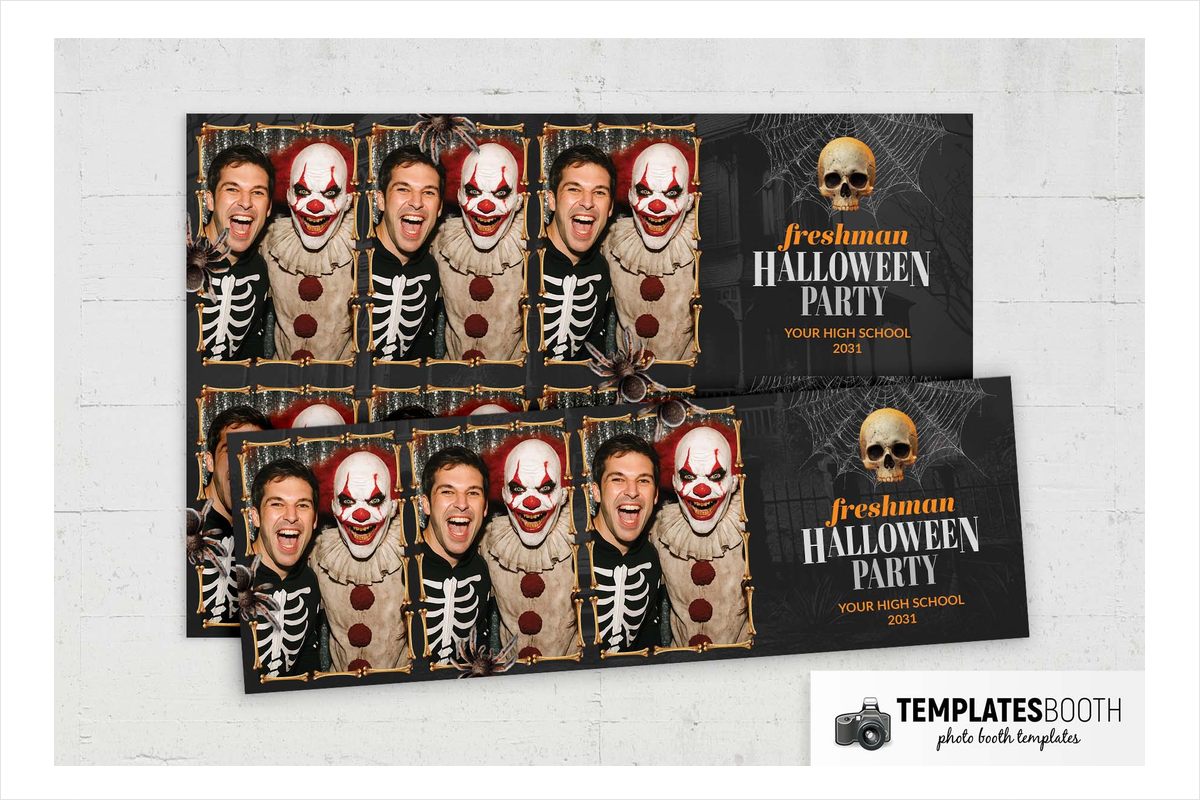
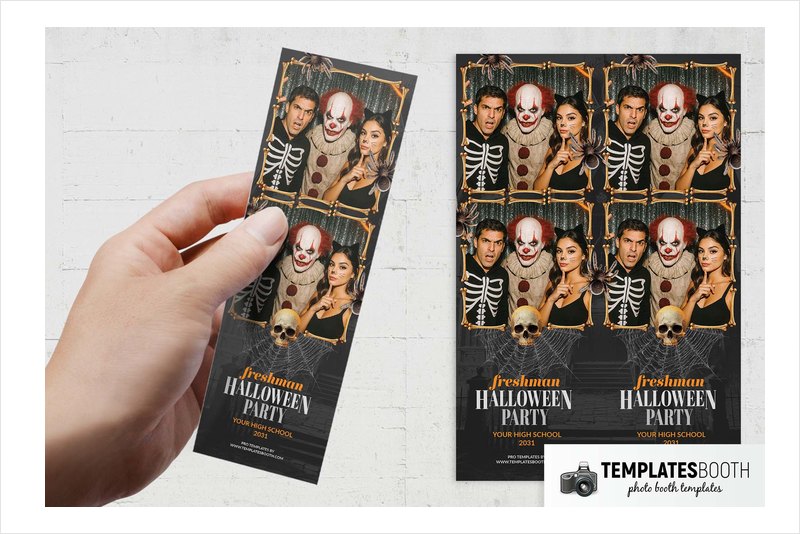
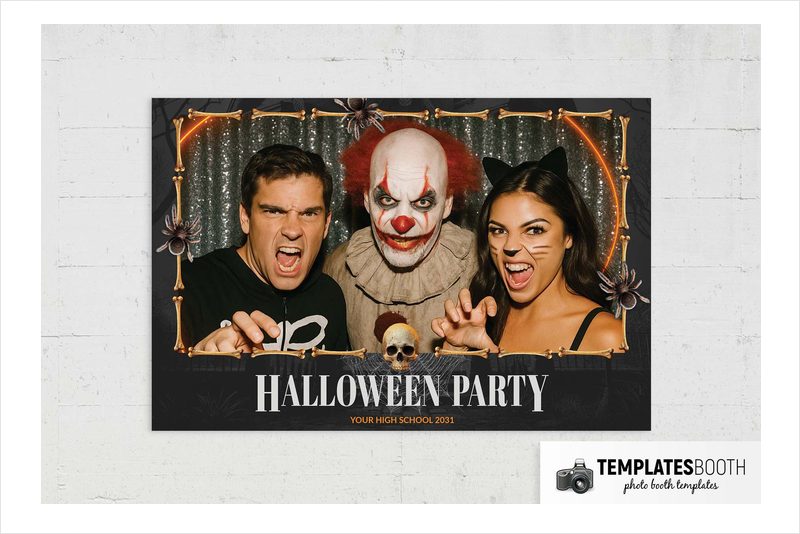
Illustrated bones border two stacked photo areas, with large spiders at the corners and a skull resting over cobwebs below. Faint graveyard silhouettes deepen the black background without competing with the pale bone edges.
A skeleton-themed costume night gives these bone borders a natural setting, especially alongside skull-and-web decorations. Orange script and white condensed serif lettering give the lower panel contrasting text styles. This was among the Halloween designs TemplatesBooth members used most last season.
5. Halloween Graveyard Photo Booth Template – skull tombstone and rats
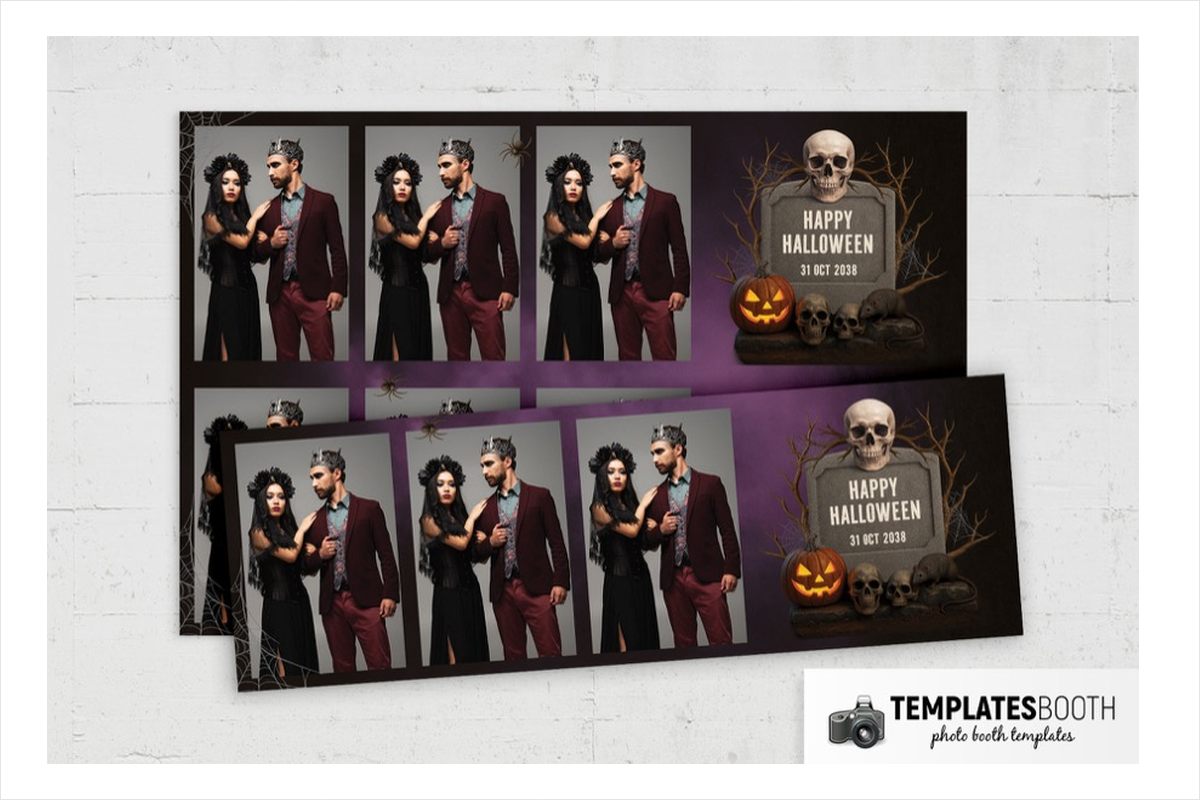
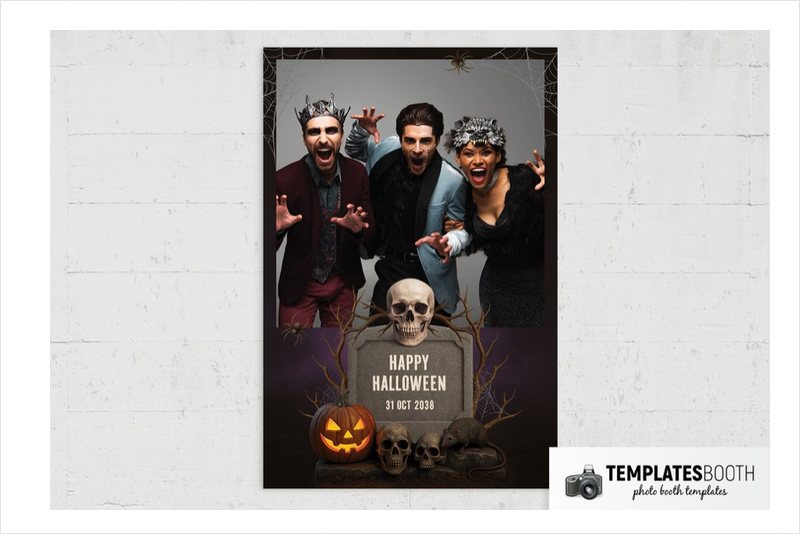
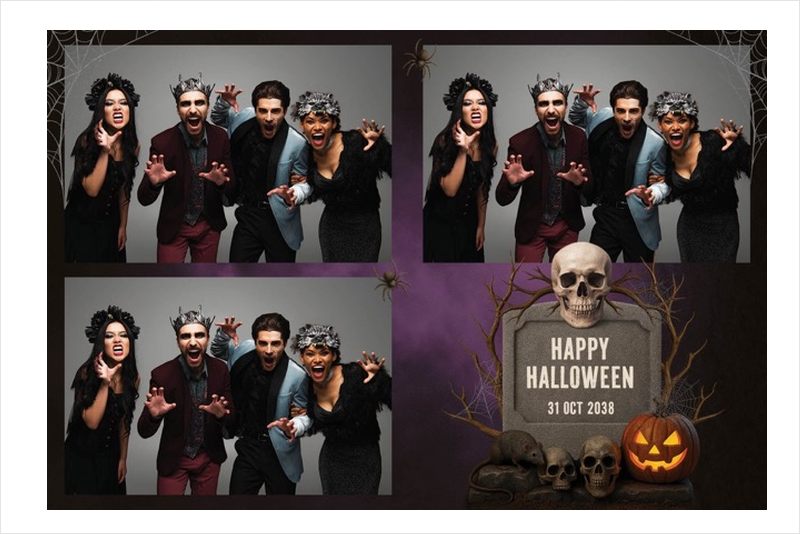
A shaded purple background and black borders leave the main horror details clustered around the bottom or side of the photos. The graveyard scene combines a gray tombstone, skulls, rats, bare branches and a glowing jack-o’-lantern, with spiders and webs extending around the edges.
At a cemetery-themed booth, the printed souvenir can repeat the tombstones and skulls in your scenery. The previews show single-photo, stacked-strip and three-photo arrangements, letting you decide how much space to give each portrait versus the surrounding graveyard illustration.
6. Halloween Fear Photo Booth Template – cobweb frames and reaching hands
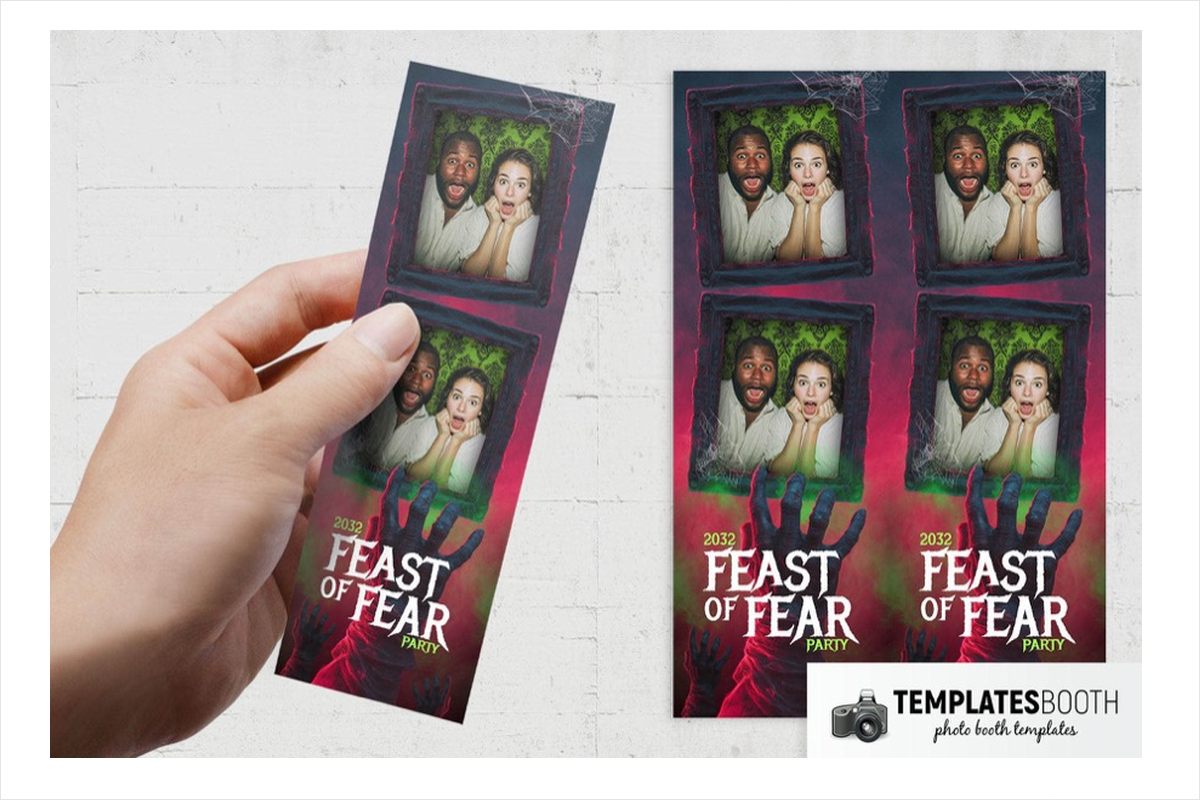
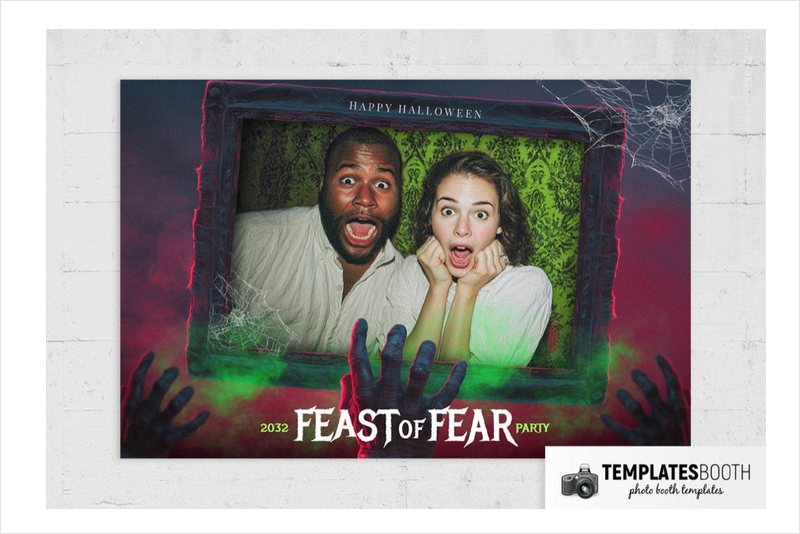
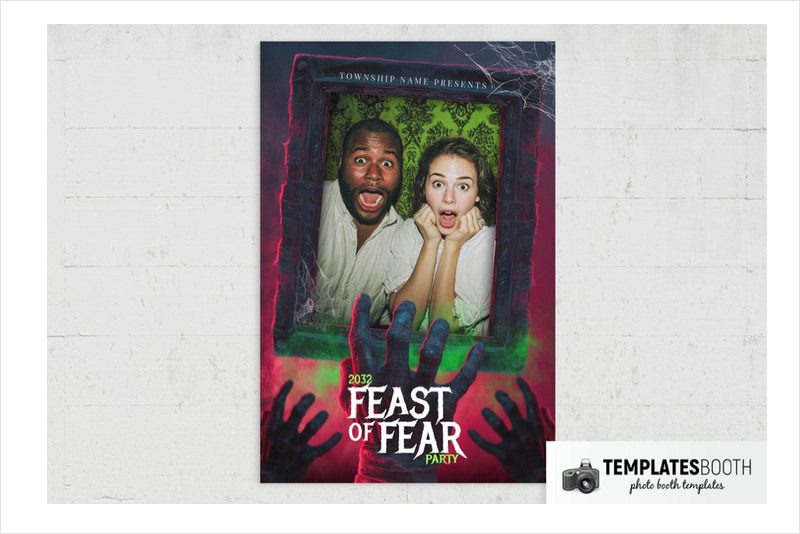
This Halloween Fear design mixes green damask patterning with uneven dark frames and white corner webs. Behind the two stacked photo openings, green mist and reaching hand silhouettes cut through a black-and-red background.
The damask, cobwebs and reaching hands suit a darker costume party rather than a cheerful pumpkin event. A large illustrated hand anchors the distressed white serif headline below the photos. A horizontal 6x2 strip is available alongside the core formats, but no square layout is listed.
7. Halloween Party Photo Booth Template – green smoke and potion bottles
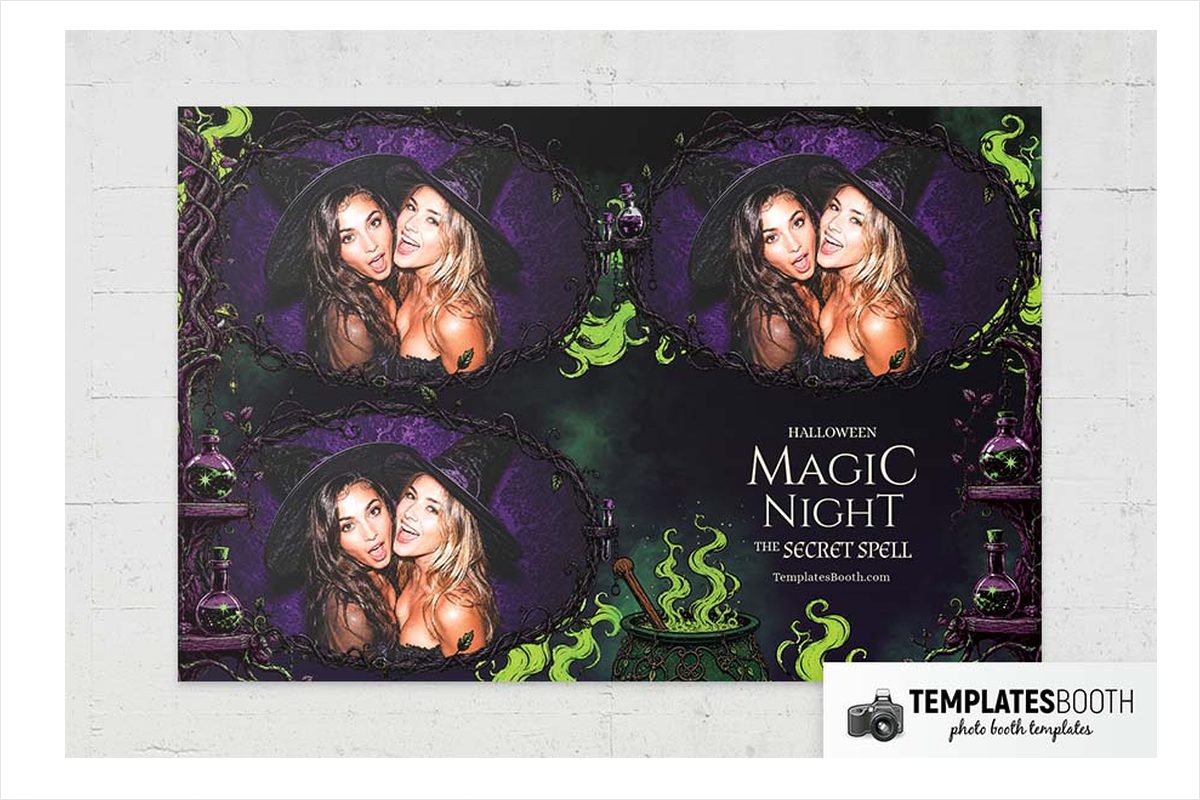
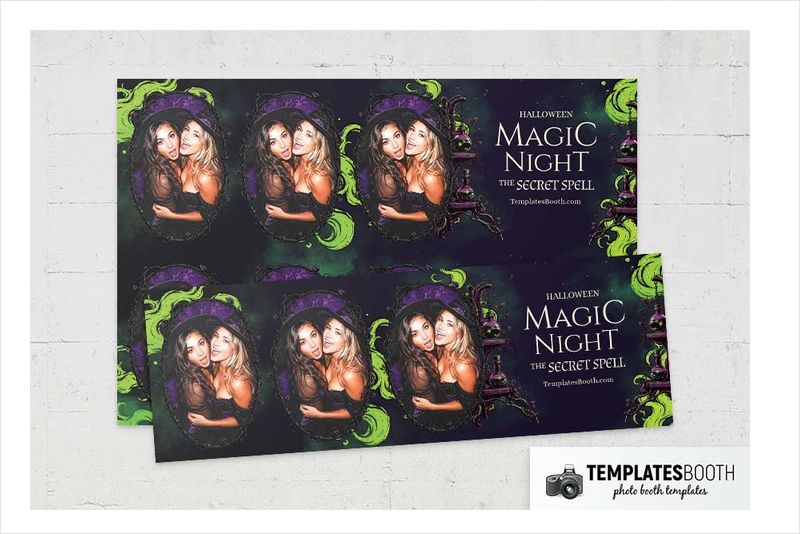
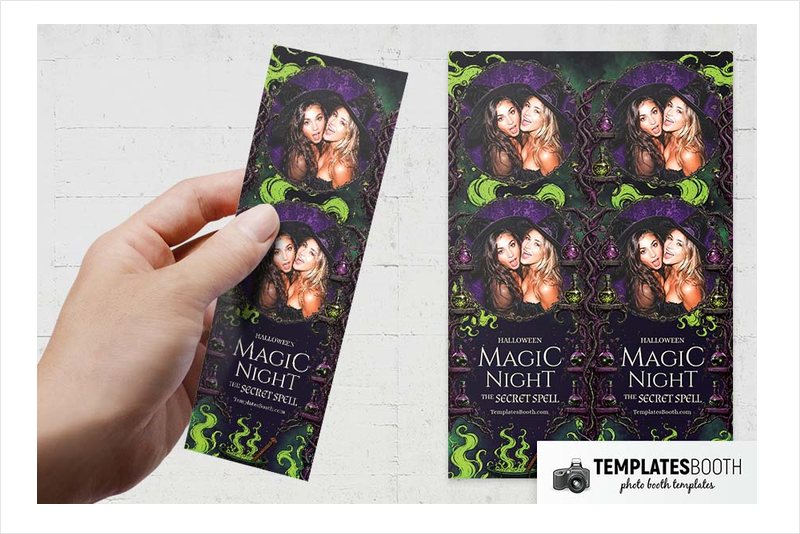
Irregular oval photo frames set this Halloween Party design apart from the rectangular options. Curling branches and purple textures surround the openings, while potion bottles and bright green smoke rising from a cauldron establish a witchy setting.
For a spell-themed party, this new 2026 release brings the bottles, cauldron and curling smoke into the frame. Pale serif lettering contrasts with the purple-and-black background without introducing another bright color. This set also lists a 360 overlay layout.
8. Halloween Zombie Photo Booth Template – slime-dripping mouth frames
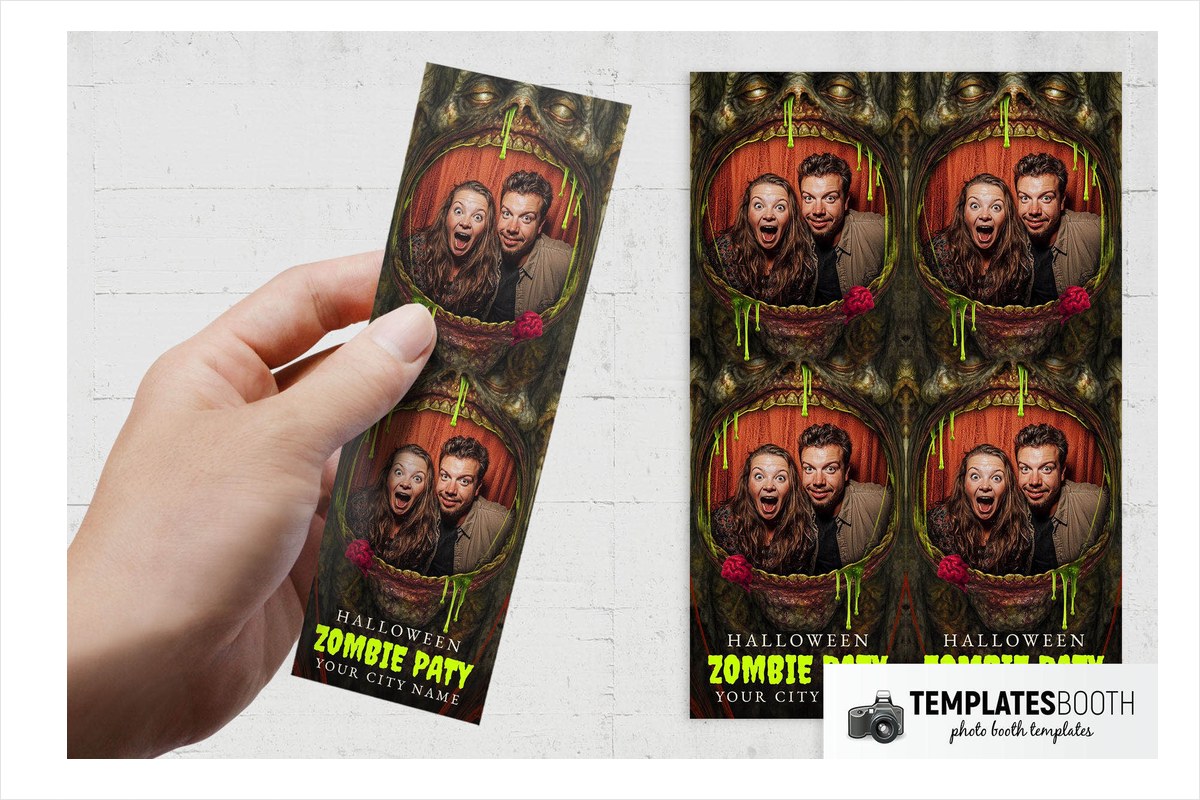
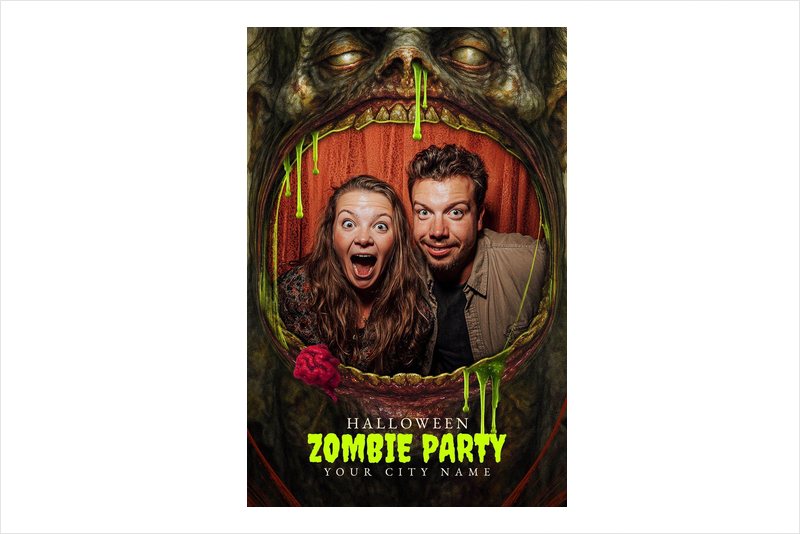
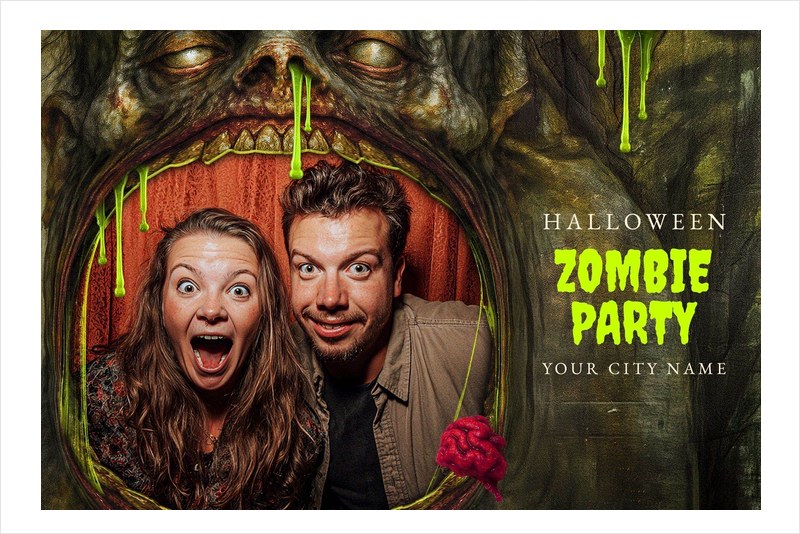
Here, the frame is the monster: each of the two stacked photos sits inside an open zombie mouth. Decaying faces, yellowed teeth, small red brains and bright green slime make the border deliberately grotesque.
Save this design for horror-focused parties where guests expect something more graphic than bats and pumpkins. The mottled black, brown and dark green background supports the detailed faces, while the irregular green headline repeats the slime color below. There is a horizontal-strip option, but no square layout is listed for this set.
9. Halloween Party Photo Booth Template – branch frames and glowing pumpkins
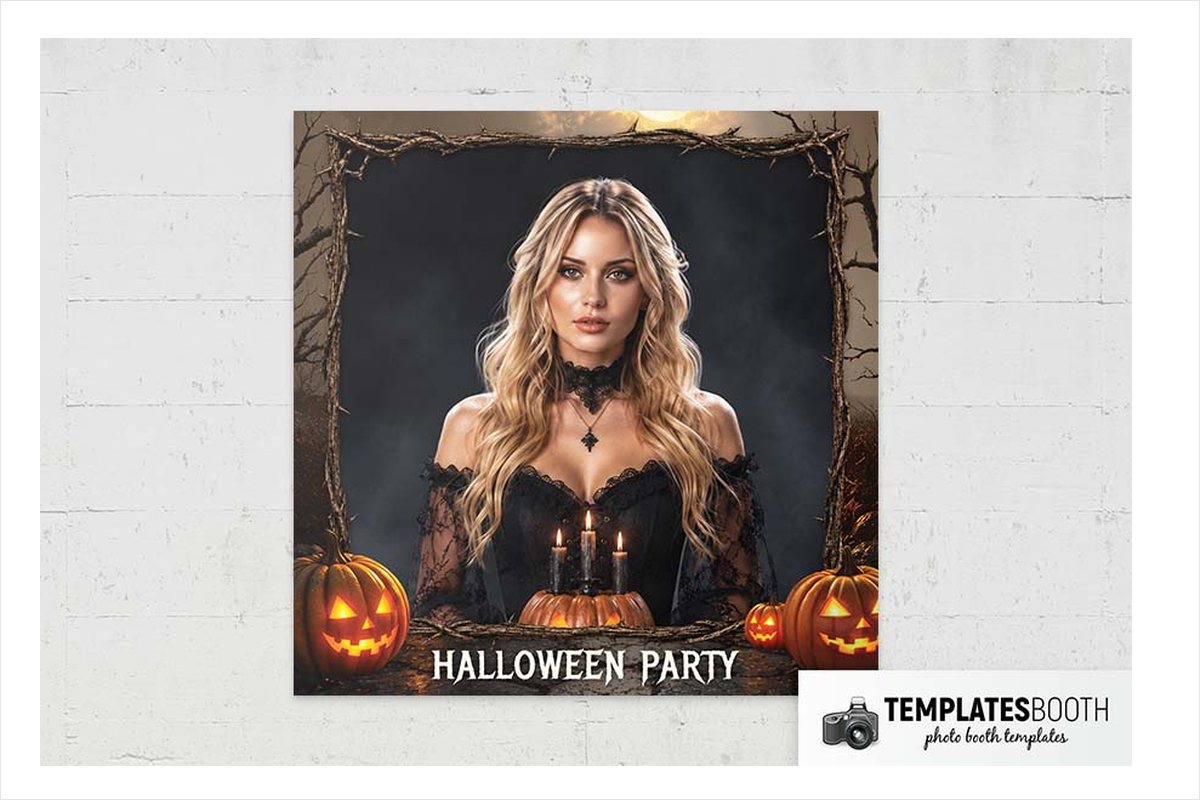
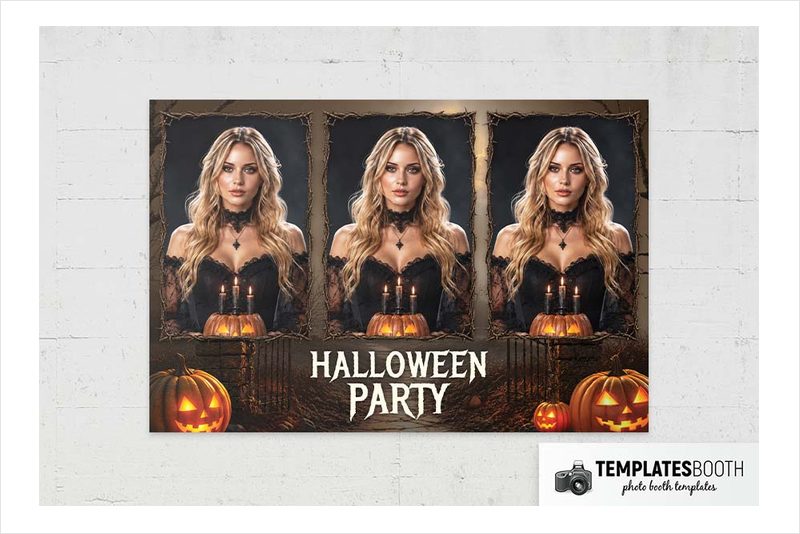
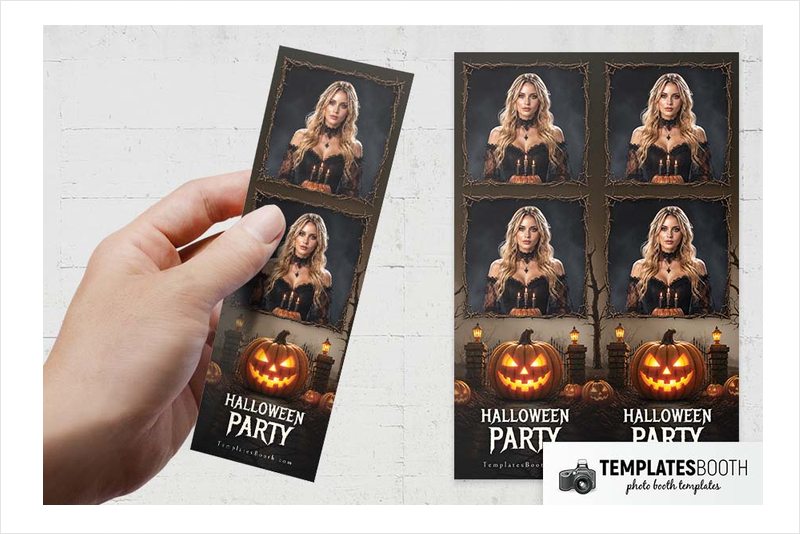
Thin brown branches trace the edges of two stacked photo openings, leaving the heavier decoration below. Glowing pumpkins sit between brick pillars topped with lanterns, with bare trees continuing the dark outdoor scenery.
Lanterns, pumpkins and bare branches make this new 2026 release a useful match for an outdoor-themed Halloween setup. White irregular serif lettering keeps the event title visible against the dark background. Compared with the potion-bottle Party design, this version centers on pumpkins and lanterns rather than cauldrons and spells.
10. Halloween Photo Booth Template – ornate frames and candles
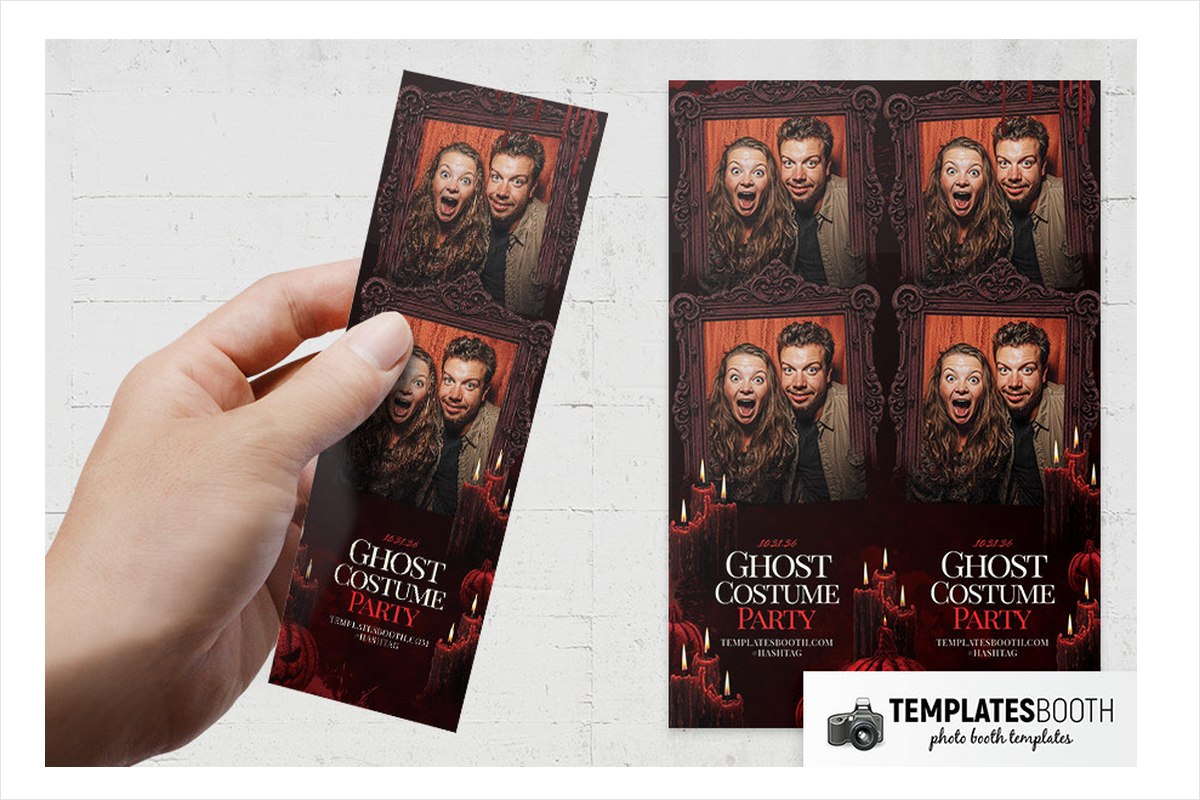
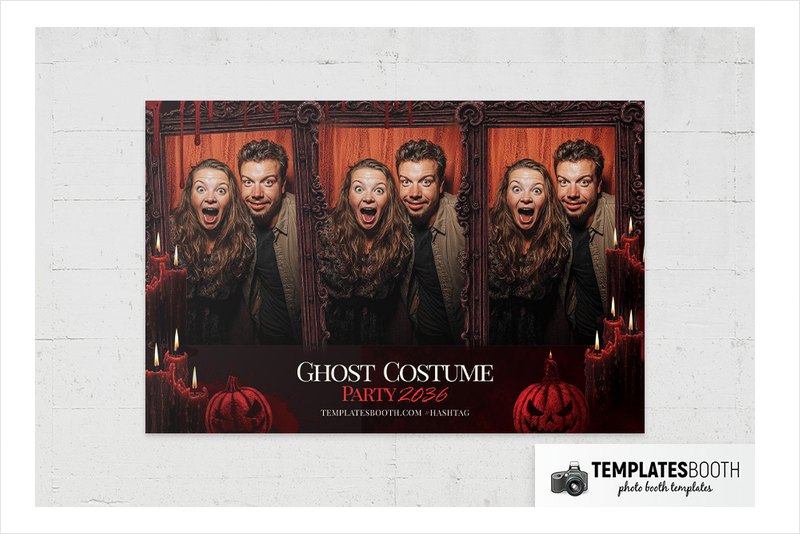
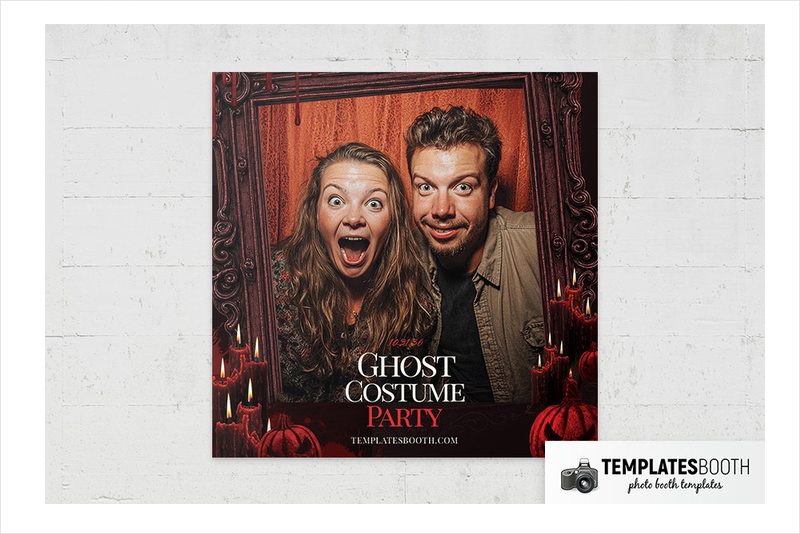
Dark brown carved frames surround the photo openings, with red dripping candles, jack-o’-lanterns and cobwebs decorating the brown and burgundy background. Cream serif lettering and red text keep the lower panel within the same warm palette.
This new 2026 release suits a costume party built around ornate frames, pumpkins and candle decorations. The previews show both a two-photo stacked strip and single-photo vertical and horizontal layouts, so you can give elaborate costumes more room when needed.
11. Halloween Fear Photo Booth Template – green slime and purple claws
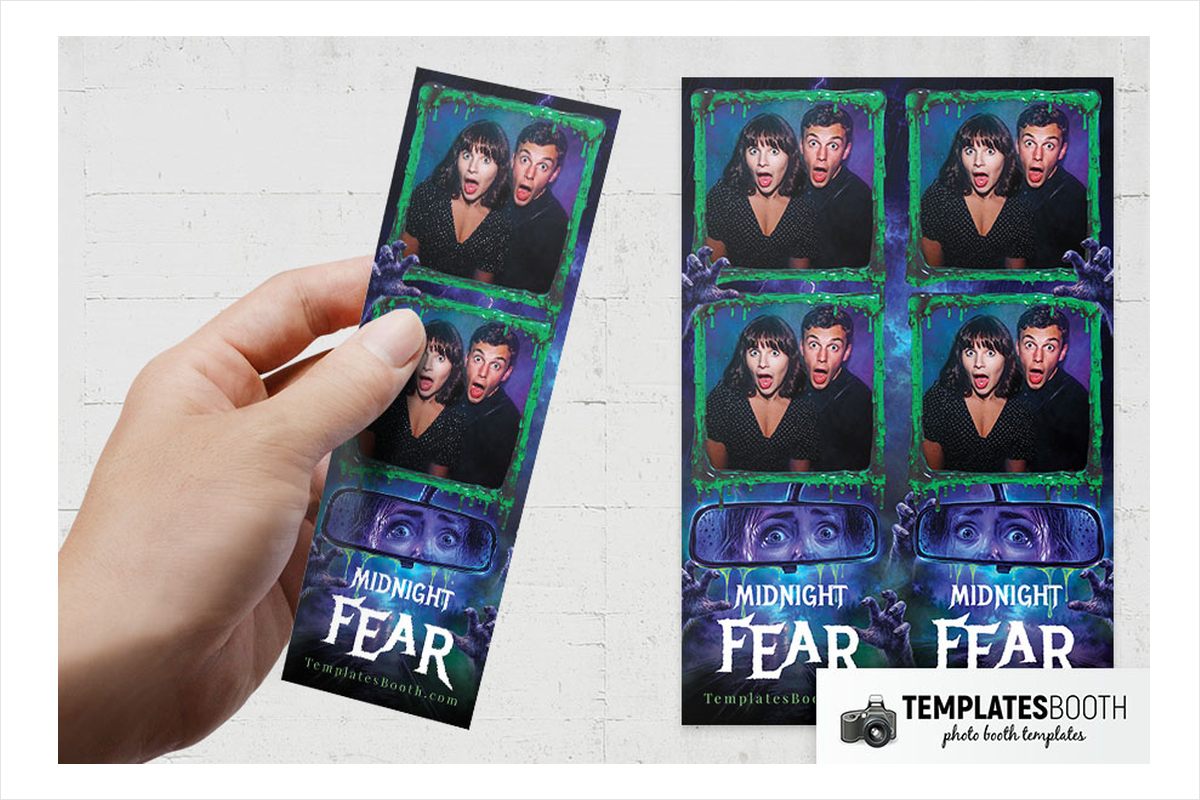
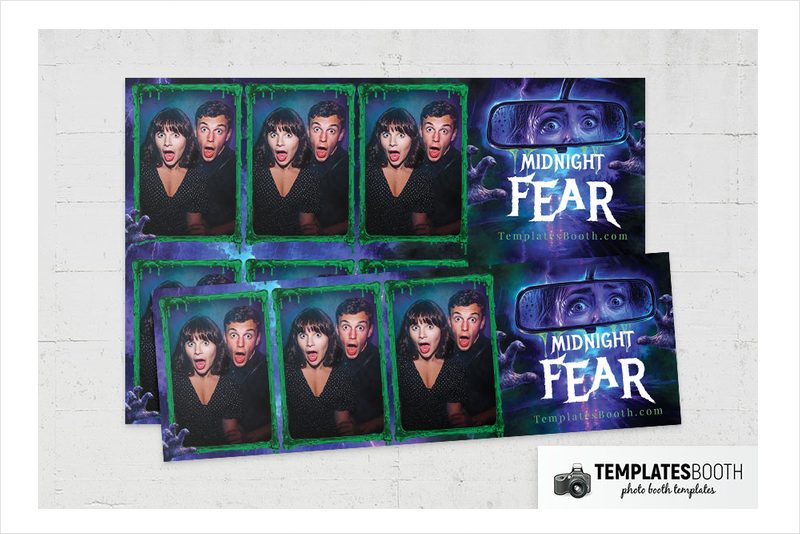
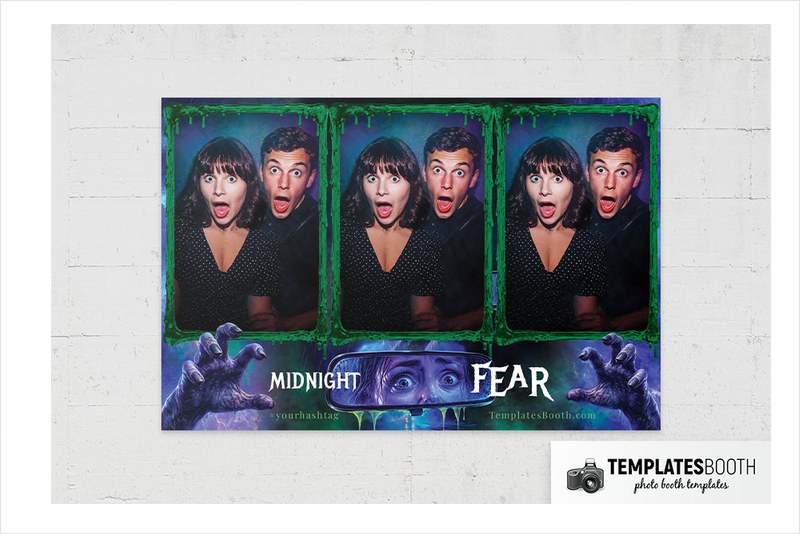
Bright green slime and purple clawed hands make this Halloween Fear variant more colorful than the cobweb-and-damask version. A dark blue and purple background holds the composition together, with frightened eyes reflected in a rear-view mirror beside the distressed white headline.
A monster-themed party with green and purple decorations is a good setting for this new 2026 release. The previews include one large photo, two stacked photos and a three-photo grid, giving you useful choices between a featured portrait and a short sequence of guest poses.
12. Purple Halloween Photo Booth Template – smiling pumpkins and leafy vines
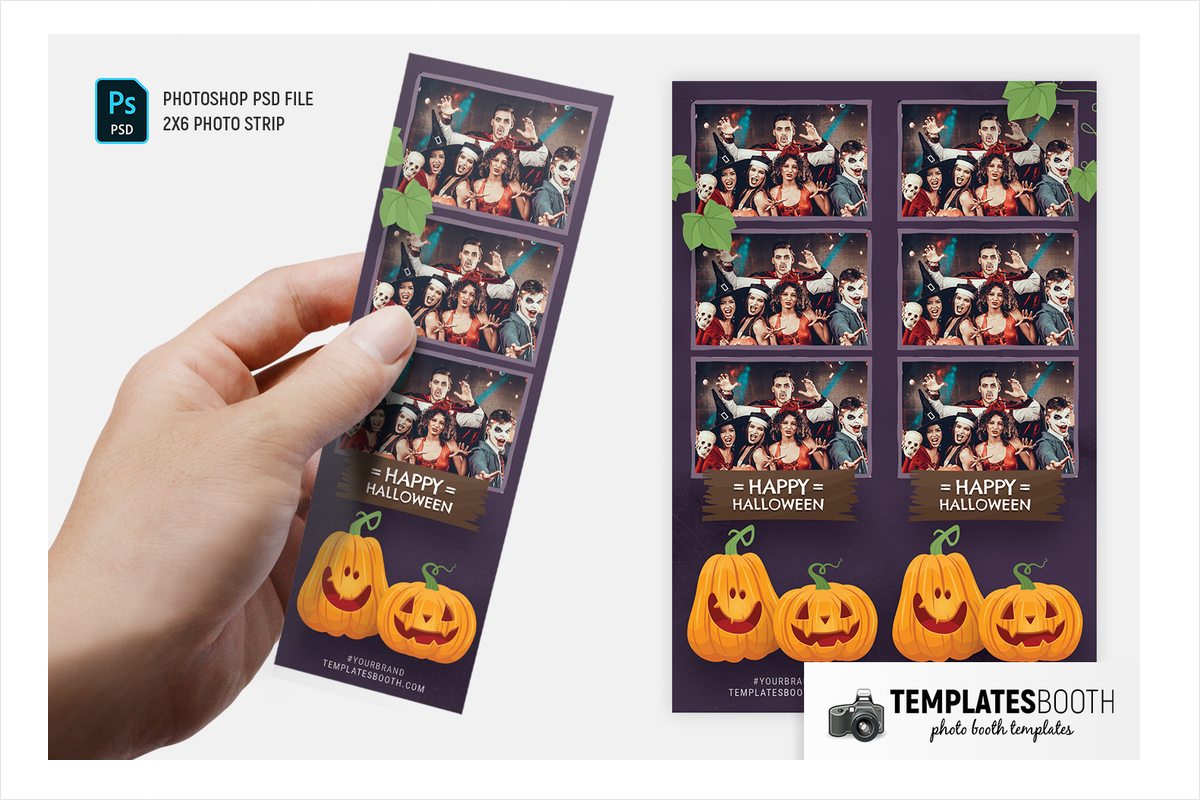
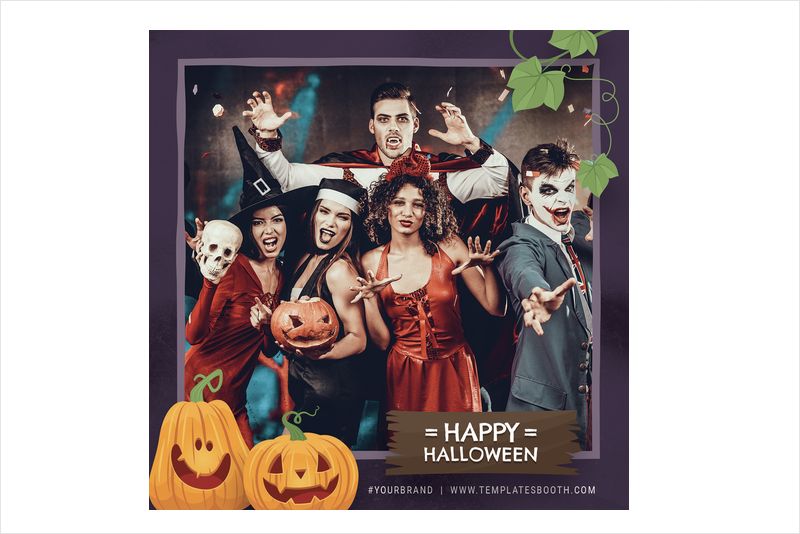
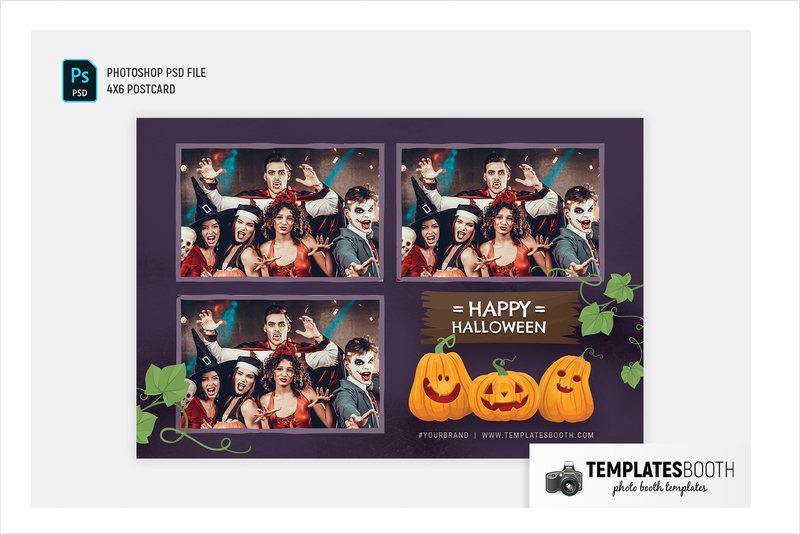
Three vertically stacked photo openings sit on textured dark purple, with green leaves overlapping their uneven borders. Two large cartoon pumpkins and curling stems fill the bottom beneath a rough-edged brown banner and white hand-drawn lettering.
This is one of the gentler choices for a kids’ party or a family event: illustrated pumpkins replace realistic skulls and reaching hands. The three stacked photos give guests room for a sequence of expressions, while the pumpkins stay grouped below rather than surrounding every face.
13. Dia De Los Muertos Photo Booth Template – bronze oval and candles
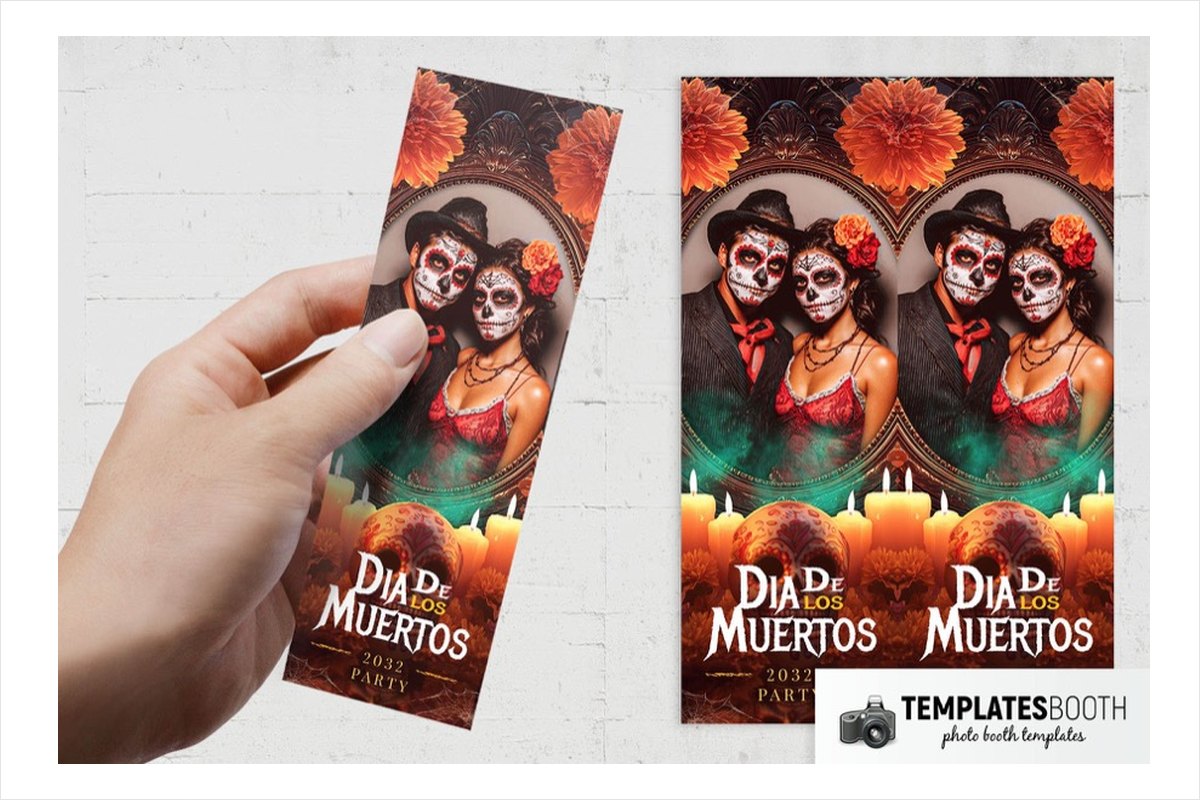
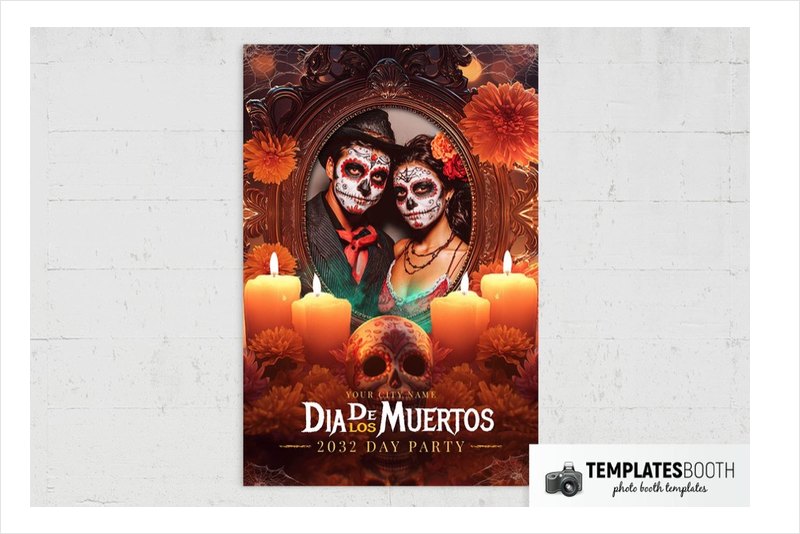
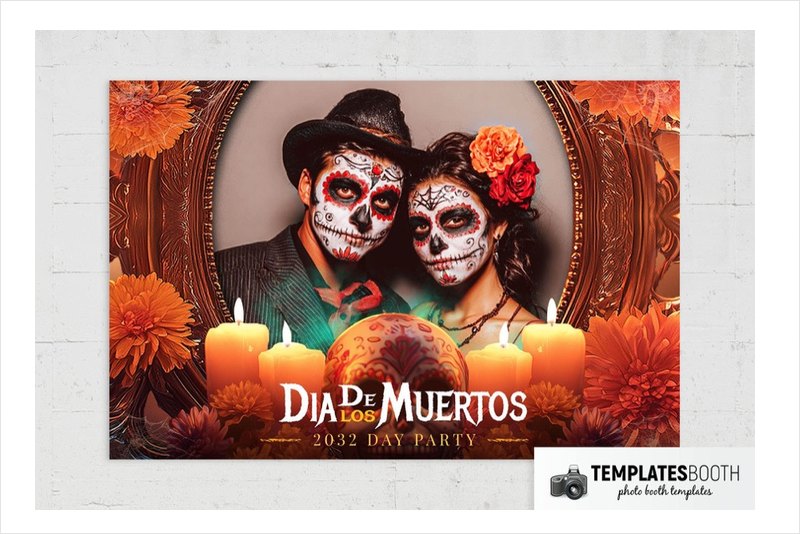
An ornate bronze oval creates a portrait-like centerpiece, surrounded by orange flowers, lit candles and a decorated skull. Cobwebs and green haze add an eerie layer to the dark brown background, with white decorative serif lettering and smaller gold text below.
For a Día de los Muertos-themed event, this provides an ornamented frame rather than cartoon illustration. The oval shape is particularly distinct from the rectangular windows elsewhere in the list. No square or 6x2 layout is listed for this set.
14. Haunted Moments Photo Booth Template – skeletal hands and blue frames
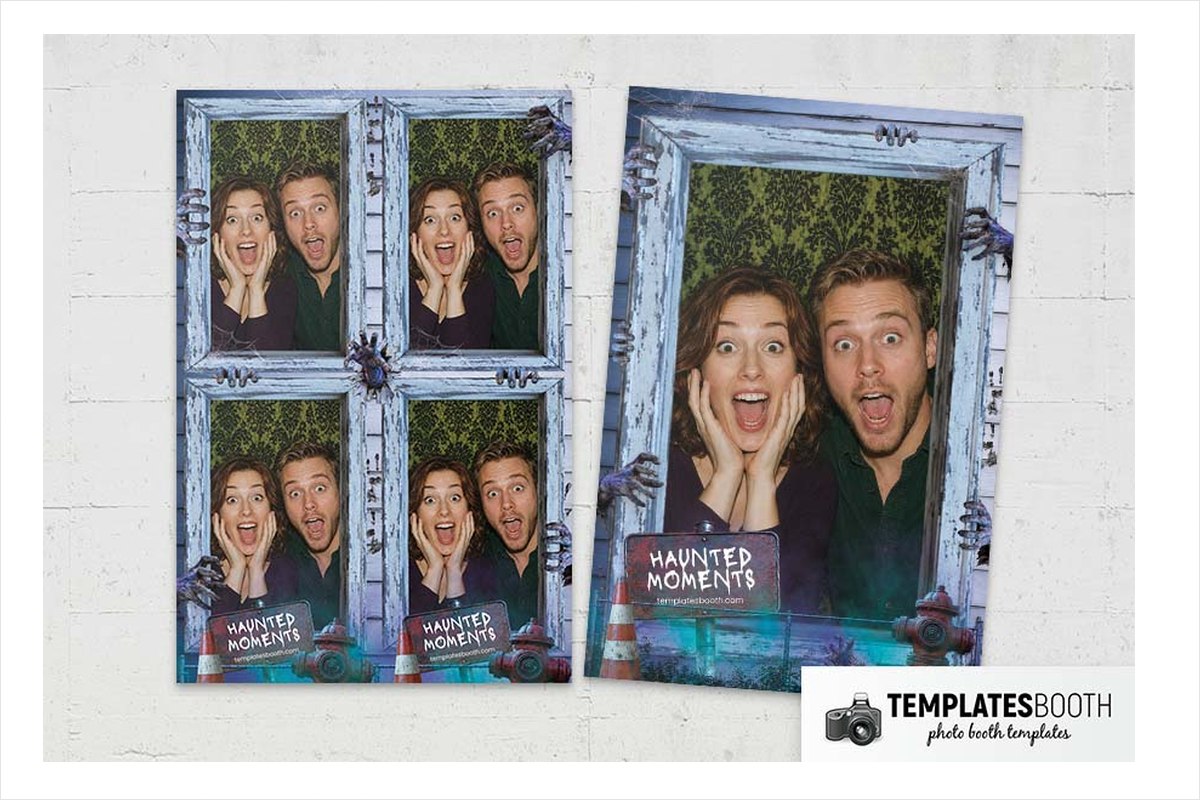
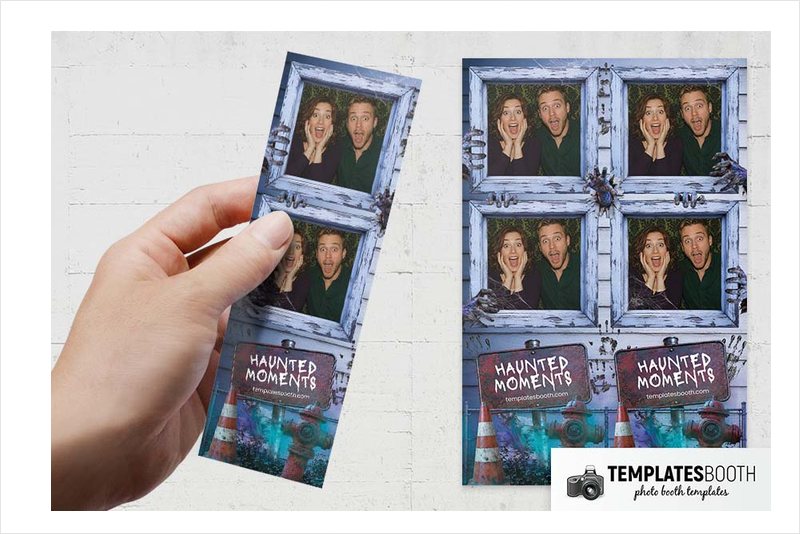
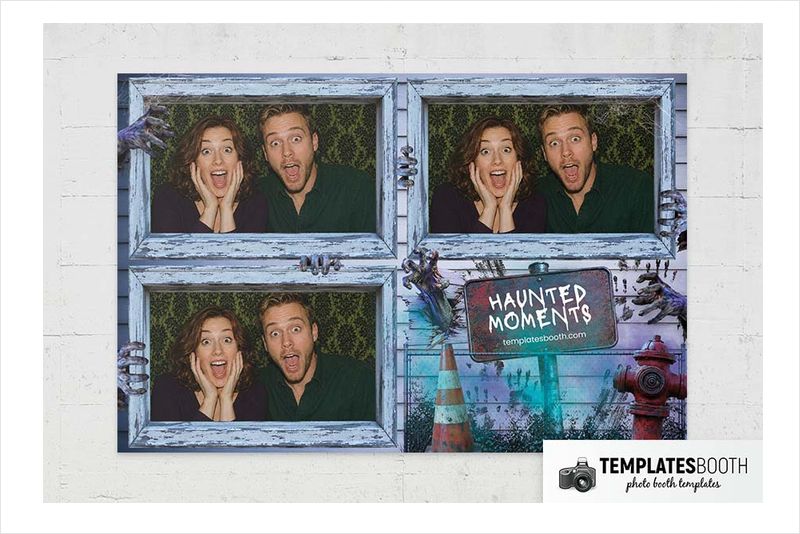
Distressed pale blue wooden frames are gripped by skeletal hands, with cobwebs stretching across the corners. Below, a crooked sign sits against a turquoise brick wall with weeds, a traffic cone and a red fire hydrant.
The traffic cone, hydrant and brick wall give this new 2026 release different details from the tombstones and pumpkins elsewhere in the selection. Blue and turquoise also offer a departure from orange-and-black frames. It suits a Halloween event where skeletal hands and weathered wood fit the decorations without adding blood or decaying faces.
15. Halloween Blood Photo Booth Template – bloody handprint and branches
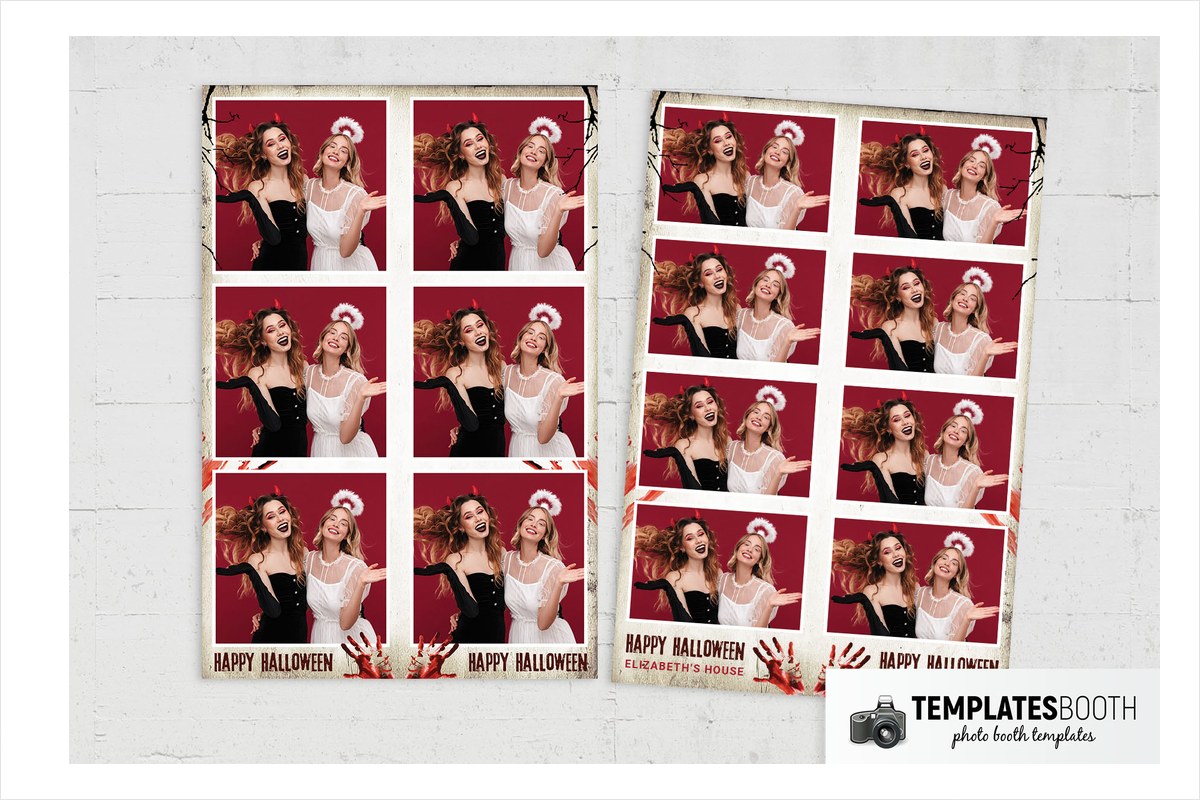
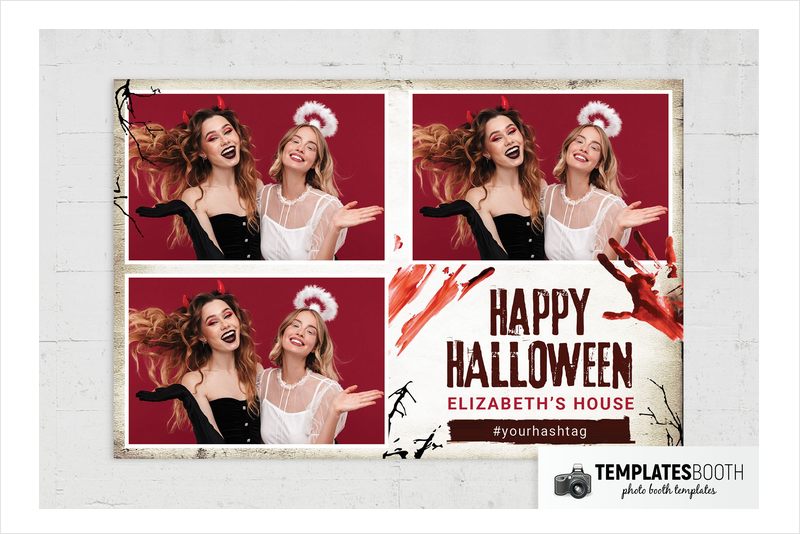
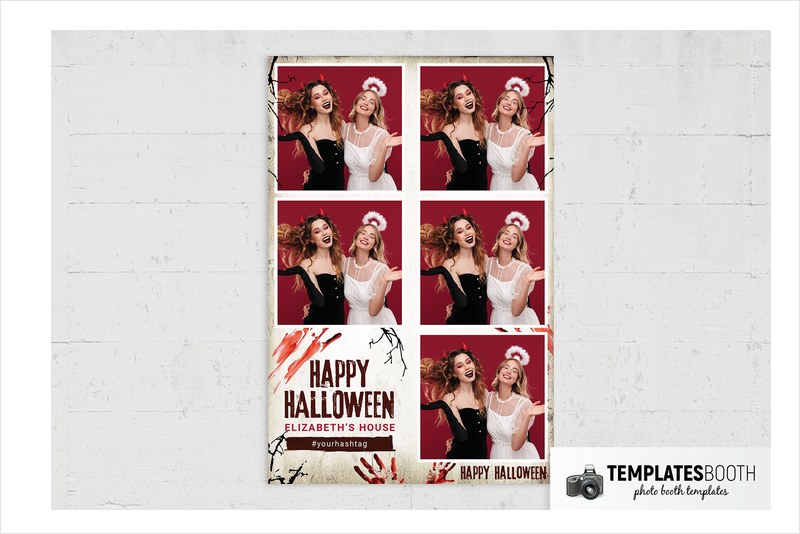
White-bordered photos sit against distressed cream paper with darkened edges, giving the red blood smears and handprint plenty of contrast. Bare black branches surround the lower text panel, where distressed dark red lettering continues the grim mood.
A horror night with blood-red accents calls for a different frame from a pumpkin-led celebration. The comparatively pale background separates this design from the many black and purple options in the list. Two stacked photos sit above the event panel in the shown strip, keeping the graphic details mainly around the wording.
16. Bloody Halloween Photo Booth Template – blood drips and screaming pumpkin
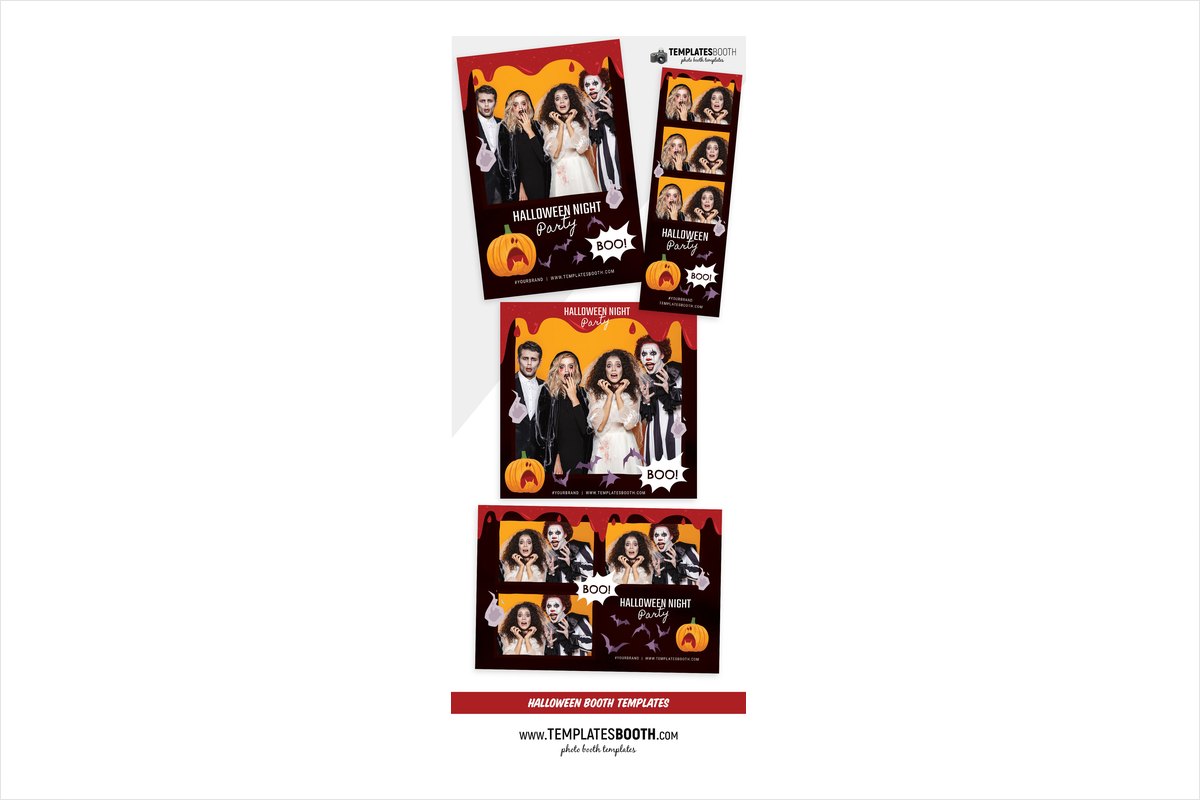
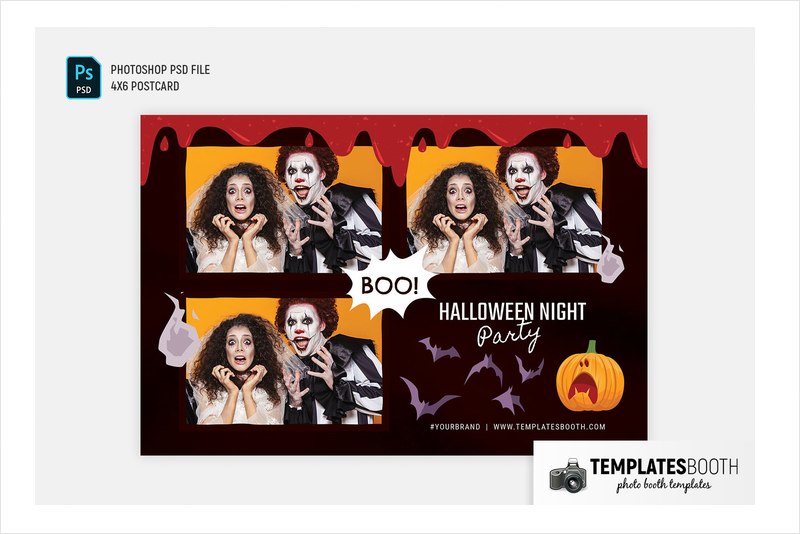
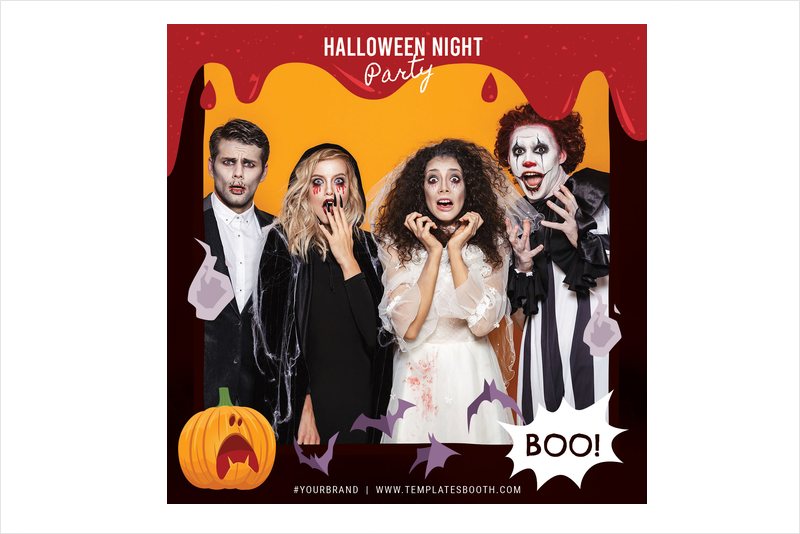
Red illustrated blood drips across the top of three stacked photos in nearly black burgundy frames. Pale purple ghosts overlap the sides, while bats, a screaming orange pumpkin and a jagged white burst make the lower panel more cartoonish.
This balances spooky details with playful illustration, unlike the more restrained handprint design above. Choose it for a costume party that wants comic-horror graphics rather than realistic decay. The three-photo strip encourages a sequence of reactions, with the small ghost shapes carrying the Halloween theme down its length.
17. Minimal Halloween Photo Booth Template – engraved witch hat
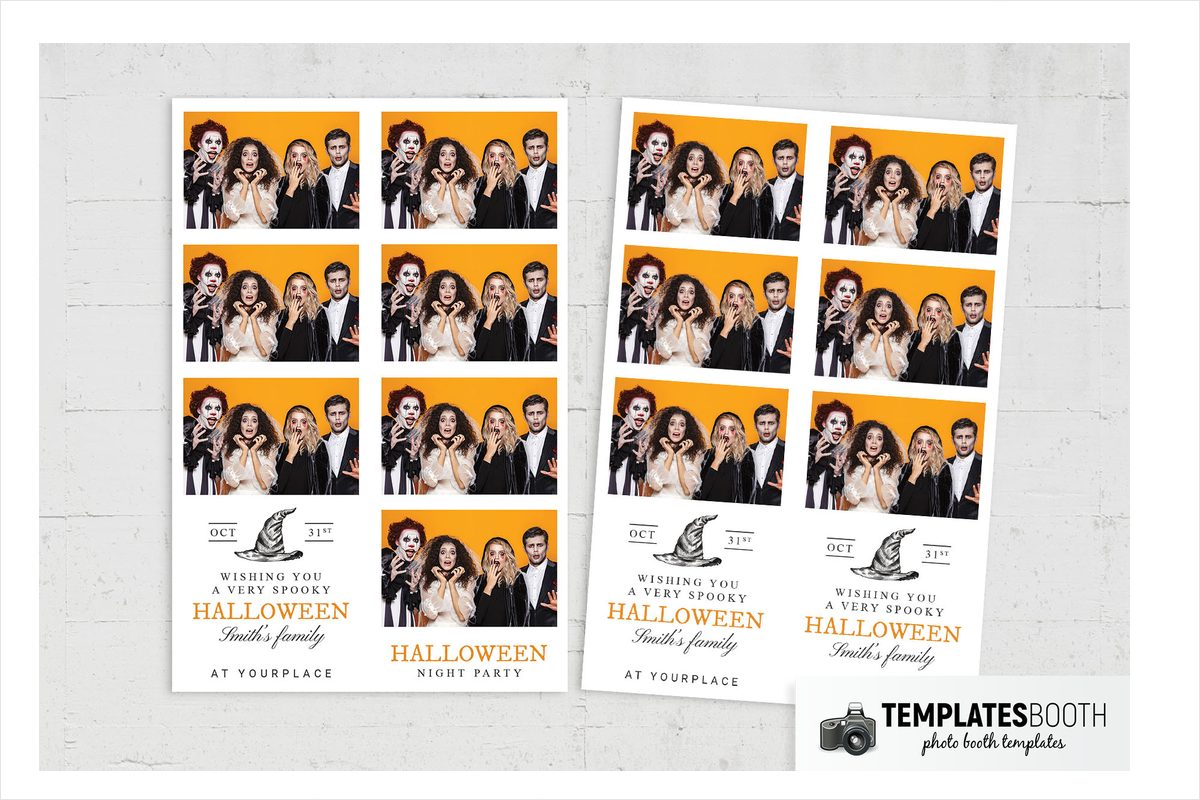
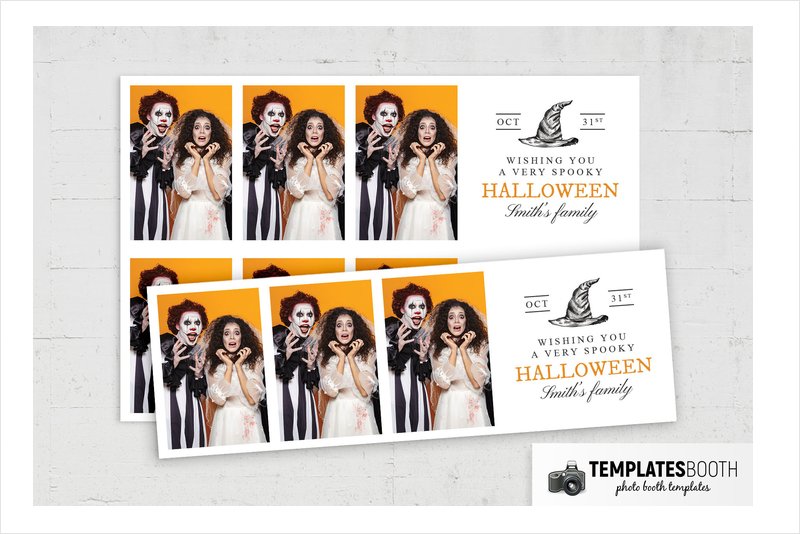
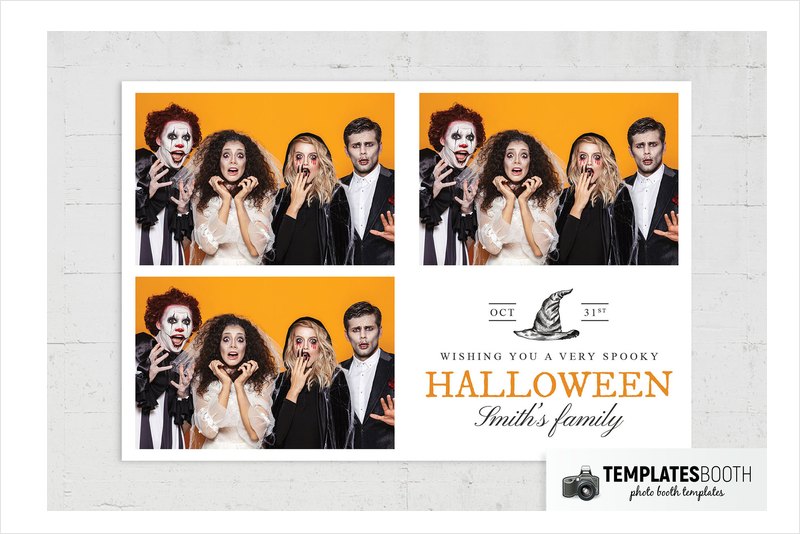
Wide white borders and two square photo windows keep this strip clean and uncluttered. An engraved-style black witch’s hat, short rules and a small date treatment add the Halloween cues, with orange serif lettering supplying the only strong color accent.
When costumes should carry most of the visual impact, the white space keeps the surrounding artwork quiet. The lower panel combines serif, script and spaced capital lettering without surrounding the photos with monsters. Its light background is a clear alternative to the darker frames above.
18. Minimalist Halloween Photo Booth Template – gray curling vine frame
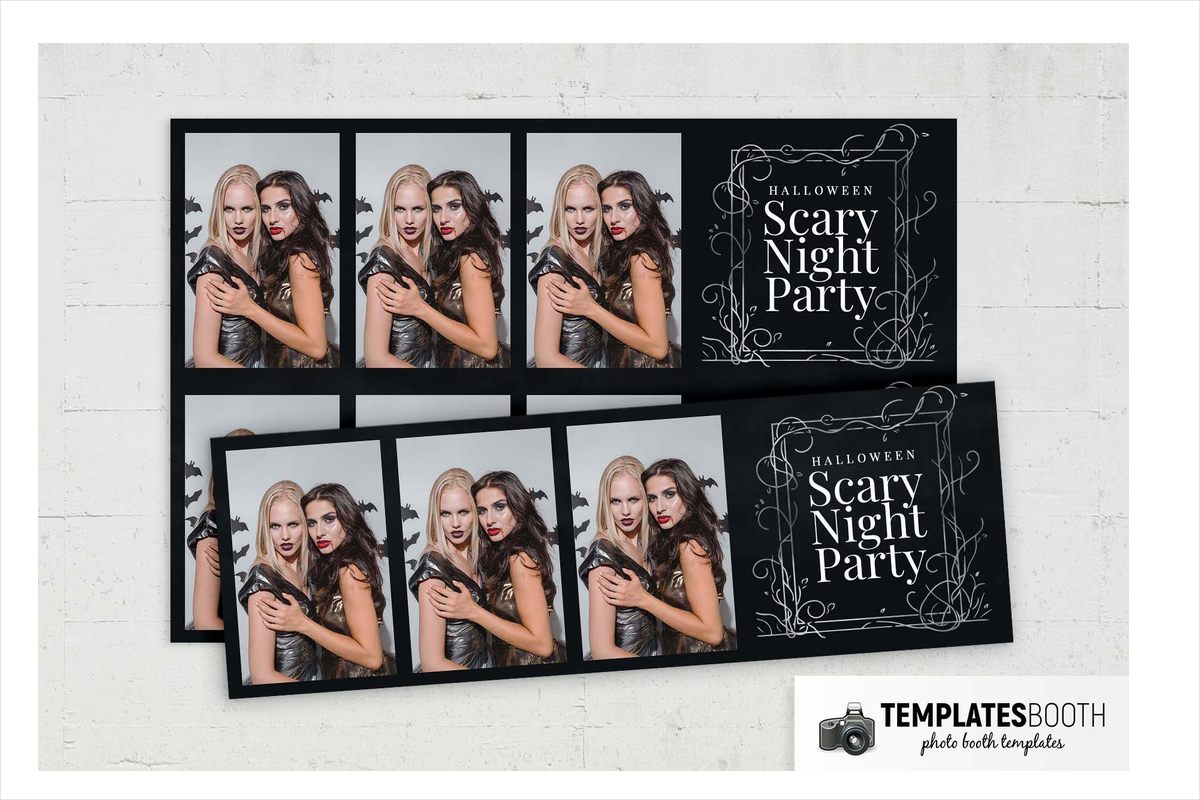
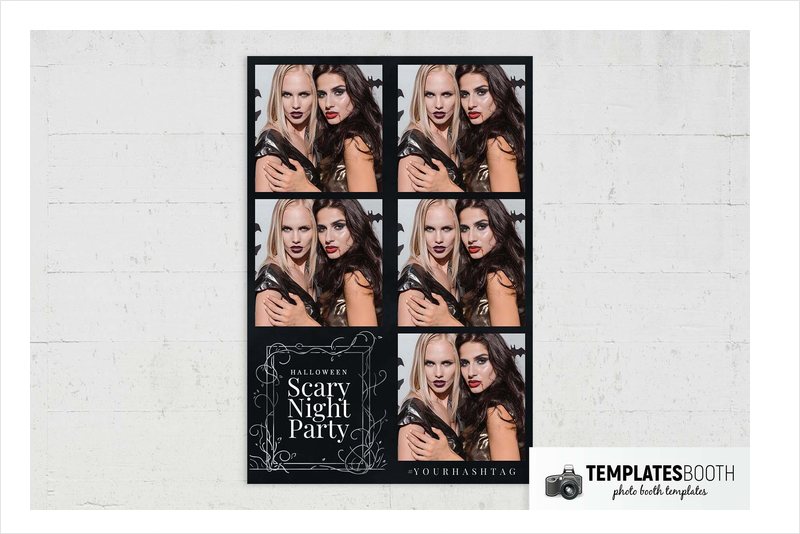
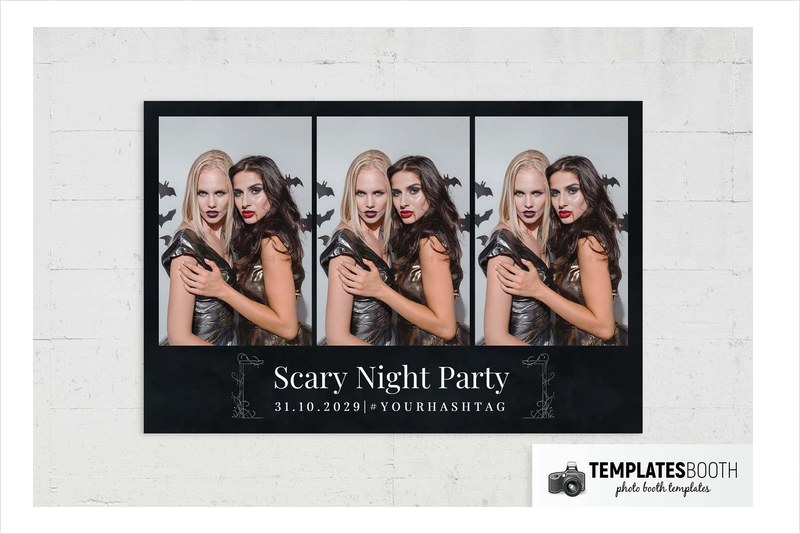
Two rectangular photos are separated by thick black margins and a black divider. The decoration is concentrated below them: a thin gray double-line frame, curling vines and small leaves surround white serif event wording.
A restrained evening party can use this monochrome frame without introducing bright orange pumpkins. The black, gray and white palette lets colorful costumes stand out without adding another competing hue. For more designs built around dark borders rather than detailed monsters, browse these black photo booth templates.
19. Day of The Dead Photo Booth Template – navy geometric skeleton borders
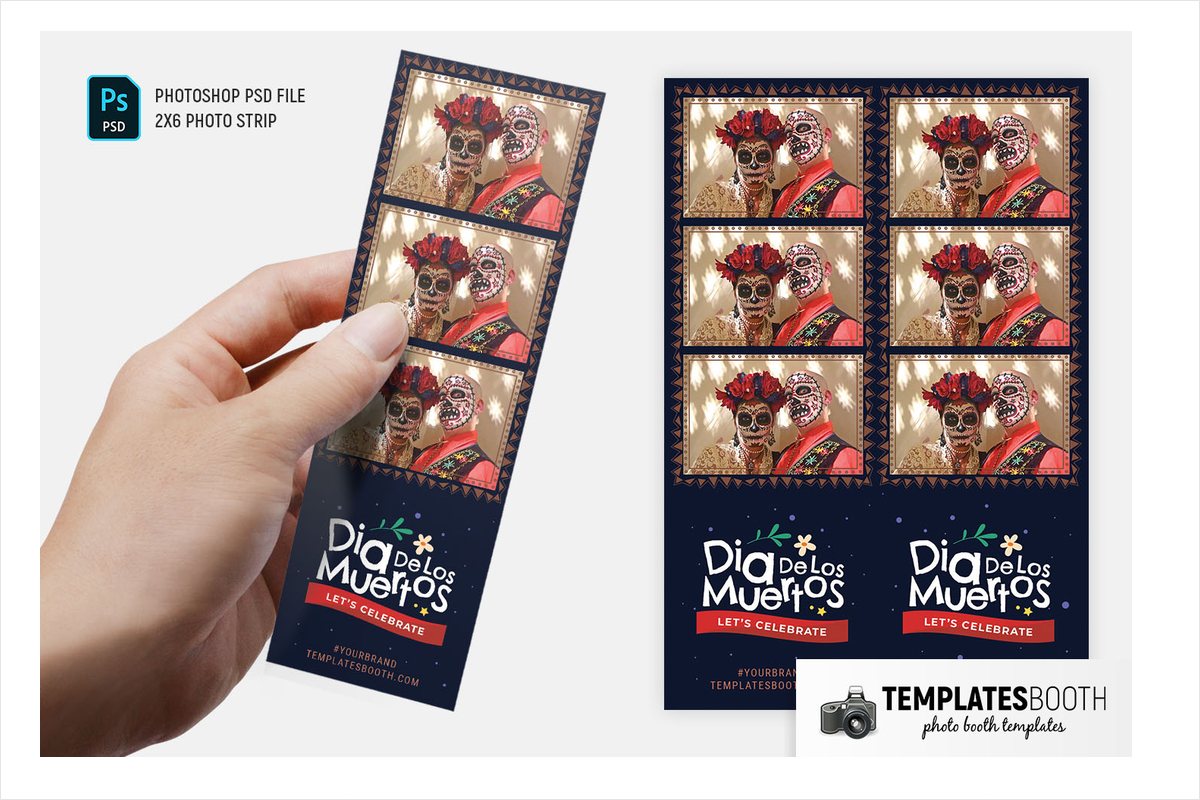
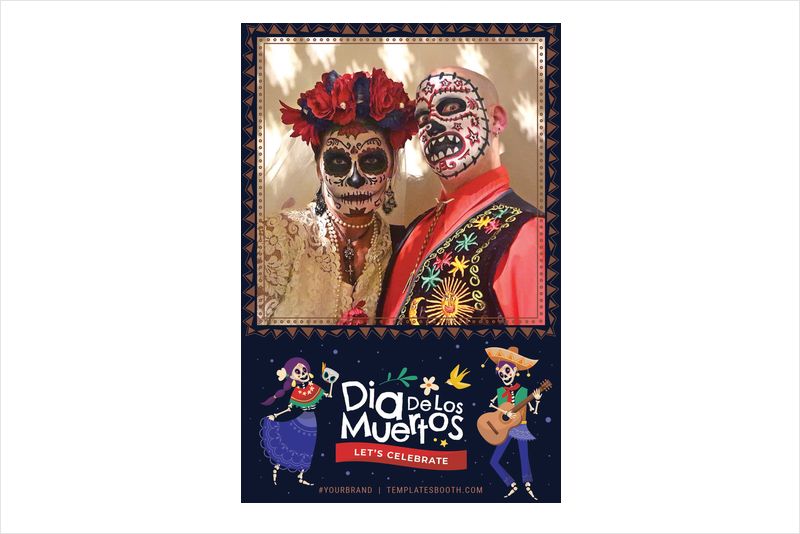
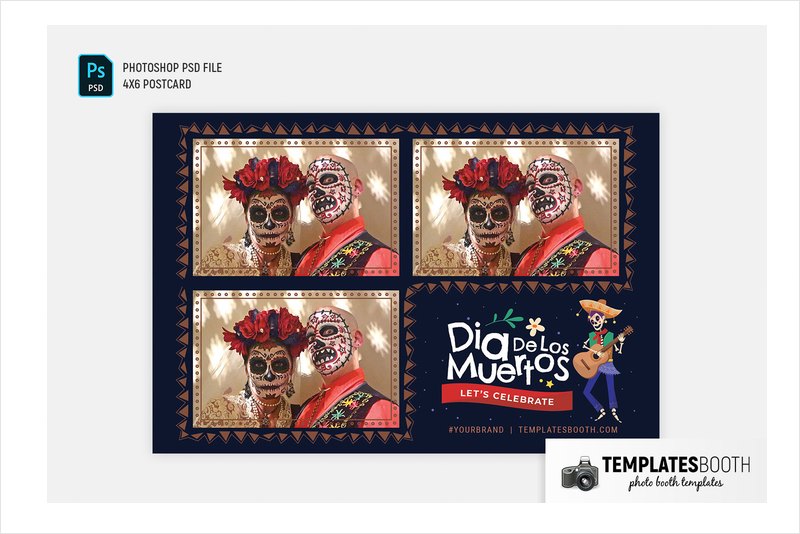
Cream dotted borders and brown triangle edging give these photo windows a patterned outline against navy. Flowers, leaves, stars, purple dots and a red ribbon fill the surrounding space; some layouts add cartoon skeleton dancers and a skeleton guitarist in a sombrero.
For a festive Day of the Dead event, the illustrated dancers and guitarist offer a playful direction. The single-photo, three-stacked-photo and three-photo landscape previews let you compare quieter and busier arrangements. Check the chosen layout if the skeleton characters are central to your decorating plan.
20. Rustic Halloween Photo Booth Template – patterned pumpkins and bare branches
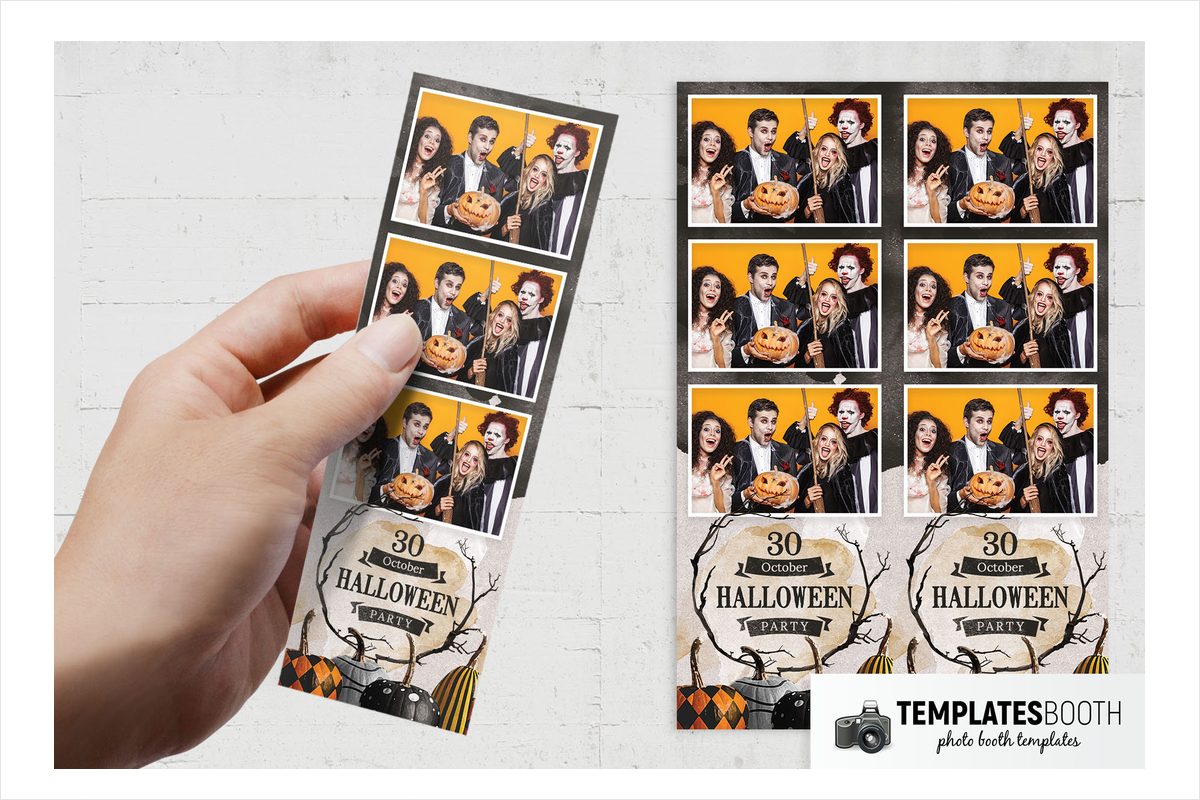
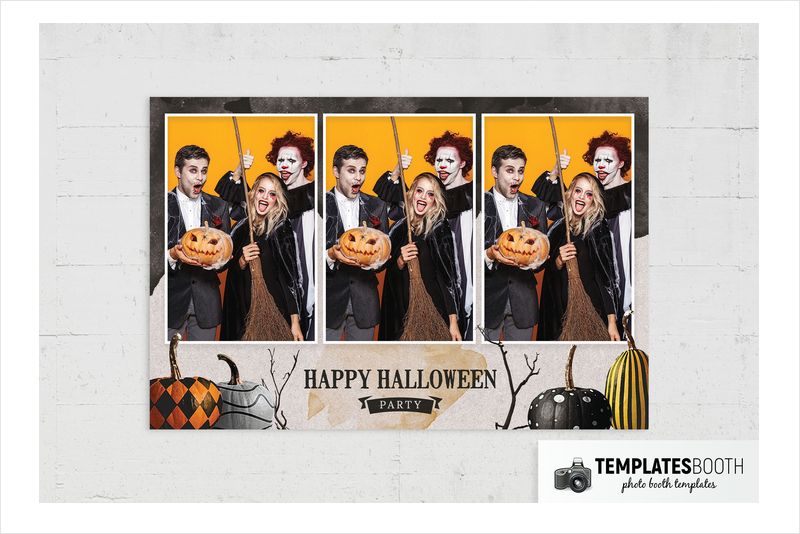
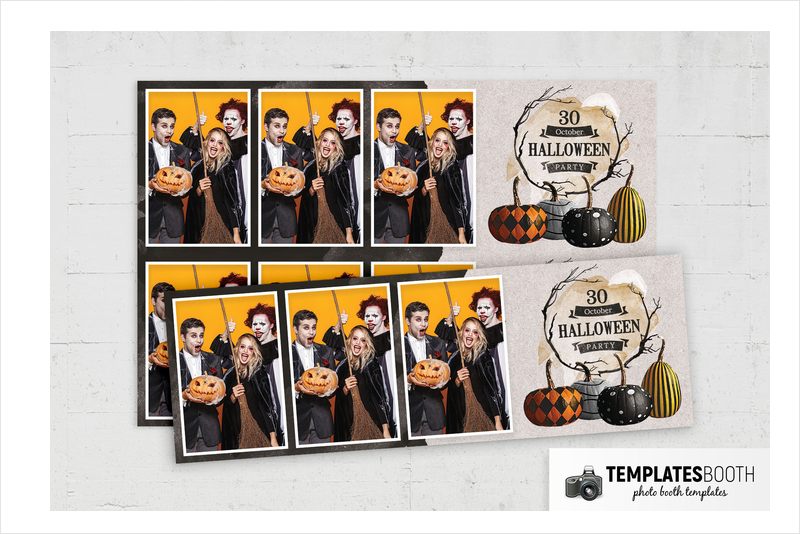
White photo borders contrast with distressed charcoal, while the lower panel shifts to a pale gray and beige paper texture. Painted pumpkins carry diamonds, bands, dots and stripes beneath a white moon and bare black branches.
This is a useful pumpkin choice for a rustic venue or a party with handmade seasonal decorations. The patterned pumpkins feel decorative rather than threatening, and distressed serif lettering with ribbon banners reinforces the vintage-paper direction. In the shown strip, two photos sit above the illustrated panel, keeping the portrait area straightforward.
21. Worn Paper Halloween Photo Booth Template – torn pumpkin label
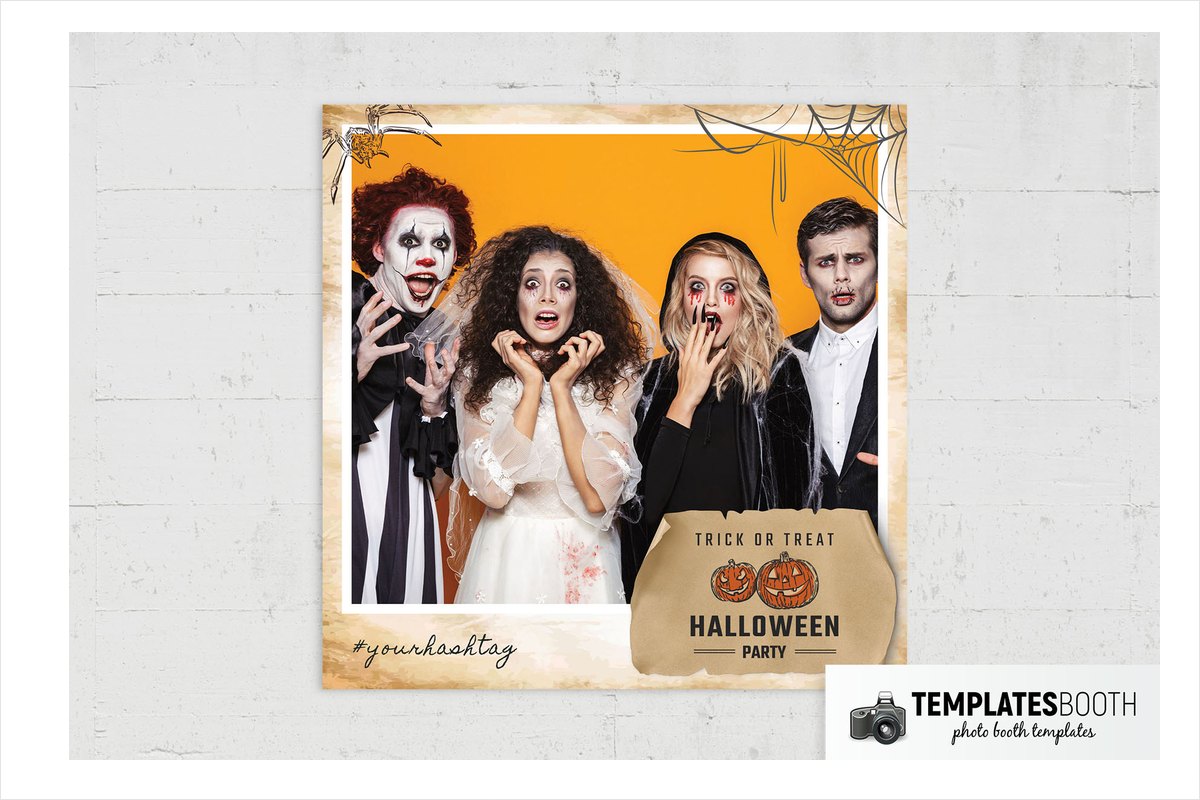
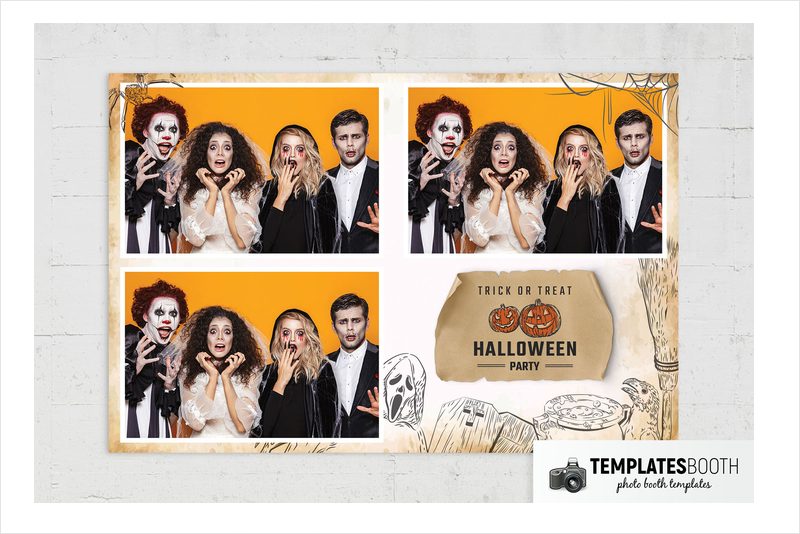
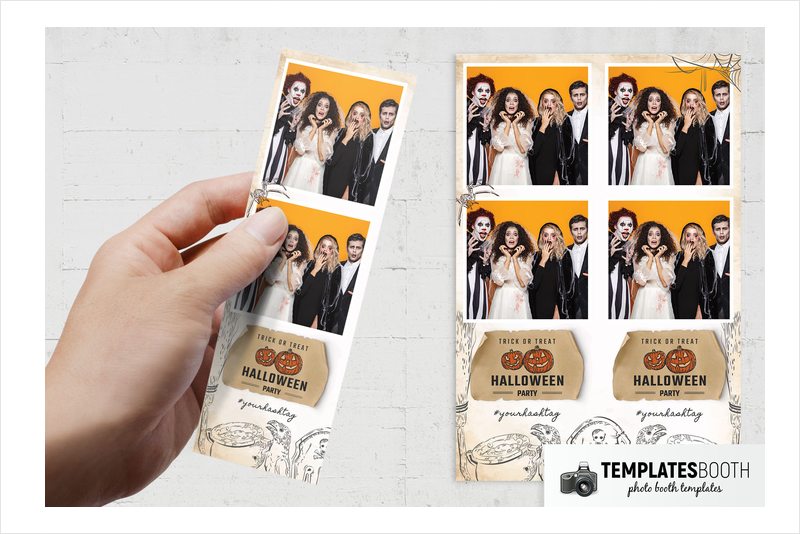
Mottled cream and brown paper surrounds white-bordered photos, with black sketch-style spiders, webs, a broom, a cauldron, a raven and a gravestone. A torn brown label holds two orange jack-o’-lanterns and condensed event lettering.
A vintage-paper Halloween theme gives these sketched motifs and torn edges a fitting setting. The illustrated details suit paper decorations and rustic signage. The previews show stacked photos in the strip and a grid in the wider layout, so the worn-paper treatment can support different photo sequences.
22. Día de los Muertos Photo Booth Template – floral skull and candles
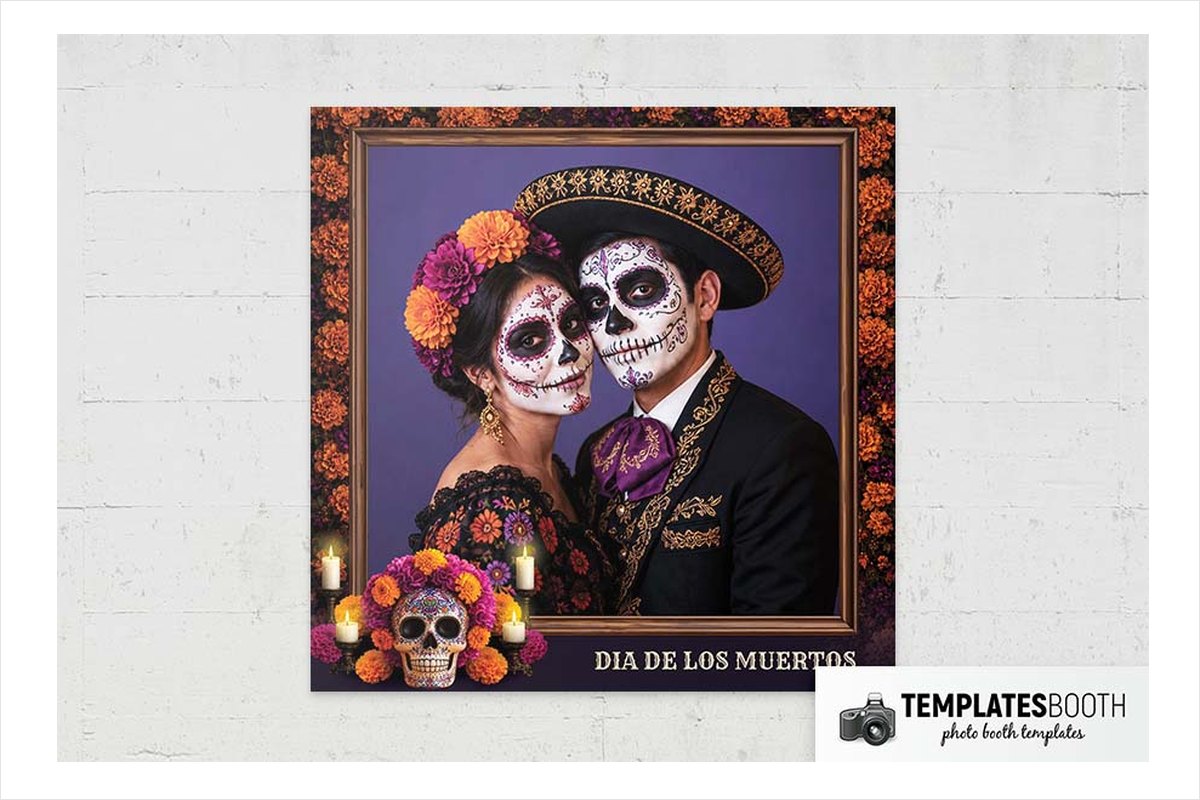
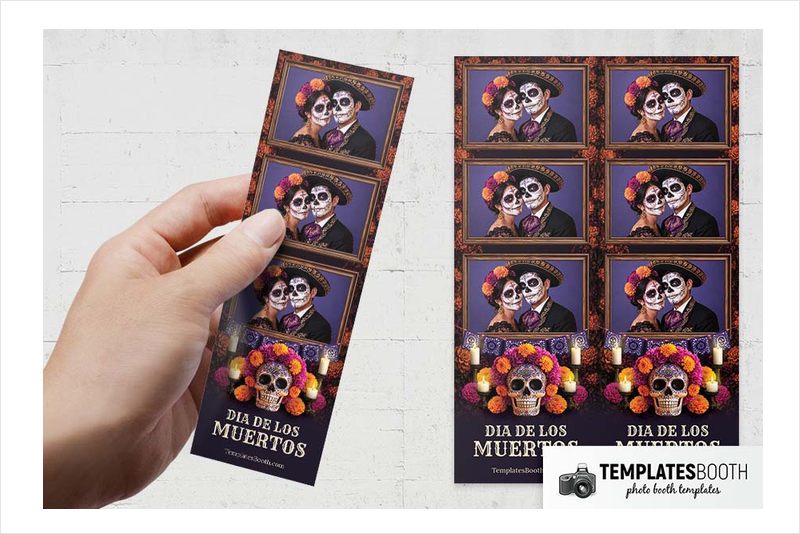
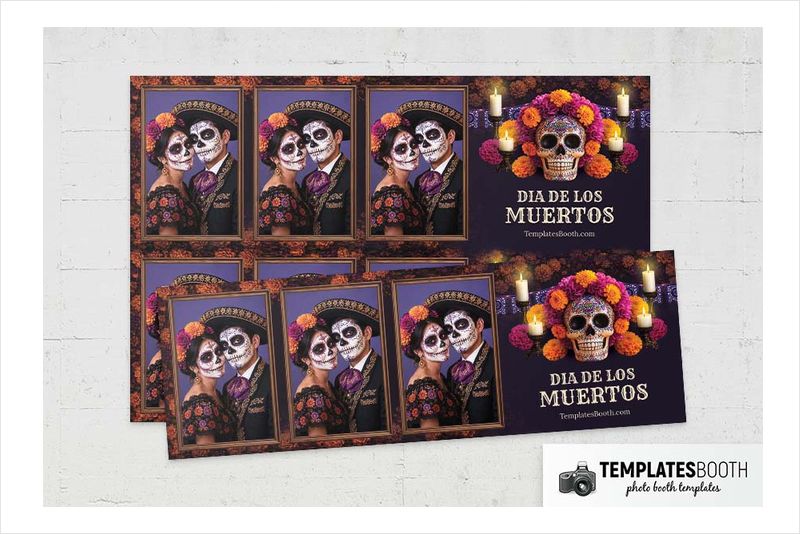
Layered brown and gold frames sit inside an orange-flower border, with purple cut-paper banners below the photos. Candles and a decorated sugar skull surrounded by orange and magenta flowers create a richly colored lower panel against dark purple.
This new 2026 release suits a Día de los Muertos-themed celebration where flowers and candles are central to the decoration. Unlike the navy set’s cartoon dancers, the main illustration is a floral sugar skull. Cream decorative serif lettering contrasts with the dark purple background below the framed photos.
Why TemplatesBooth is the go-to source for Halloween photo booth templates
TemplatesBooth offers 22,000+ photo booth templates, strips and animations and is trusted by more than 2,500 photo booth owners. The Halloween collection includes 1,200+ layouts across 50+ sets, ranging from zombies and graveyards to family-friendly pumpkins, minimal designs and pink or purple styles. TemplatesBooth released 16 new Halloween sets in September 2026.
Files include layered Photoshop PSDs for editing and blank transparent PNG overlays for almost any booth app. TemplatesBooth also supports Canva, LumaBooth, DSLR Booth and Darkroom Booth, with .XBDR files for Darkroom Booth. Each design combines print templates with matching animated overlays and welcome screens, including an animated start screen, overlays for video, GIF and boomerang capture, and mirror booth start screens.
You can change names, dates and wording in the browser-based TemplatesBooth editor without design experience. One membership unlocks the entire library, every format and new release, with no download limits. TemplatesBooth also offers a 30-day money-back guarantee and cancellation anytime. The TemplatesBooth Widget lets clients select designs on your website, with submissions arriving in a dashboard.
Choosing by style: spooky, cute, vintage or pumpkin
For spooky events, match the kind of horror to the room. Halloween Zombie Photo Booth Template uses decaying faces and mouth-shaped frames for overt monster horror. Halloween Graveyard Photo Booth Template builds its atmosphere from tombstones, rats and skulls. Haunted Moments Photo Booth Template combines weathered blue frames and skeletal hands with a crooked sign, turquoise brick wall, traffic cone and fire hydrant. For an ornate option, Halloween Photo Booth Template with ornate frames and candles pairs carved brown borders with red dripping candles, pumpkins and cobwebs.
For cute or playful parties, favor illustration over realism. Purple Halloween Photo Booth Template combines cartoon pumpkins with leafy green details. Halloween Trick or Treat Photo Booth Template uses costumed silhouettes and a yellow moon. For more color-led options beyond this selection, explore these purple photo booth templates.
For vintage-paper styling, compare the textures and drawings. Worn Paper Halloween Photo Booth Template uses black sketched motifs, mottled cream and brown paper, and a torn label. Rustic Halloween Photo Booth Template adds patterned pumpkins and ribbon banners against pale gray and beige paper-like texture. Both give you distressed surfaces without the ornate carved frames found in other designs.
For pumpkin themes, choose the supporting scenery. Halloween Pumpkin Patch Photo Booth Template pairs carved pumpkins with green vines and scrollwork. Halloween Party Photo Booth Template with branch frames and glowing pumpkins adds brick pillars and lanterns. The first centers on an ornate frame and trailing foliage; the second places its pumpkins between lantern-topped pillars.
The three Day of the Dead selections offer distinct directions for that separate occasion: bronze portrait ornament, playful navy illustration or purple floral decoration. Choose those designs for an event whose theme actually calls for them, rather than treating them as interchangeable Halloween skull frames.
PNG overlay or layered PSD: which file to use
A transparent PNG overlay sits over the guest photo. The blank photo areas let the portrait show through while branches, bones, vines or other frame artwork remain around it. TemplatesBooth provides these overlays for use with almost any booth app; the PNG is the framing option, not the layered Photoshop document.
A layered PSD is the Photoshop-editable version of the design. Every item in this roundup supports Photoshop and includes a layered PSD. For a Halloween photo booth template PSD, choose among these designs by the frame artwork and photo arrangement you want to edit.
The software compatibility should guide your file choice. These selections support Canva, Darkroom Booth, DSLR Booth and LumaBooth as well as Photoshop; TemplatesBooth provides .XBDR files for Darkroom Booth. For another booth app, check its support for transparent PNG overlays rather than assuming the Photoshop file is the format to load.
The matching animated overlays cover video, GIF and boomerang capture. Each set also includes static welcome screens, an animated start screen and mirror booth start screens, so your Halloween frame can coordinate with the booth’s on-screen design as well as the prints.
Frequently Asked Questions
Where can I get Halloween photo booth templates?
You can get Halloween photo booth templates from TemplatesBooth, which offers 1,200+ Halloween layouts across 50+ sets. The collection covers spooky, family-friendly, minimal and colorful styles. Every design in this roundup includes layered Photoshop PSD files and transparent PNG overlays.
What is TemplatesBooth?
TemplatesBooth is a membership library offering 22,000+ photo booth templates, strips and animations. Each design includes print templates with matching animated overlays and welcome screens. Membership provides access to the entire library and new releases without download limits.
What is a Halloween photo booth overlay?
A Halloween photo booth overlay is a blank transparent PNG that sits over a guest photo to add a themed frame. The surrounding artwork might include pumpkins, cobwebs, bones or other Halloween motifs. TemplatesBooth provides transparent PNG overlays that work with almost any booth app.
Can I edit Halloween photo booth templates in Photoshop?
You can edit every Halloween photo booth template in this roundup in Photoshop because each set includes a layered PSD. Check Photoshop compatibility when browsing other designs rather than assuming every product supports the same editor. TemplatesBooth also offers browser-based editing for names, dates and wording.
Which photo booth software do Halloween overlays and templates work with?
The Halloween designs featured here work with LumaBooth, DSLR Booth, Darkroom Booth, Photoshop and Canva. Darkroom Booth files use the .XBDR format, and Photoshop files are layered PSDs. Blank transparent PNG overlays provide an option for almost any other booth app.
Are there free Halloween photo booth templates?
TemplatesBooth offers two free Halloween designs: a Halloween template and a kids’ Halloween template. The free designs unlock with an email address and include the same layouts and file formats as premium designs. None of the designs in this roundup is one of the free selections.
Final Thoughts
Get the Halloween frame you want above: zombie mouths for a horror night, cartoon pumpkins for a playful party or worn paper for a vintage look. Use the layered PSD to edit your event design, or choose the transparent PNG overlay to frame guest photos in your booth app.